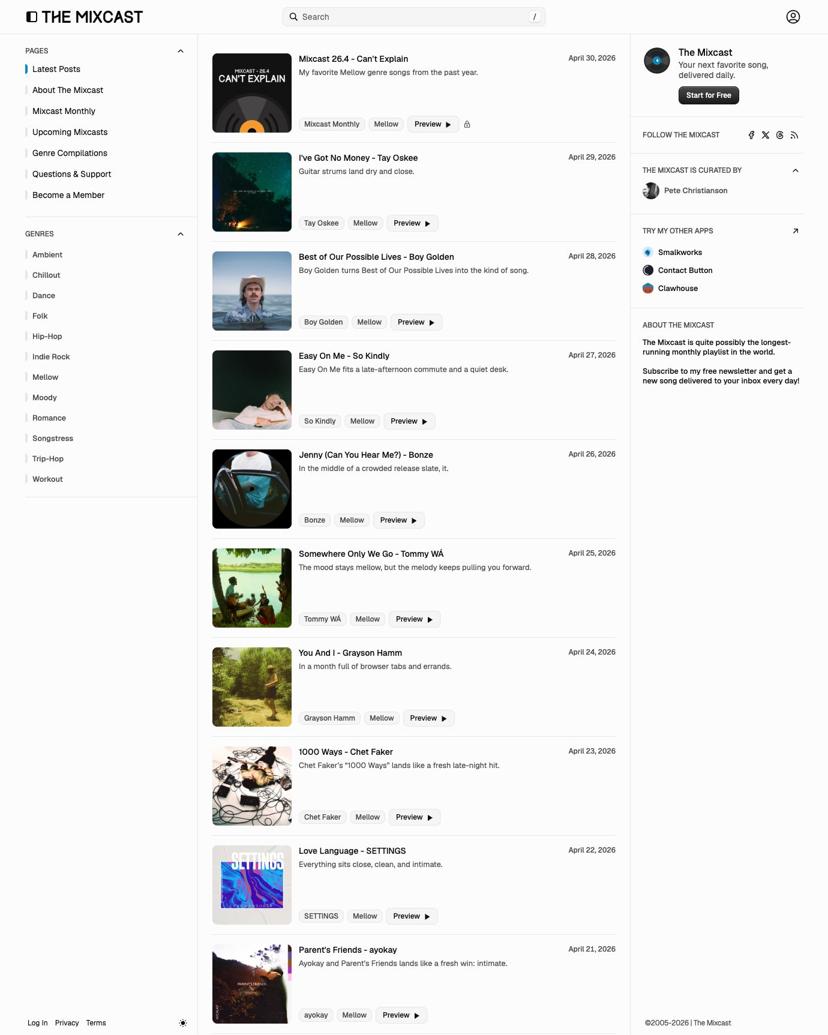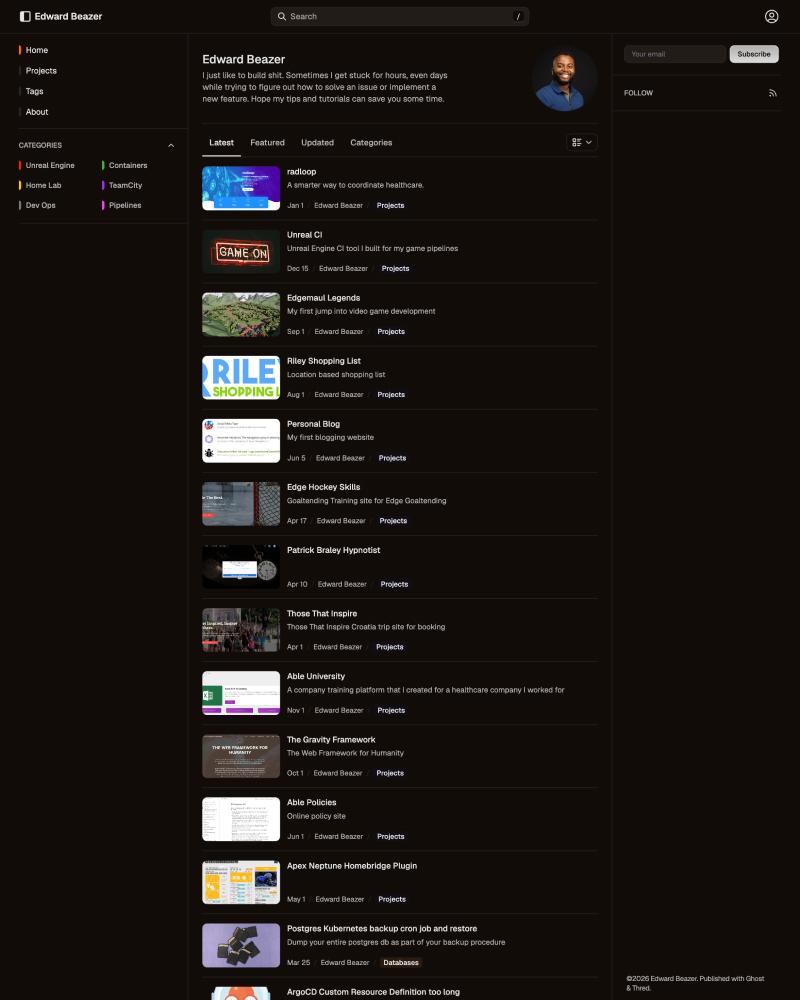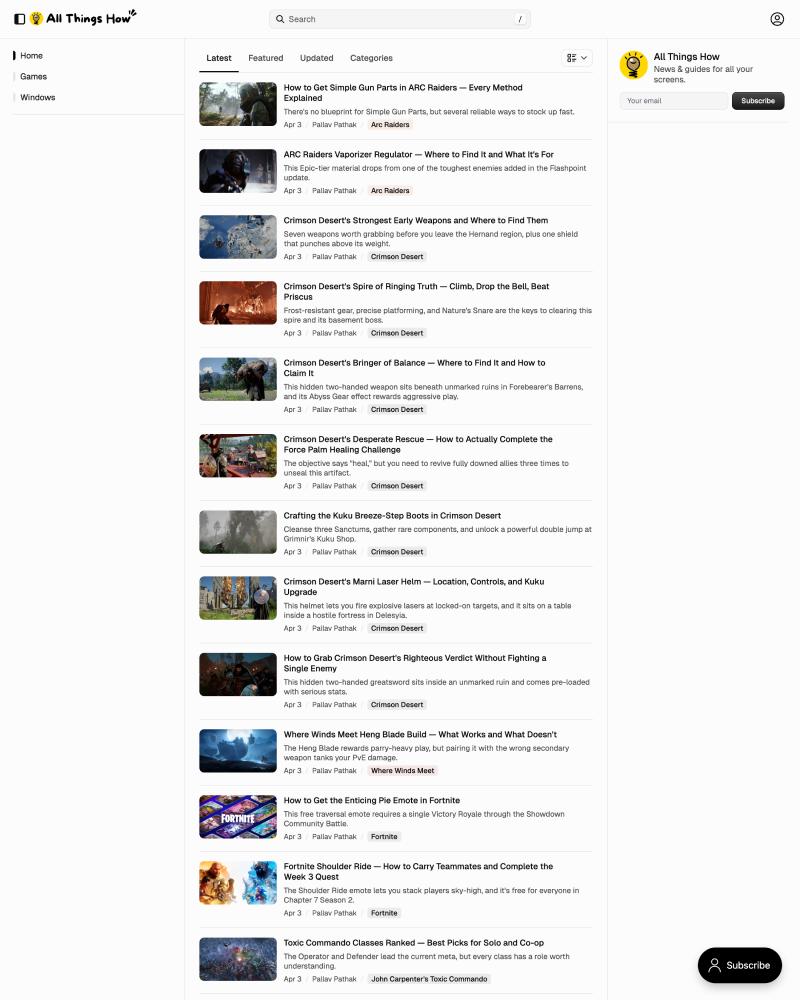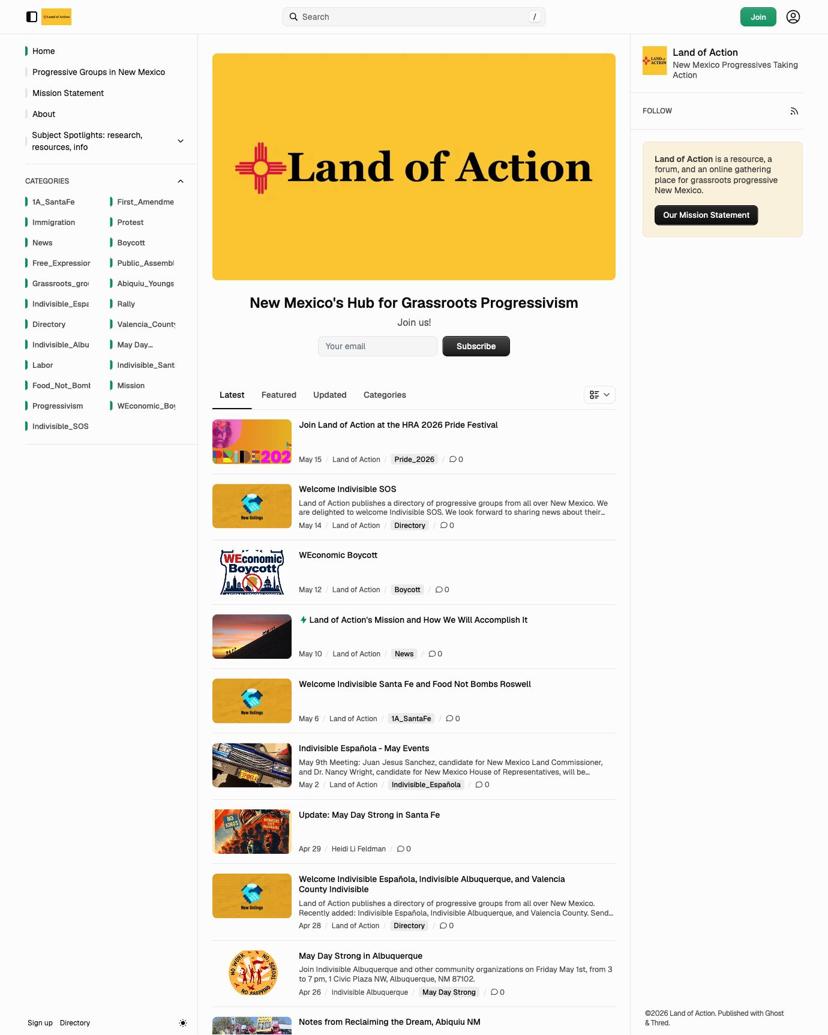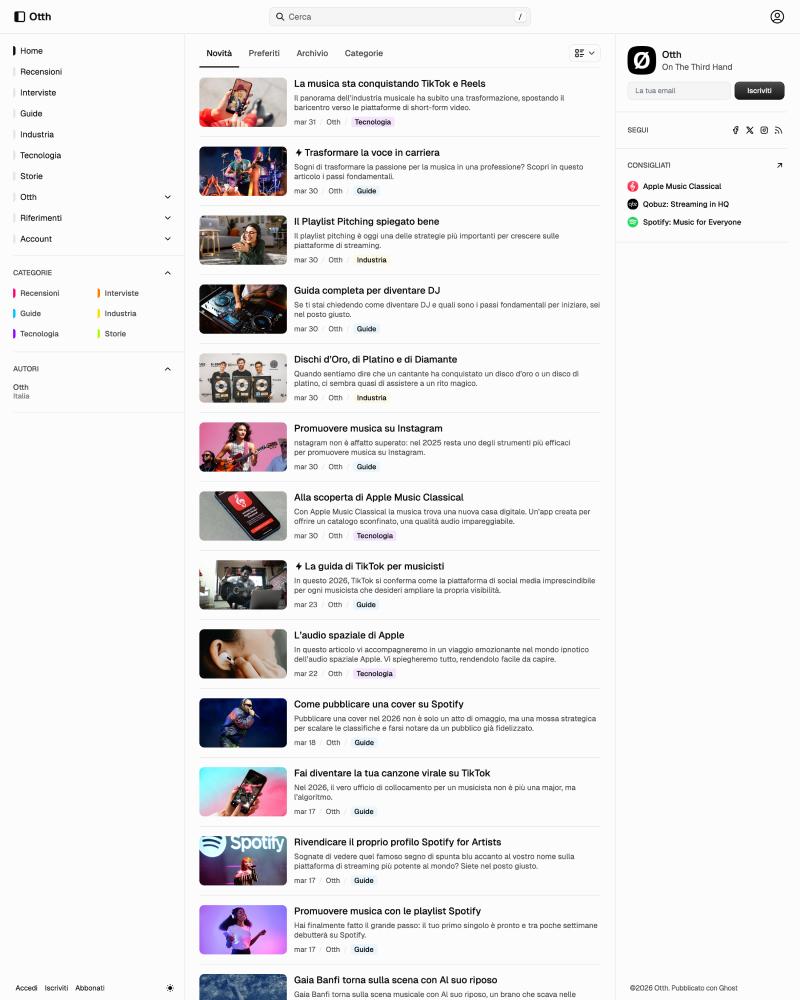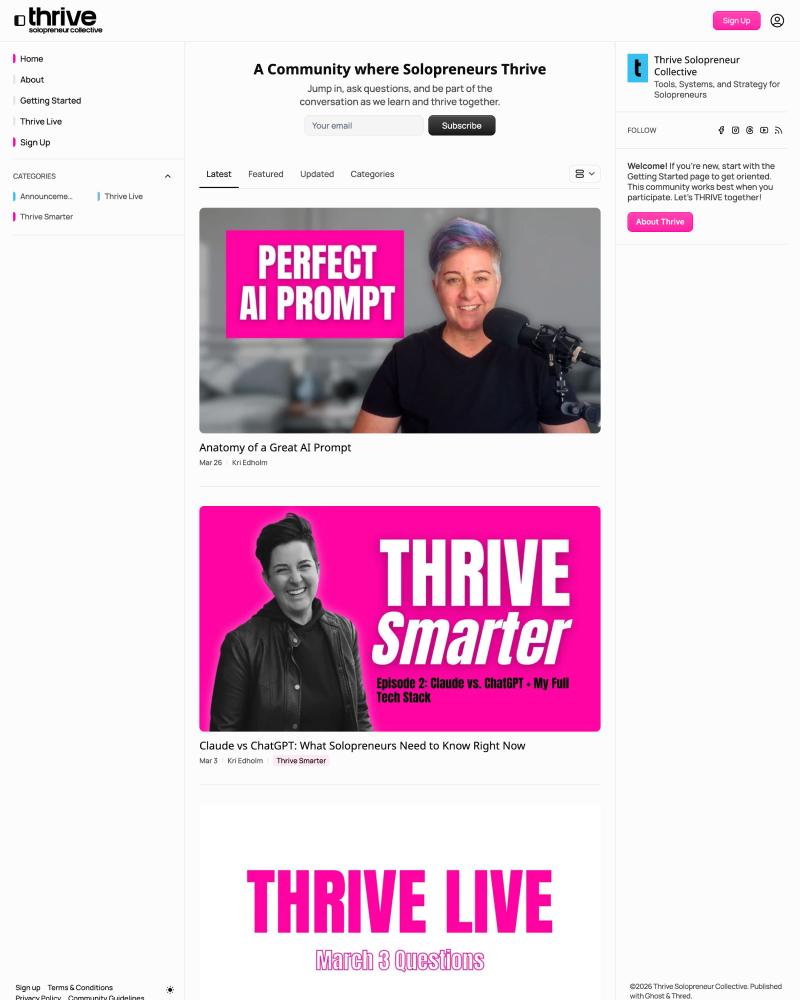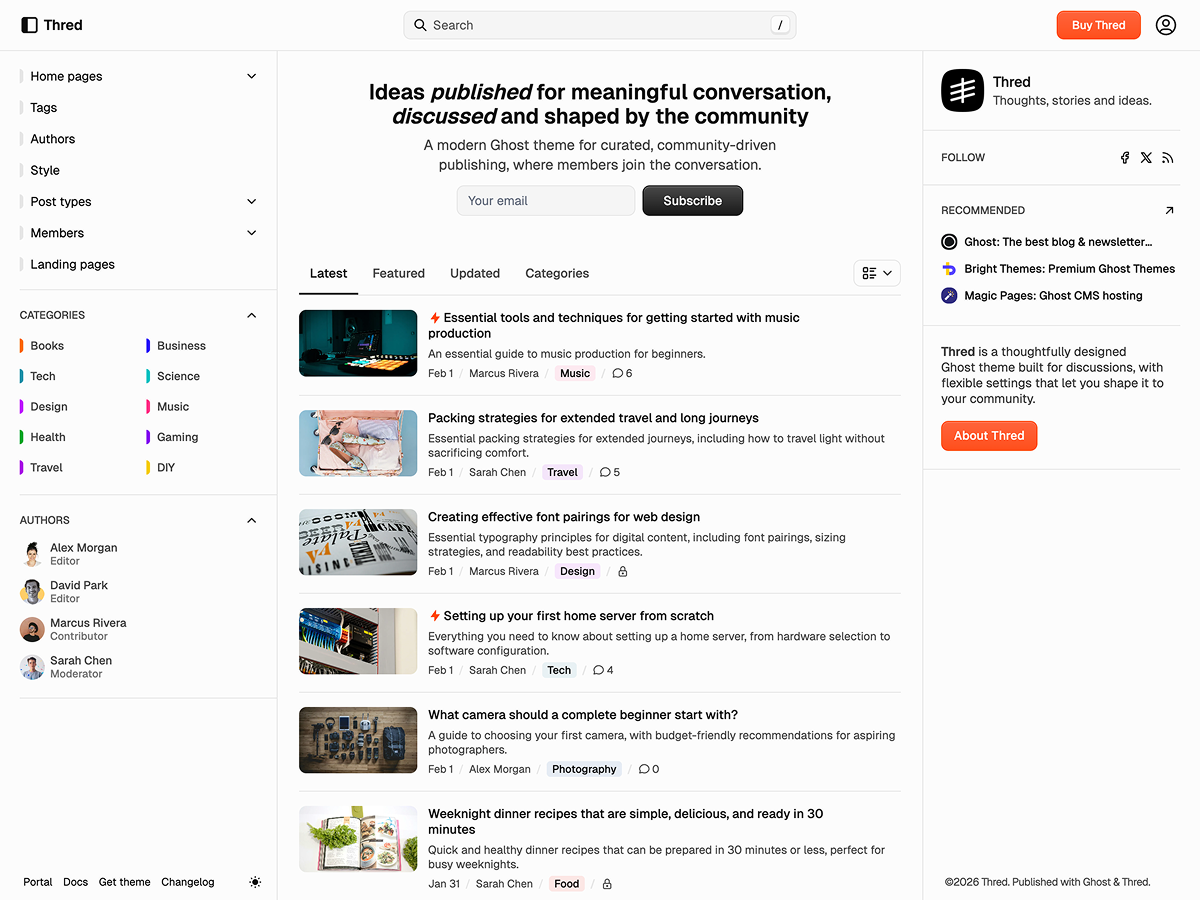

Thred is a premium Ghost theme for conversation-driven publications. Forum-inspired structure, topic-based organization, and flexible feeds. Dual sidebars and thoughtful typography keep context in view—built for newsletters, communities, and blogs where discussion and discovery matter as much as the latest post. Customize the hero, sections, and layout to match your voice without touching code.
Layout settings
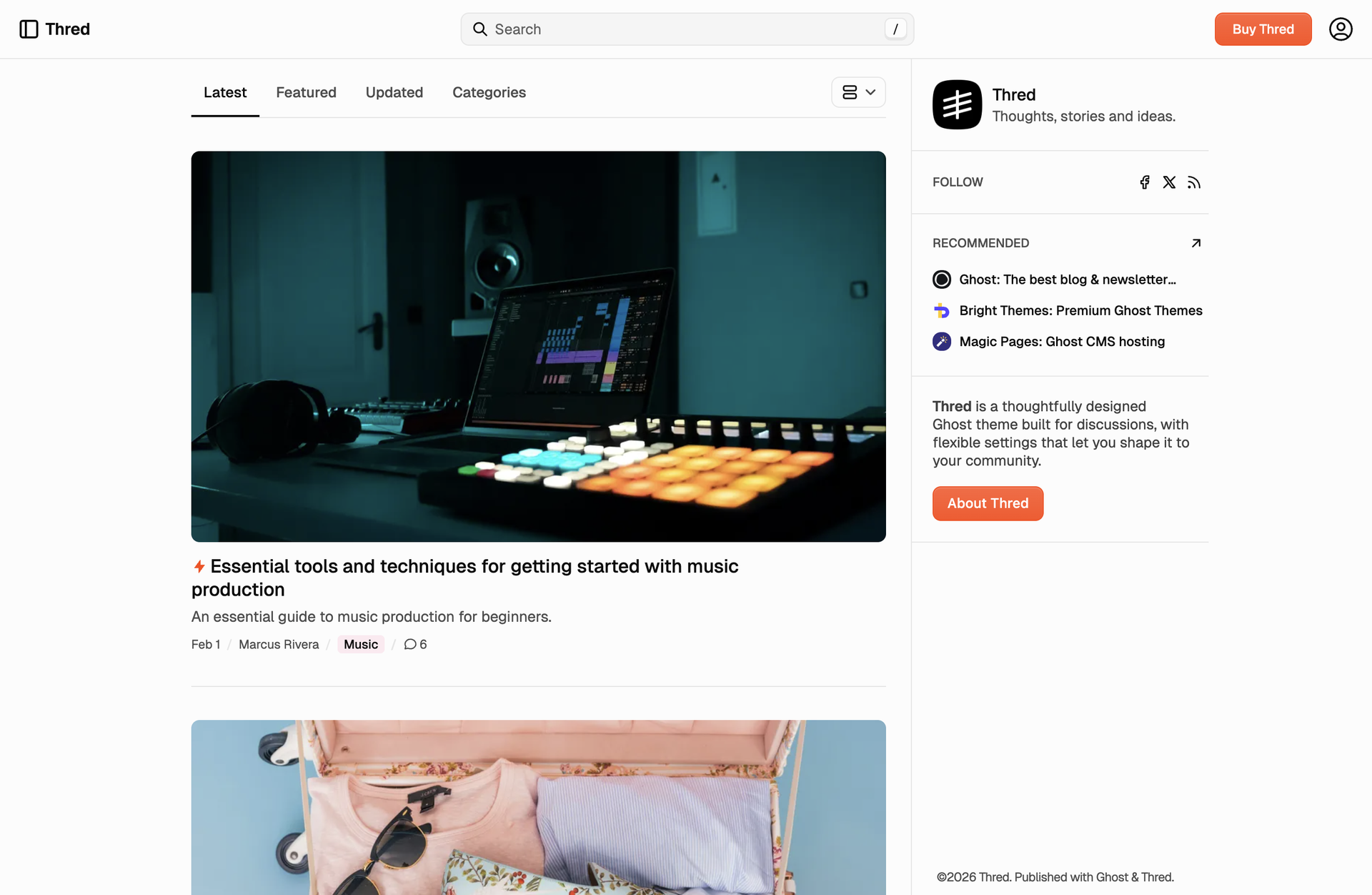
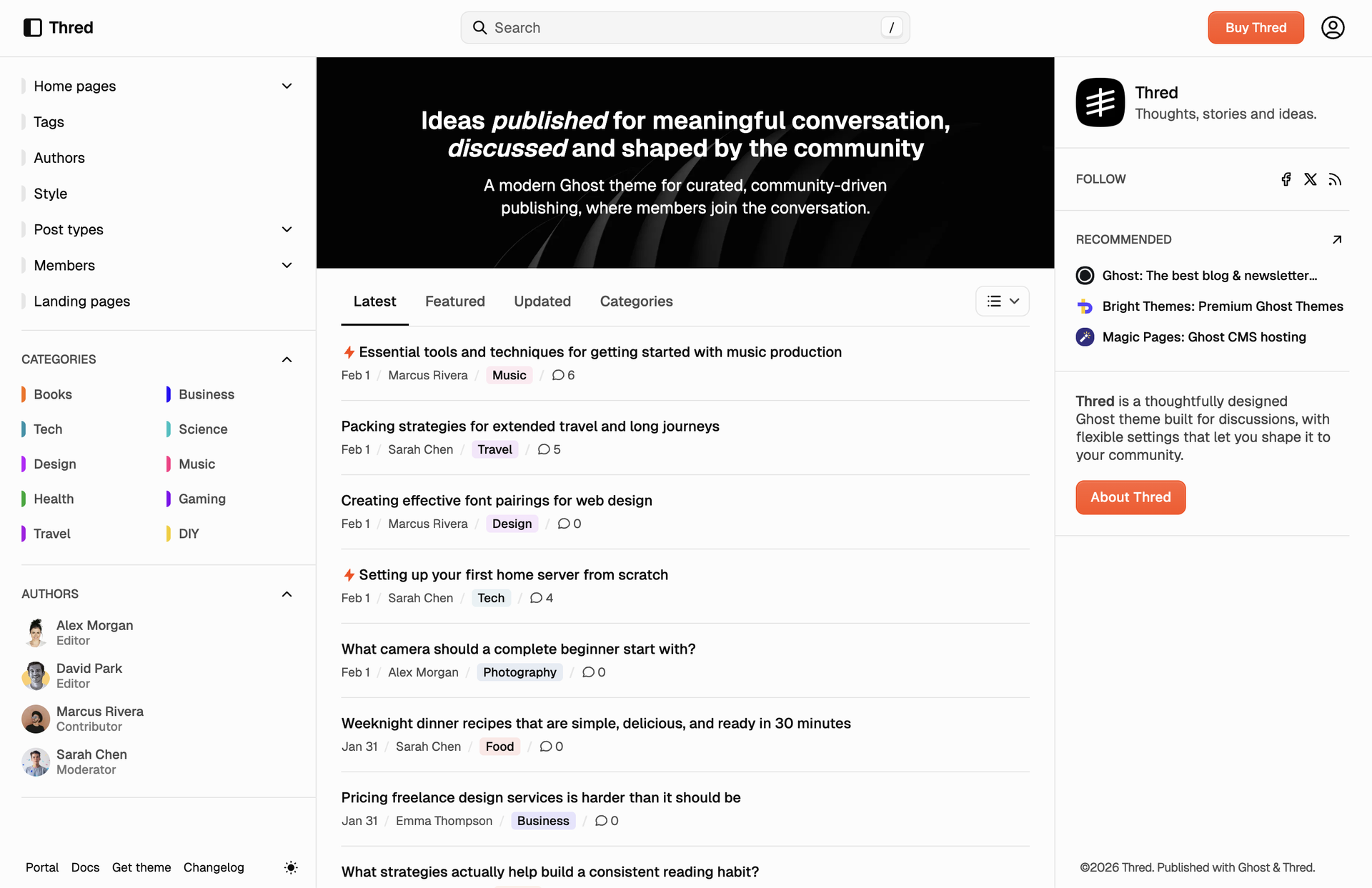
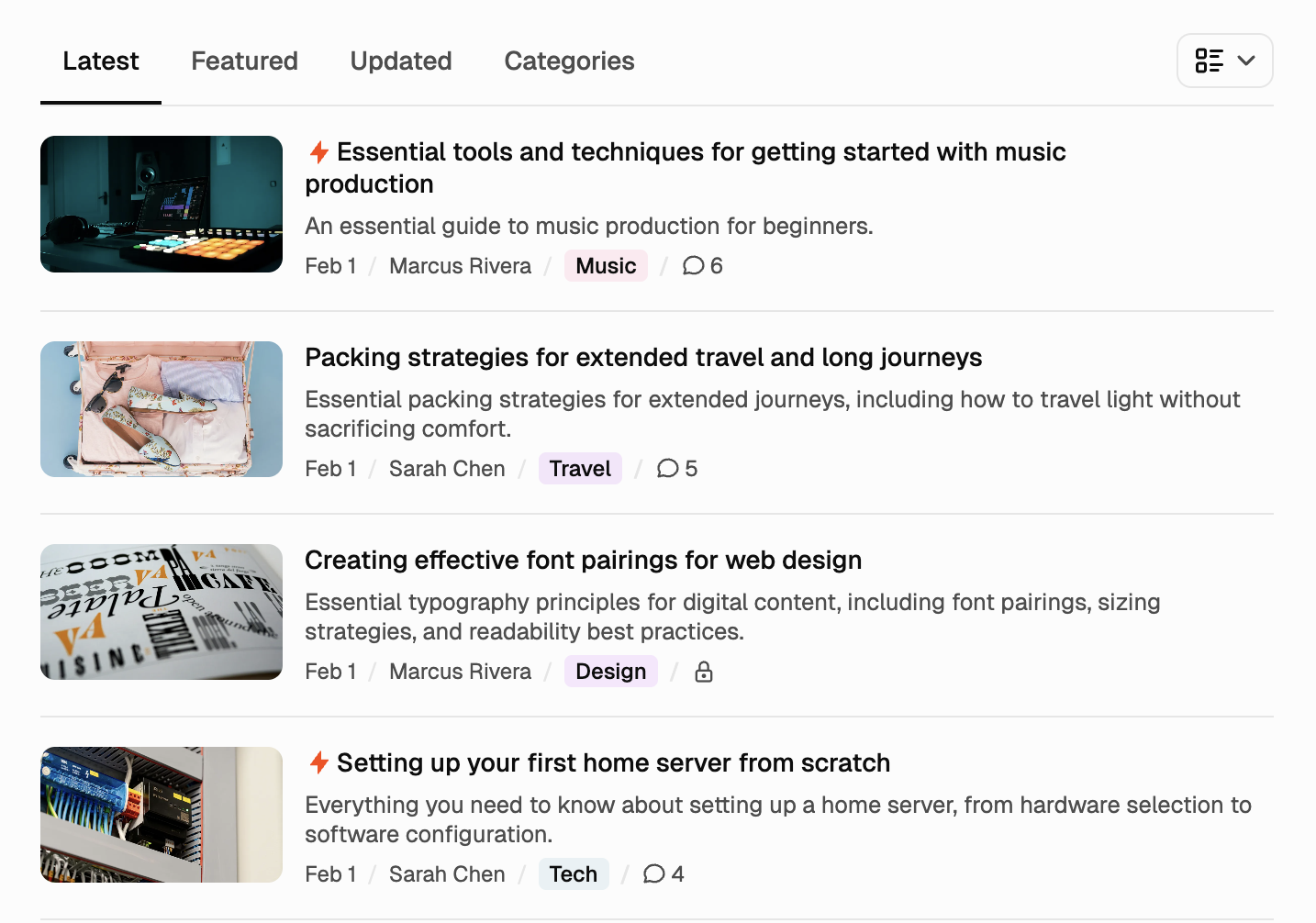
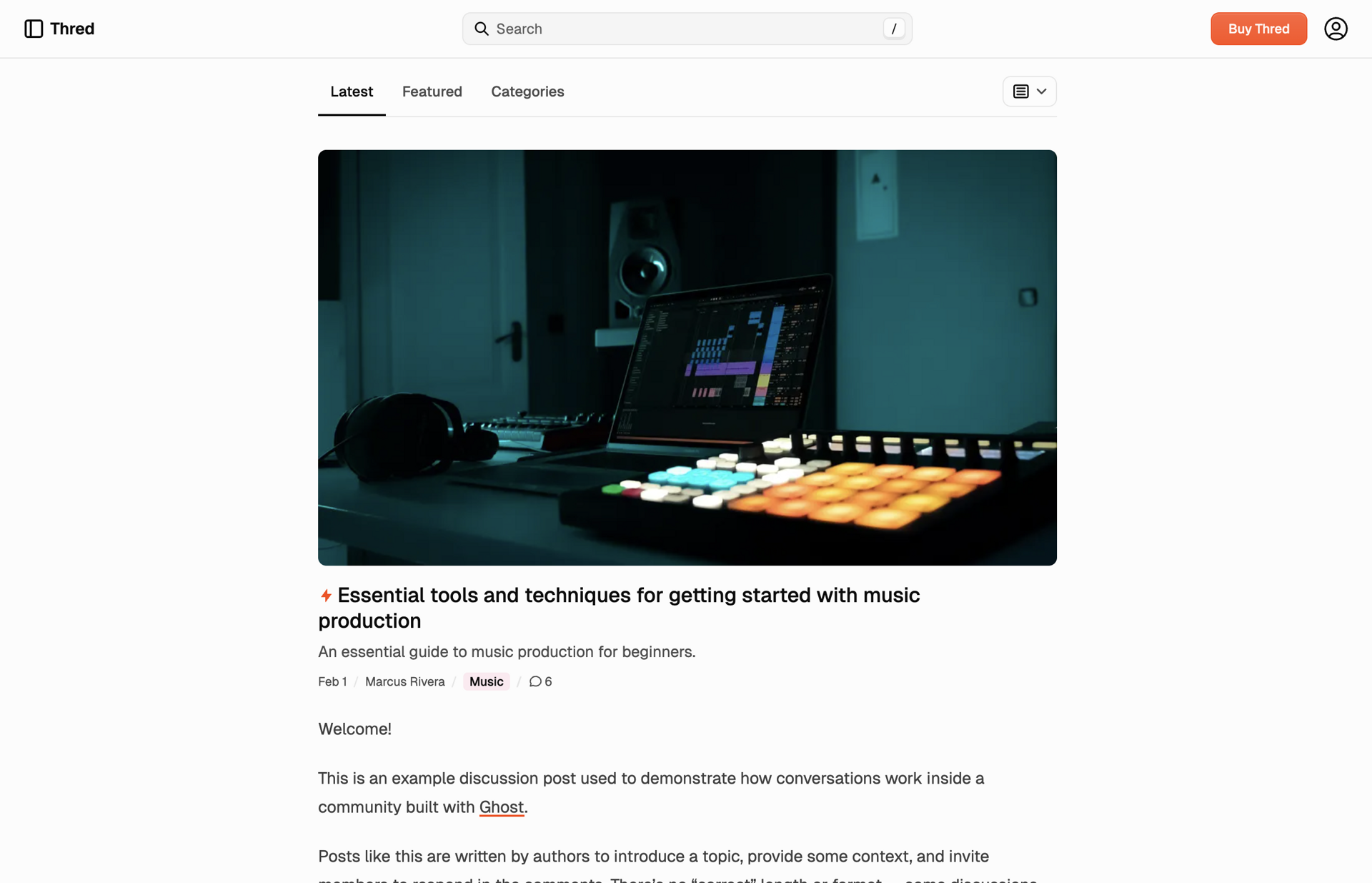
One theme, your layout. No code—just design settings. Turn the left and right sidebars on or off. Customize the hero above the feed—headline, image placement, subscribe or CTA. Then choose what greets visitors in the feed: latest posts, featured, recently updated, or categories. Set whether it starts as a tight list, compact cards, full cards, or full articles. You pick the defaults; readers can still switch feed and view from the homepage. Thred adapts to how you publish, not the other way around.
Built for conversation
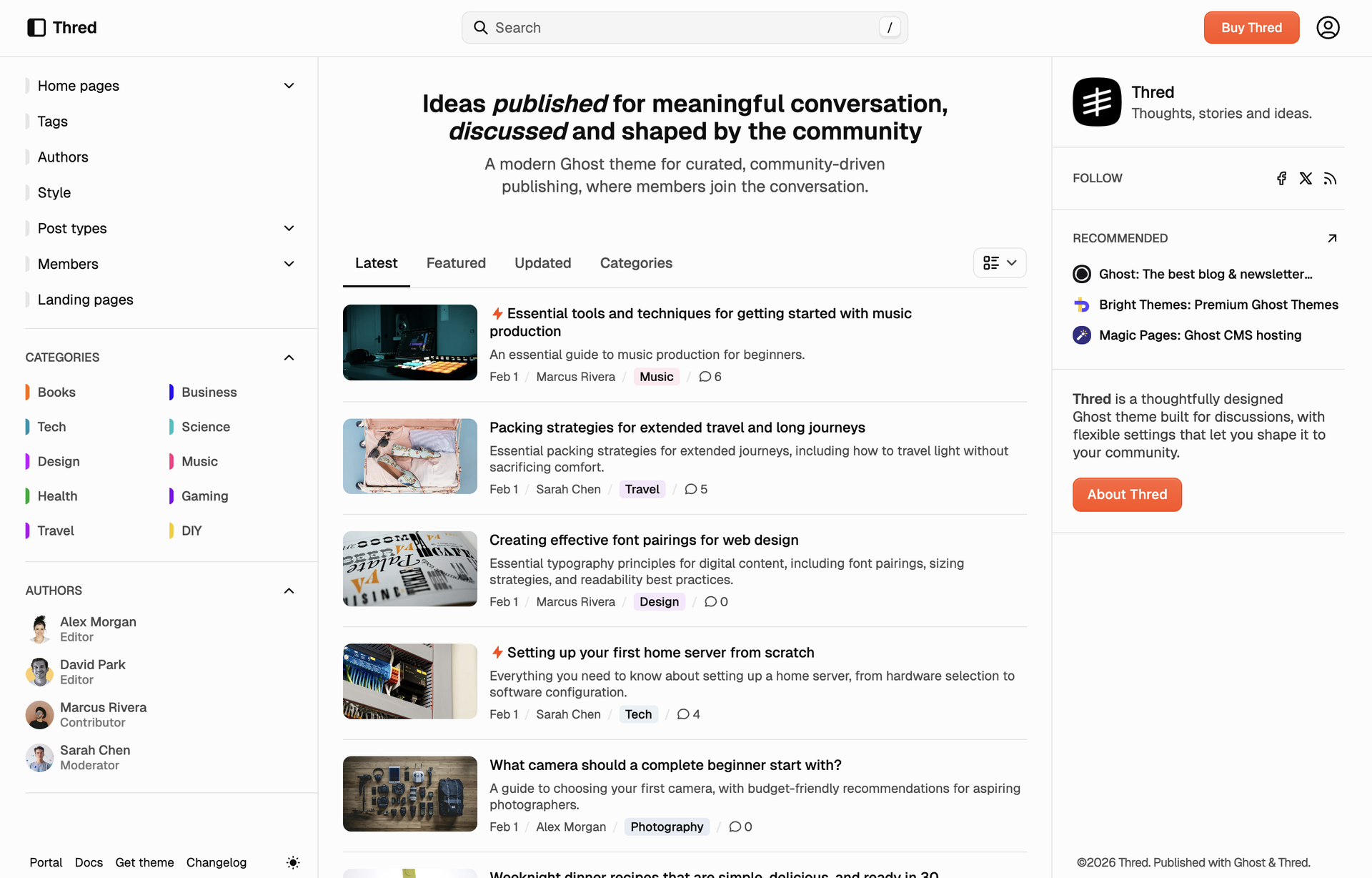
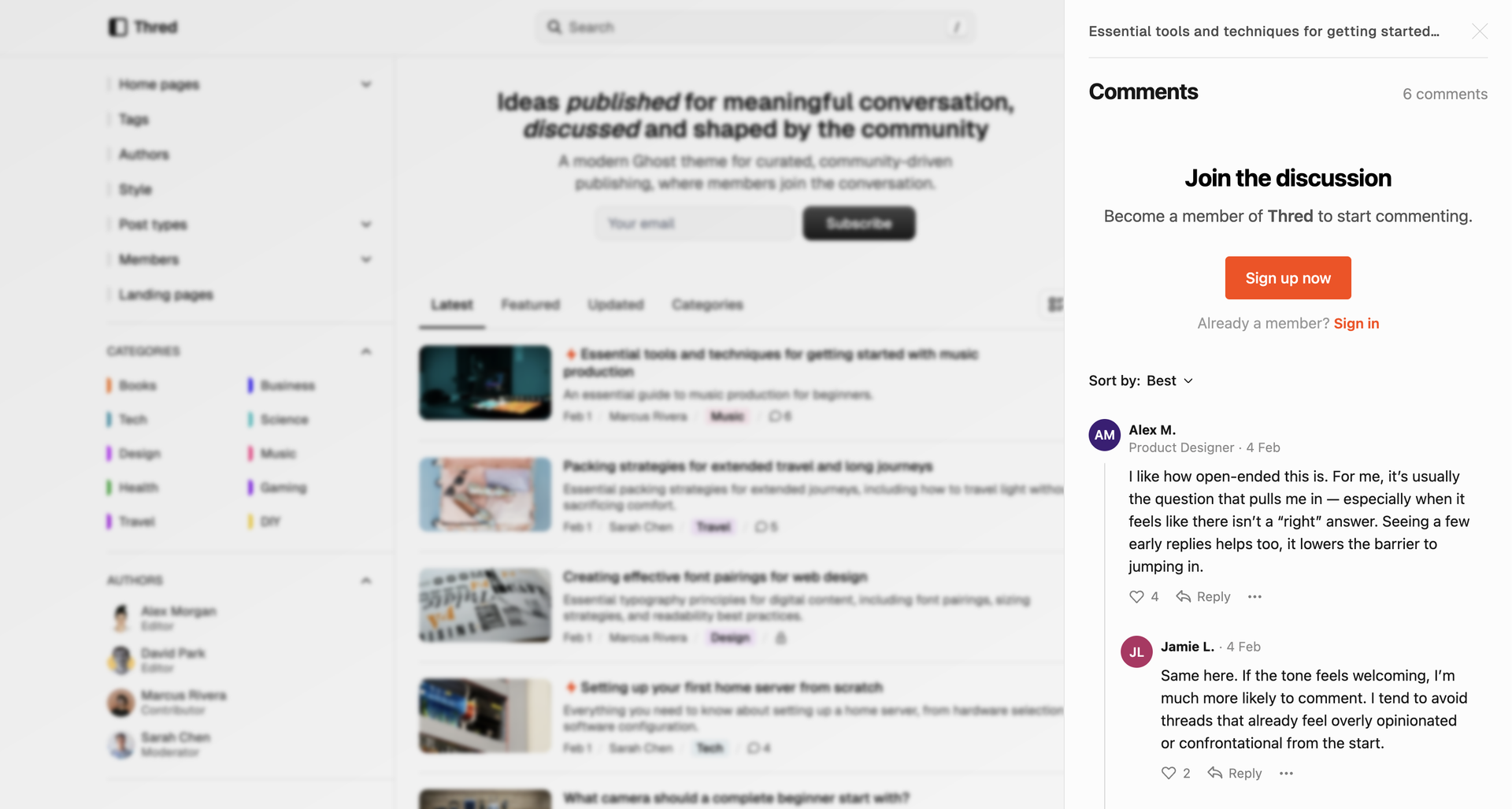
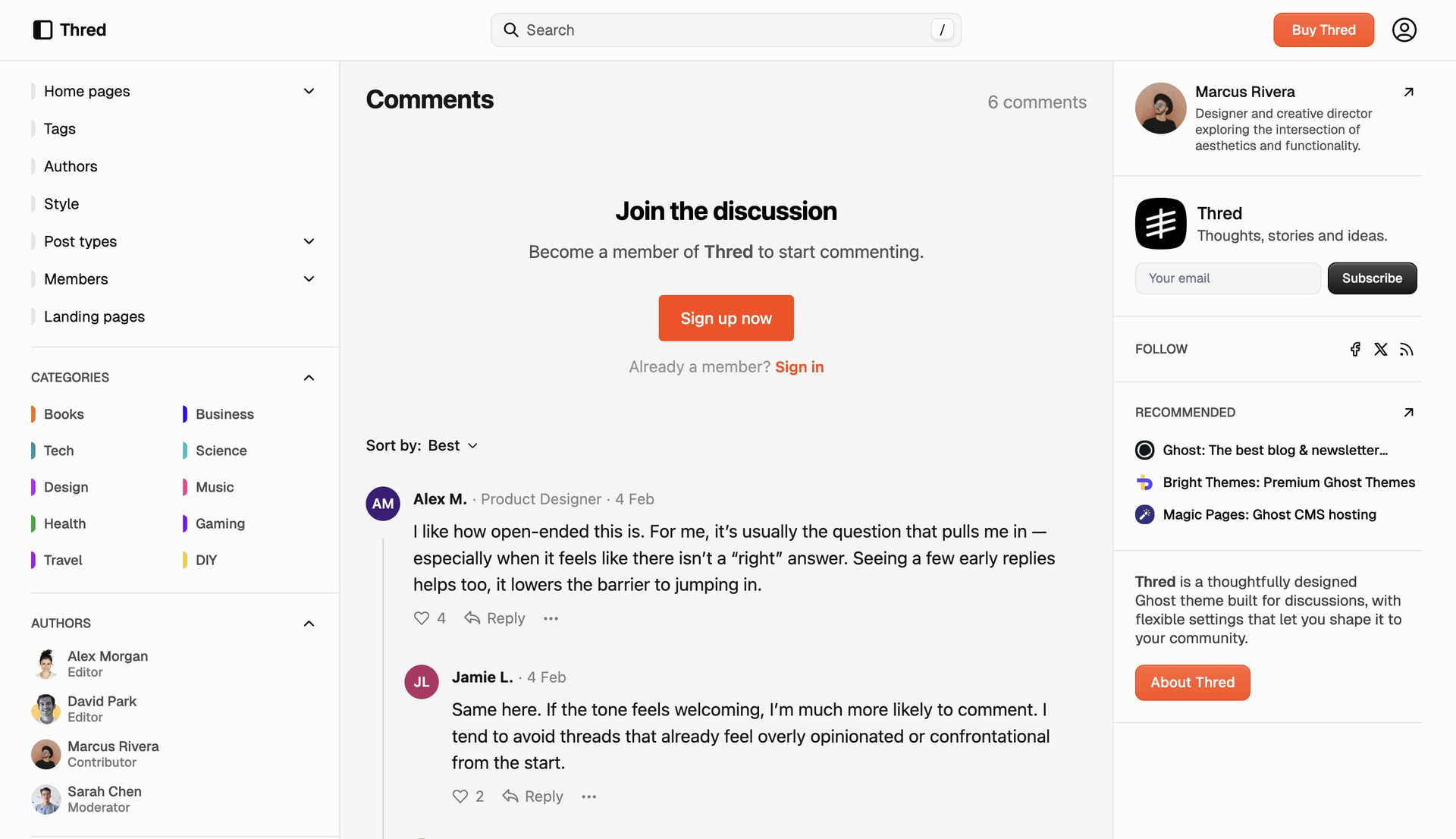
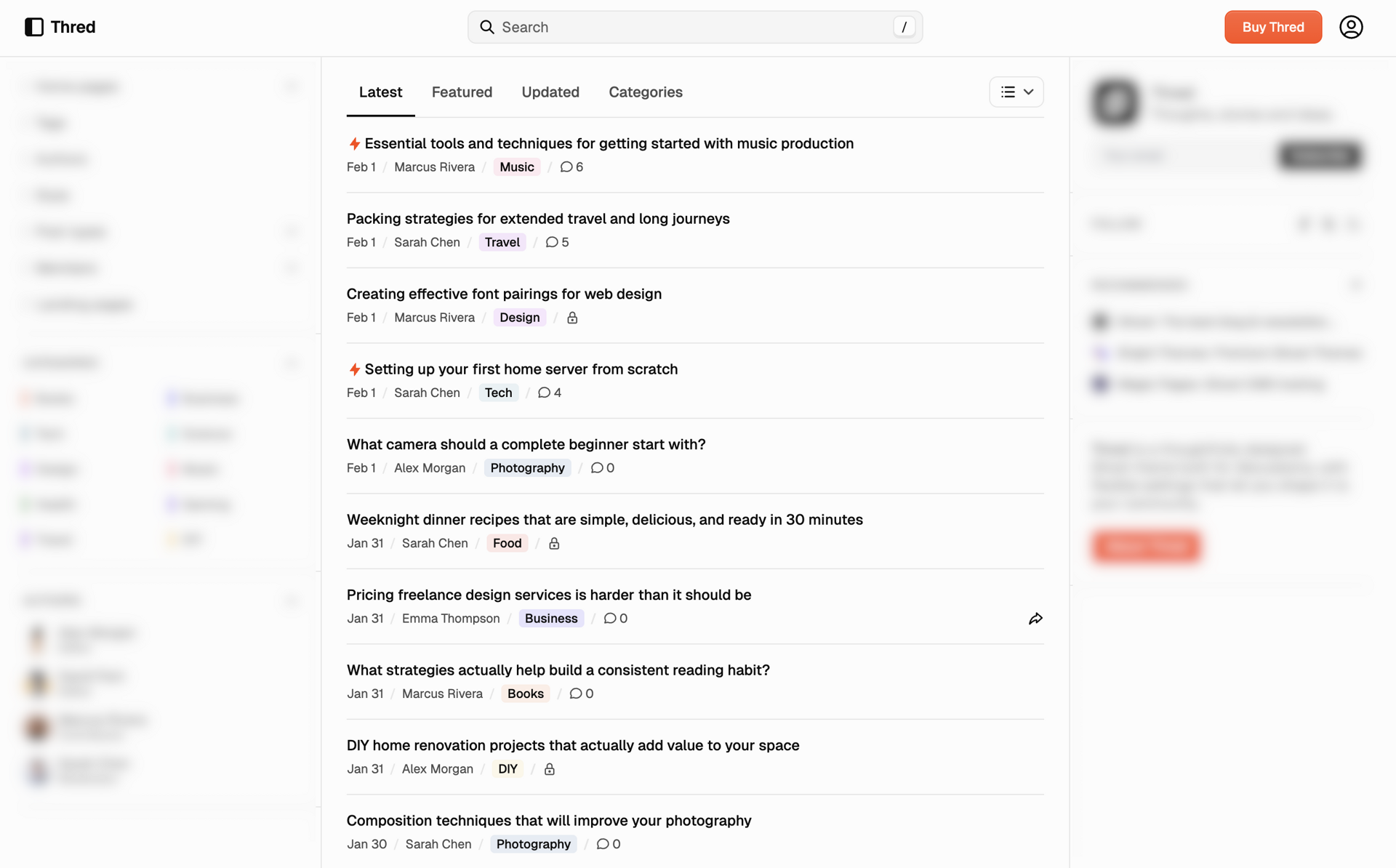
Each post has a dedicated comments section, and every post card on the homepage shows a comment count. Tap it and comments open in a drawer—members can read and reply without leaving the feed. Conversation starts from the list, not only from the post page.
Topic-based organization
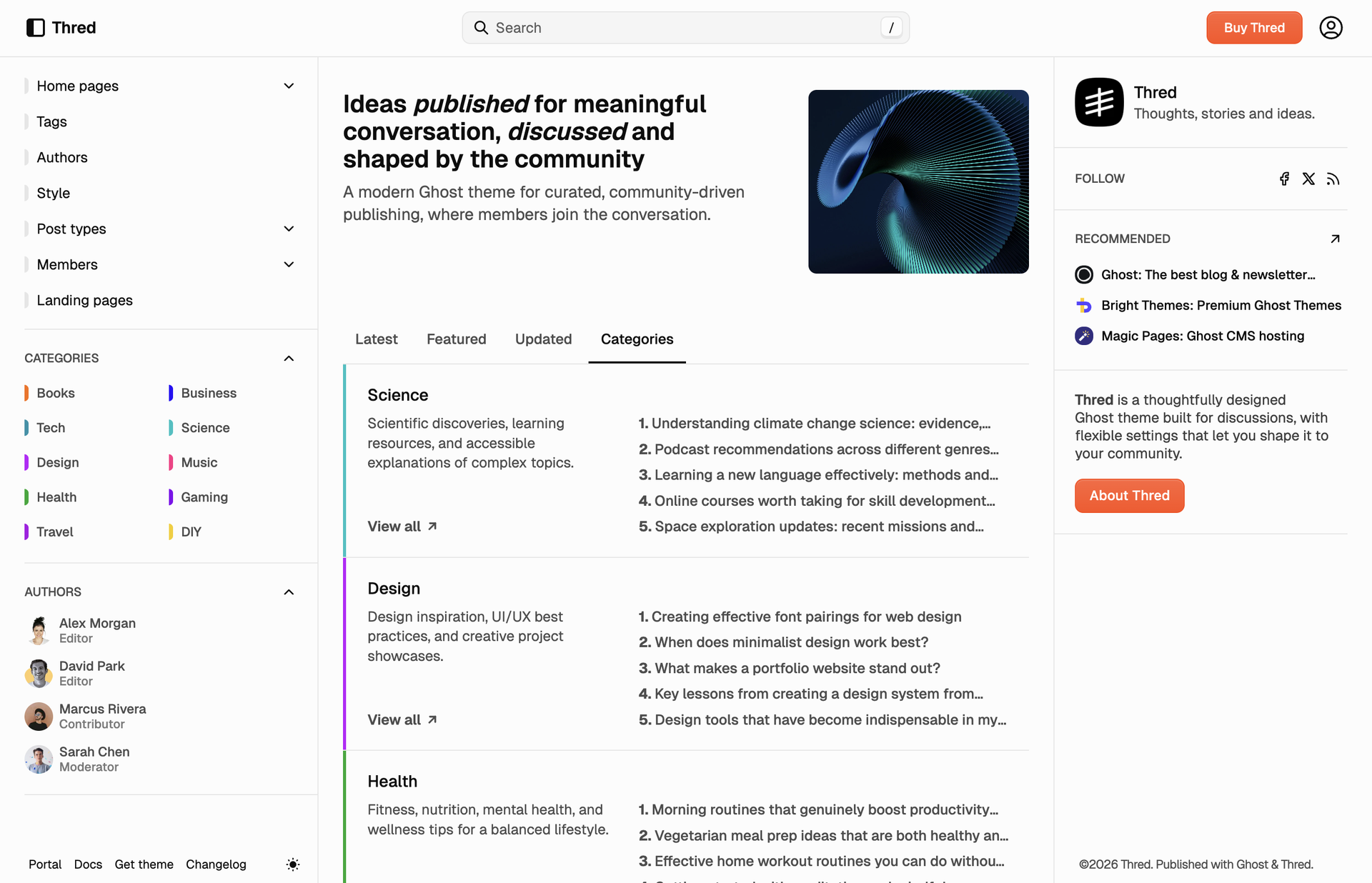
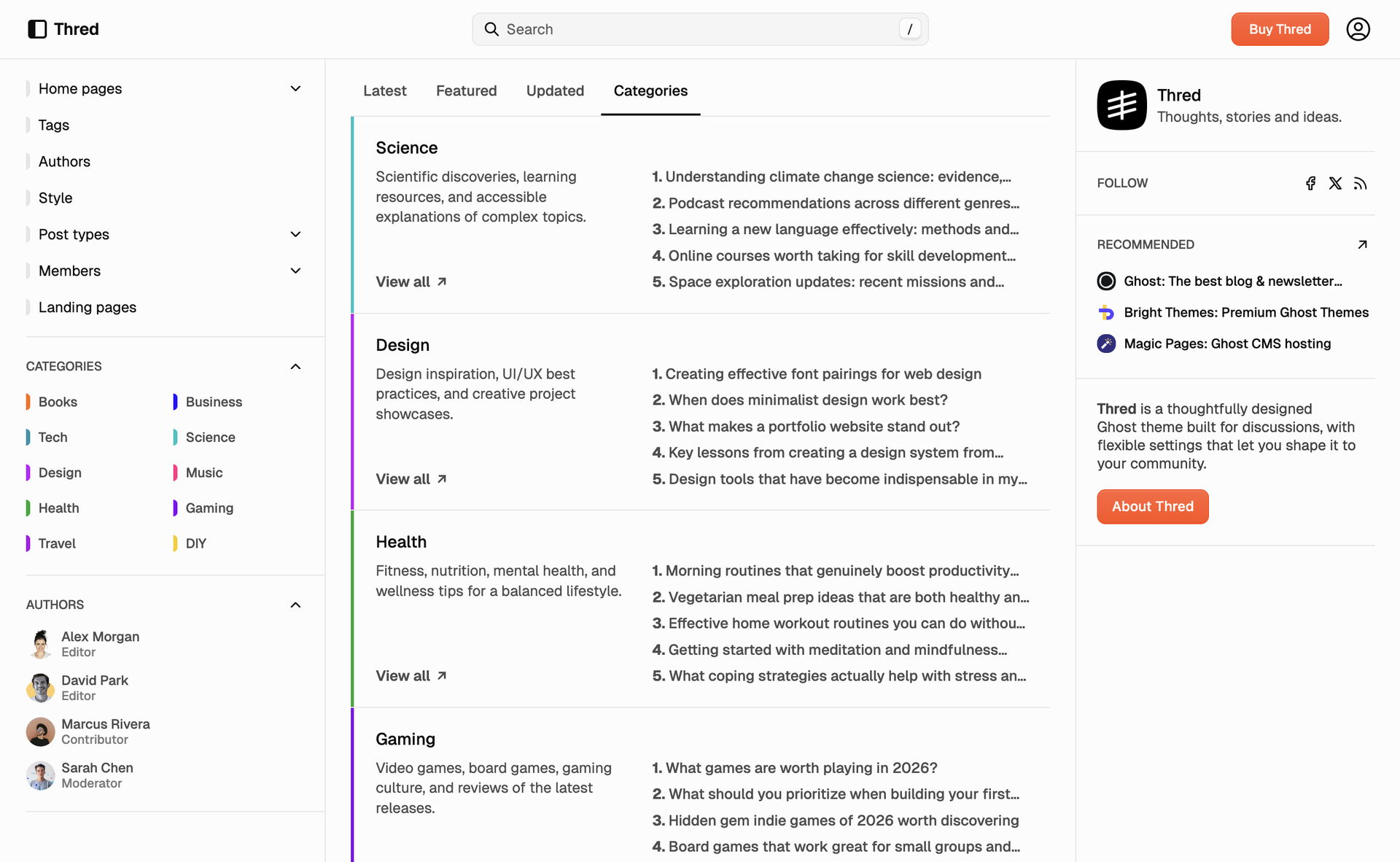
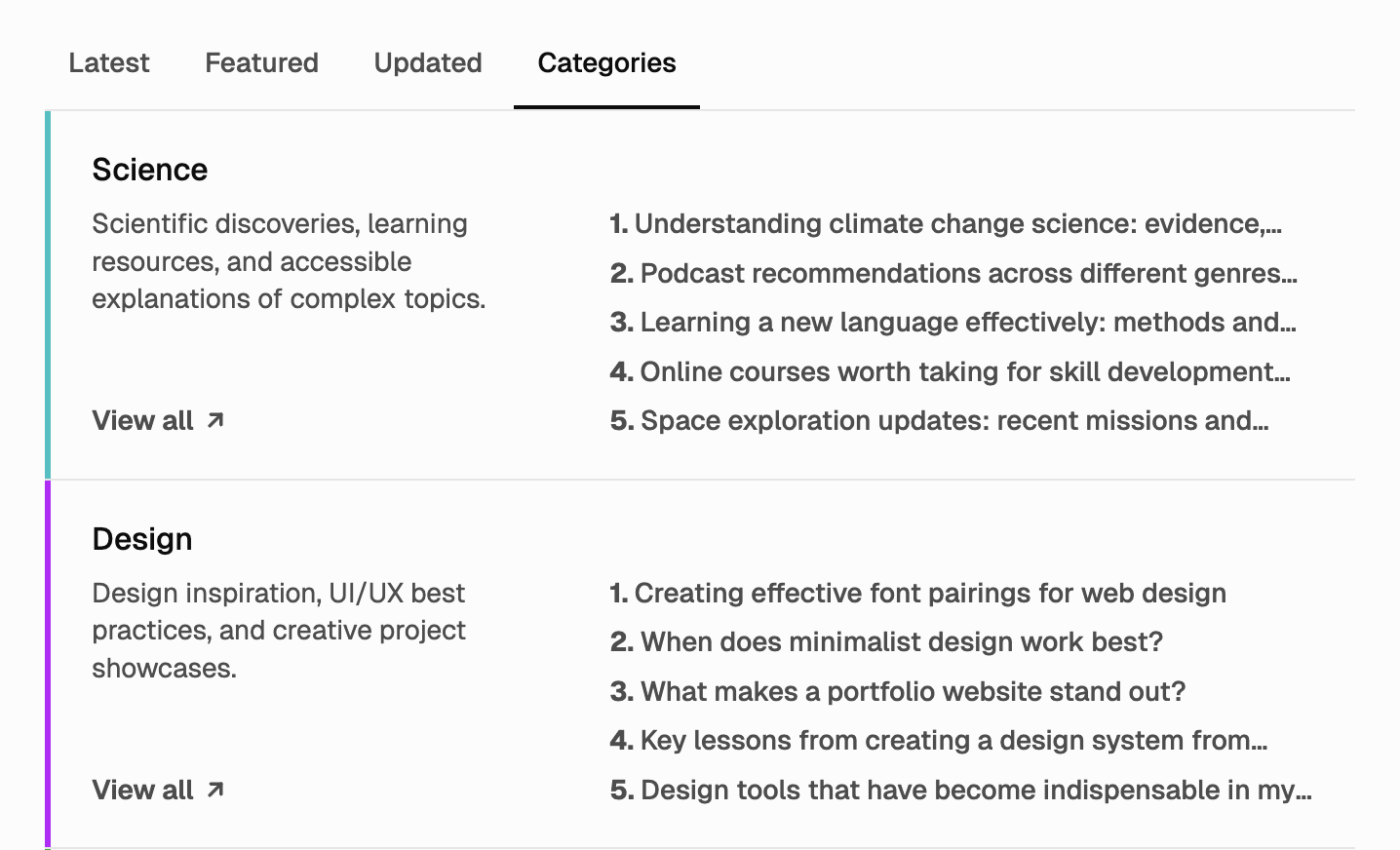
Topics are always within reach. The left sidebar has a dedicated categories area so readers can jump to a tag from anywhere. On the homepage, the categories tab turns your tags into topic sections—each with up to five posts—so the feed can be browsed by subject at a glance.
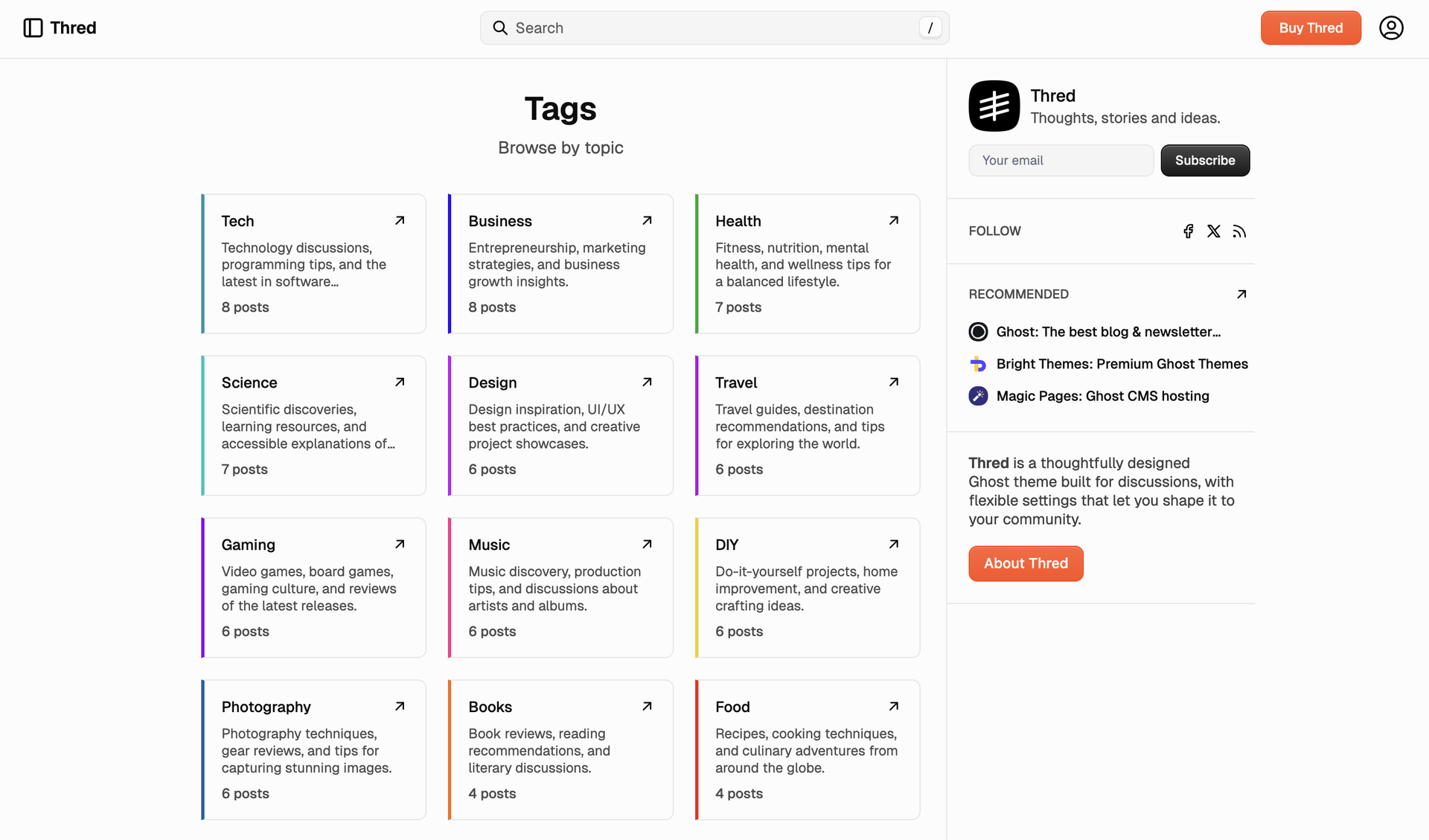
Need a custom landing page for a theme or a series? Use the tags template to build a page that shows only the tag cards you choose.
Customizable hero
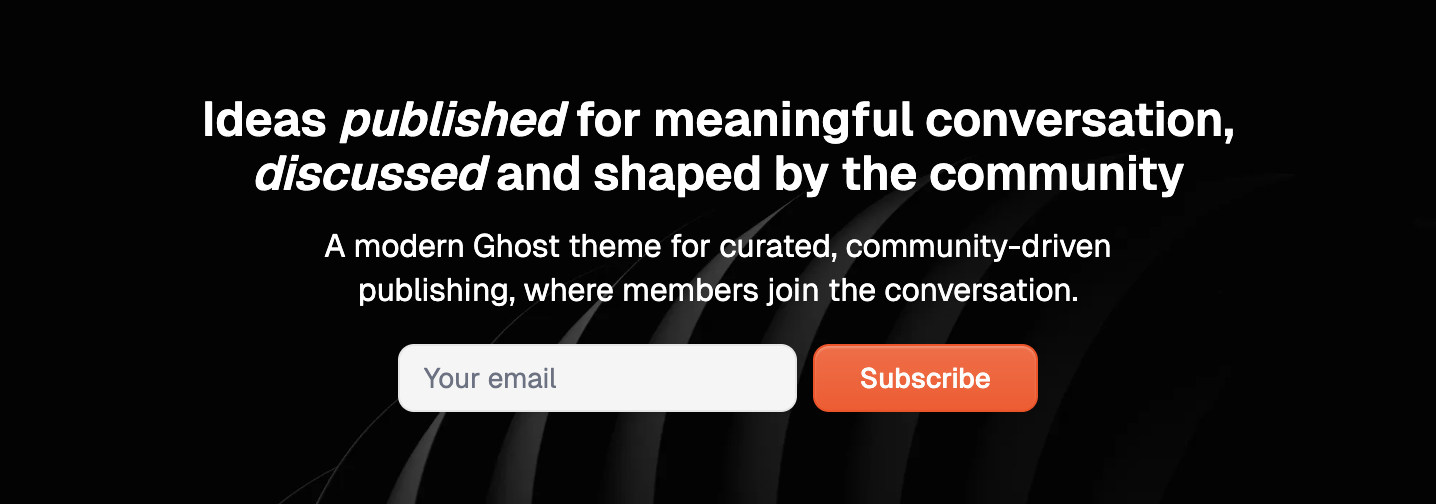
The hero is your first handshake: headline and subheading from settings, and your publication cover can sit above, beside, or behind the text—or stay out of the way for a text-only block. Add a subscribe form or a single CTA button so visitors can act without scrolling. All of it is controlled in the theme’s design settings, no code.
Multiple ways to browse
Not everyone browses the same way. Thred gives readers tabs for what to see (latest, featured, updated, by topic) and a control for how to see it—list, cards, or full articles—so scanners and deep readers both get the view they want.
Dual sidebars
The main content sits between two sidebars that stay in view. On the left: navigation, categories, and authors—so readers can move by topic or by who wrote it. On the right: the current author on posts, a short about block with subscribe, follow links, recommendations, and a CTA. Discovery on one side, identity and next steps on the other, without crowding the centre. Both sidebars are on by default; you can turn either off in the theme’s design settings.
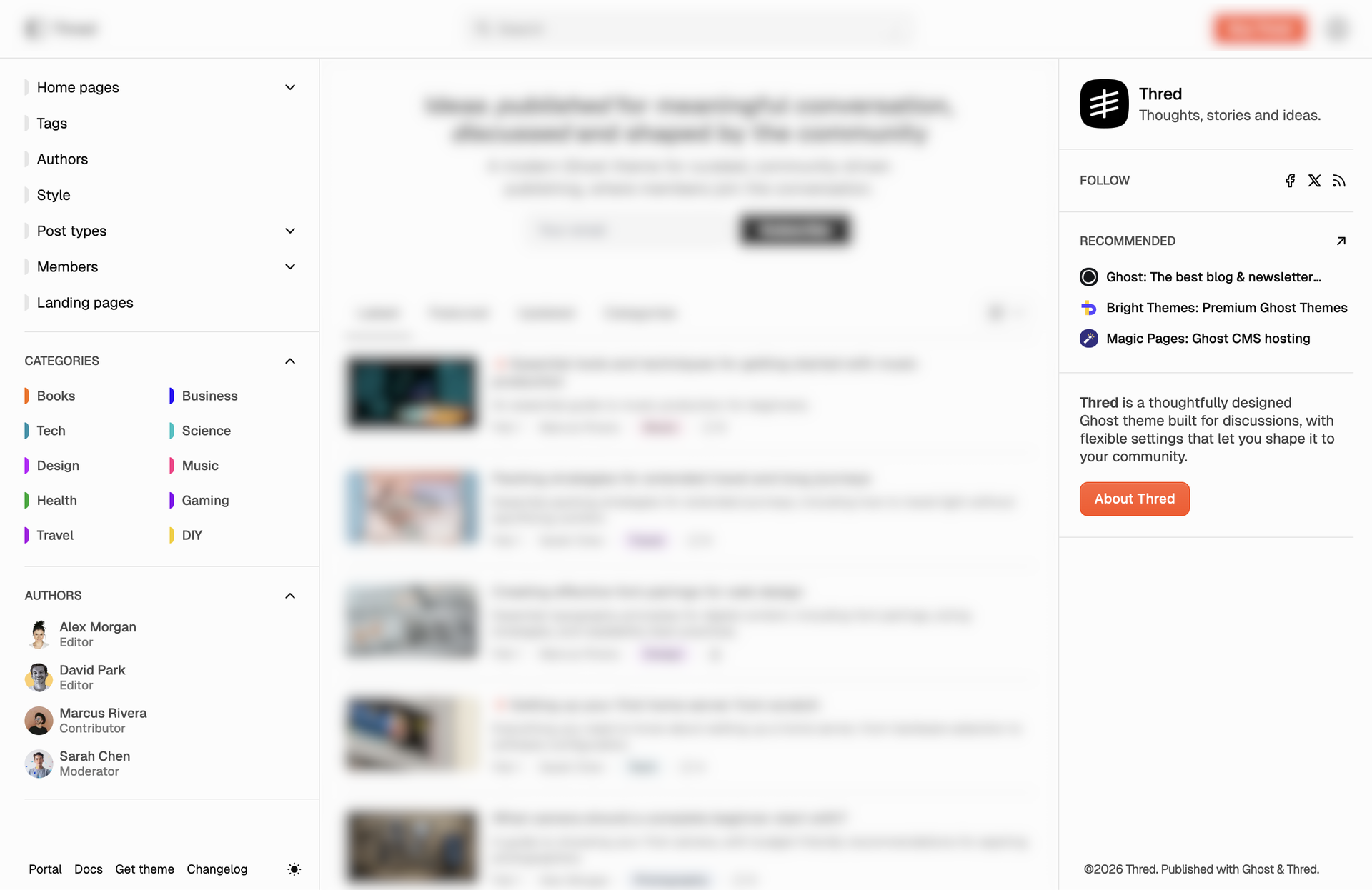
Post experience
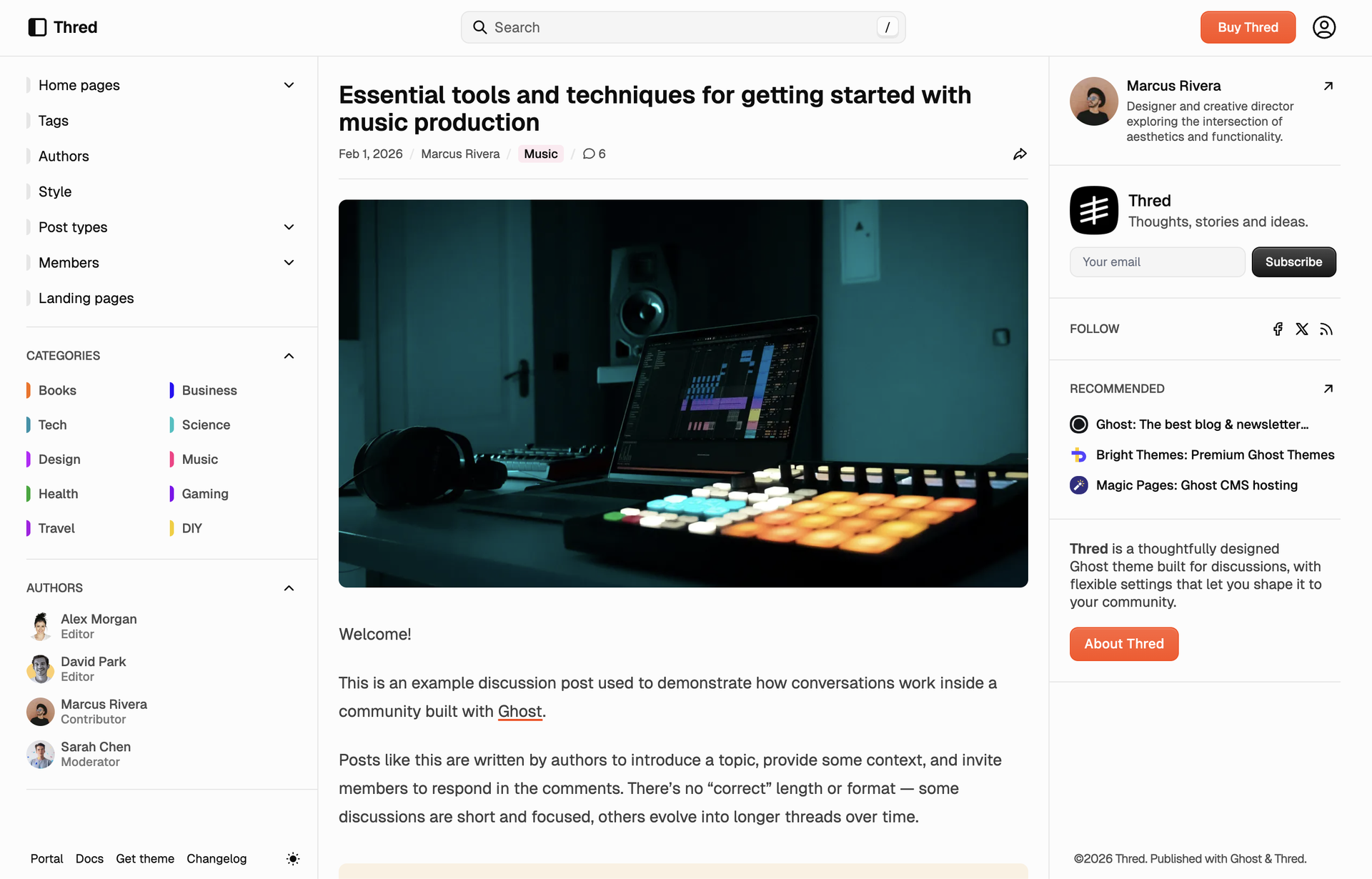
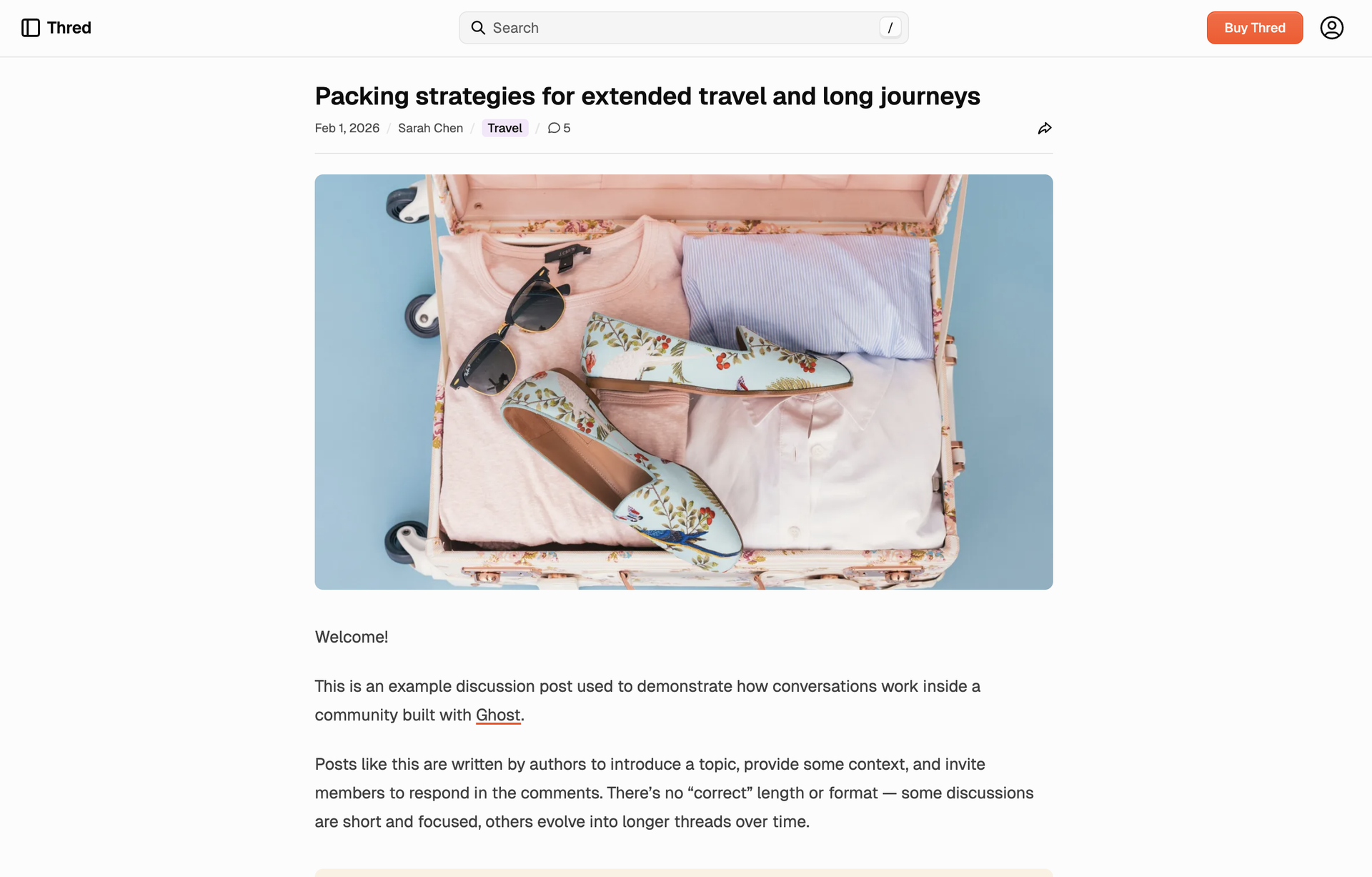
The default post template follows your design settings—sidebars can be on (one or both) or off, site-wide. For a specific long read or visual piece, pick the post-without-sidebar template and that post goes full-width. Comments sit below the article.
Membership pages
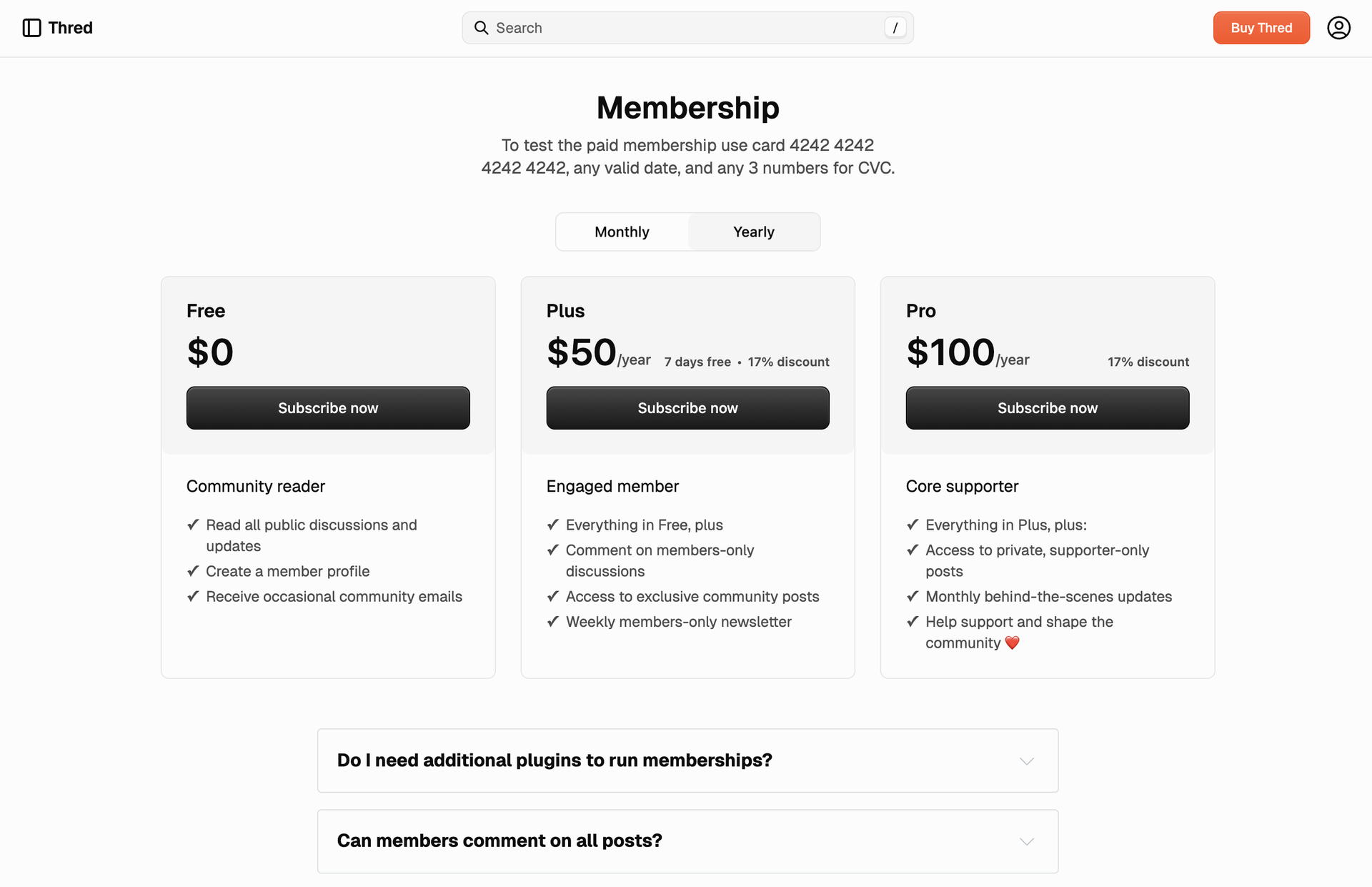
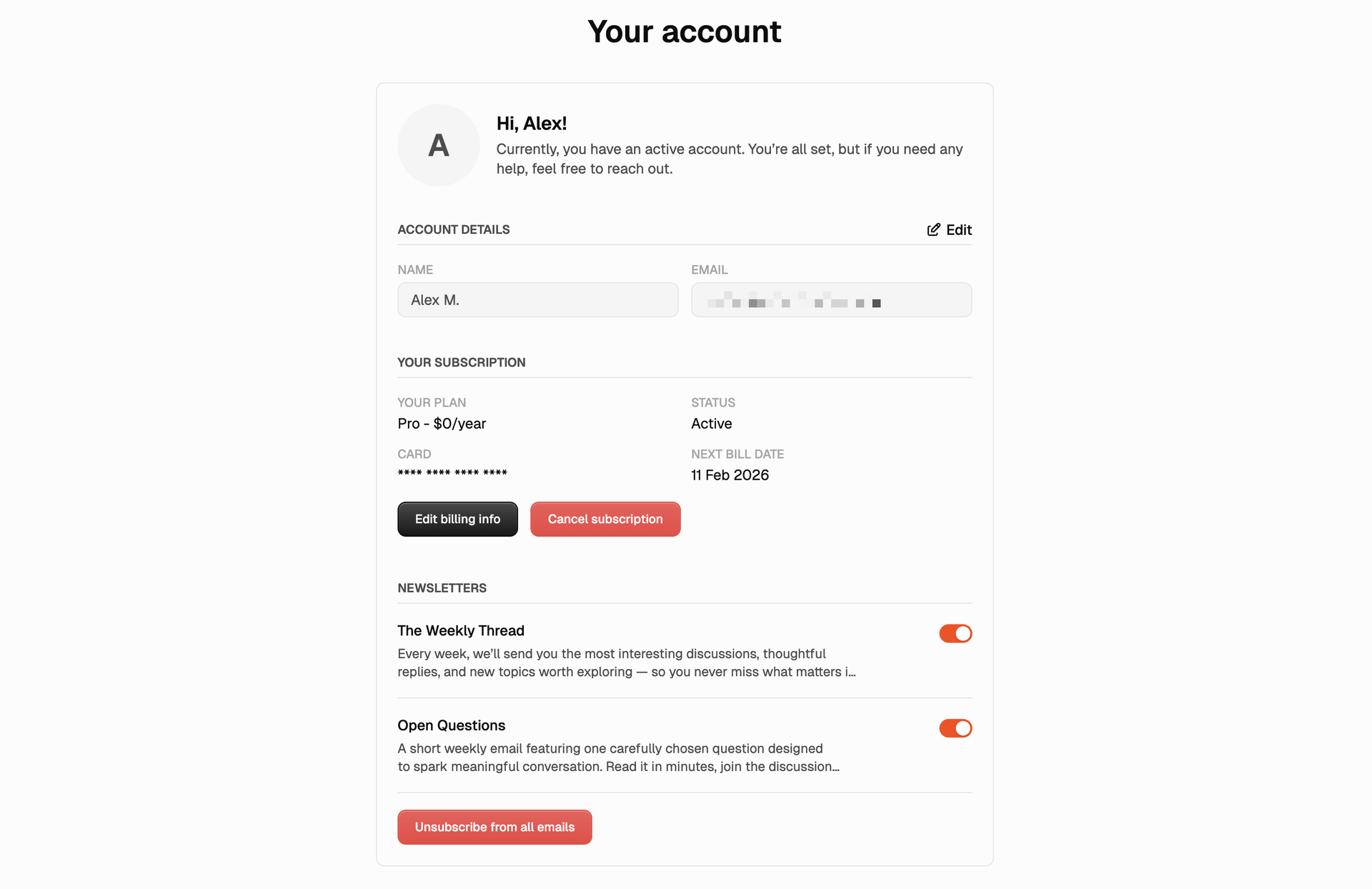
Thred ships with page templates for the full membership flow: sign in, sign up, account, and a dedicated membership page for tiers and benefits. Assign the right template to a page in Ghost and you get a consistent, on-theme experience for members and visitors.
Light and dark
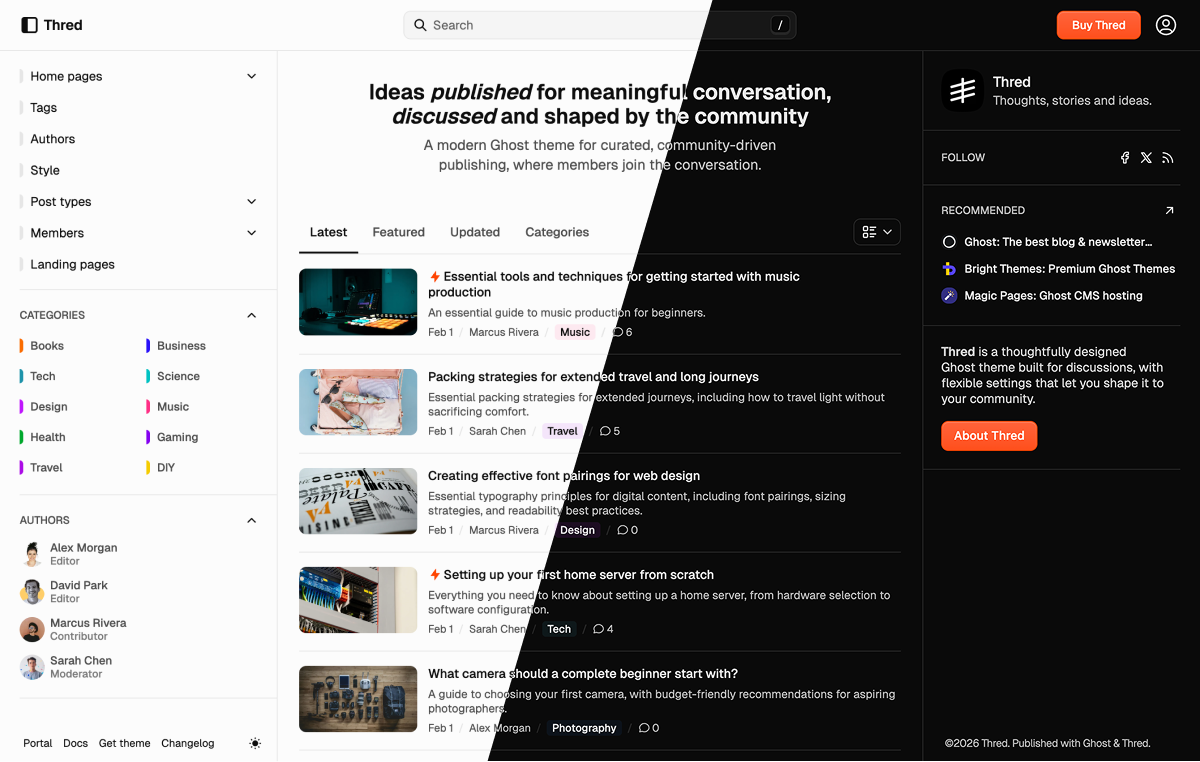
Thred comes with both light and dark themes, designed to look great in any environment. By default, it adapts to the user’s system preferences, but you can change the default to a specific color scheme and readers can toggle between themes manually with an elegant switcher at the bottom of the site.
Native Ghost features
Take advantage of the native Ghost CMS features:
- Ghost Portal - to manage membership, subscriptions and account
- Native search - an easy way to provide a search function within your content (posts, tags, authors)
- Native comments - add a comment section to your posts with just a few clicks
- Custom settings - the theme comes with custom settings unique for this theme, making basic theme customization very easy
- Hide the page title and feature image - with this you can create landing pages consisting of header cards and sign up cards, or any other cards from the Ghost editor
Ghost Editor cards
Full support for the full range of editor cards in the Ghost editor:
- Markdown card
- Bookmark card
- Gallery card
- Image card with normal, wide, and full width
- GIF card
- Button card
- NTF embed
- Callout card
- Toggle card
- Alternative quote style
- Product card
- Audio card
- Video card
- File card
- Header card
- Signup card
- Call to action card
- Check out the full style guide
Translations
Brief is translation ready. By default, everything is in English (en.json), but
the theme comes with translations in:
- 🇩🇪 German (
de.json) - 🇪🇸 Spanish (
es.json) - 🇫🇷 French (
fr.json) - 🇮🇹 Italian (
it.json) - 🇳🇱 Dutch (
nl.json) - 🇵🇹 Portuguese (
pt.json)
Extra features
- Dropdown menus - add submenus to the menu easily from your Ghost Admin navigation (no-code)
- Accessibility - the theme is validated against the Web Content Accessibility Guideline (WCAG) passing all relevant rules and keyboard navigation throughout the theme is assured and color contrast recommendations are respected. Accessibility checks
- Performance optimization - WEBP image formats, image lazy loading, and more
- Membership & Subscriptions - full support for the membership feature, including membership tiers
- WEBP image converting - the theme converts images to
.webpformat for browsers that support it
Additional info
- The online documentation covers everything, starting from installation and configuration as well as customizing and theme development.
- You can set up automatic theme deployment using GitHub Actions. Follow our ghost theme deployment tutorial.
- Feel free to reach out if you have any feedback or need support. Twitter: @brightthemes_