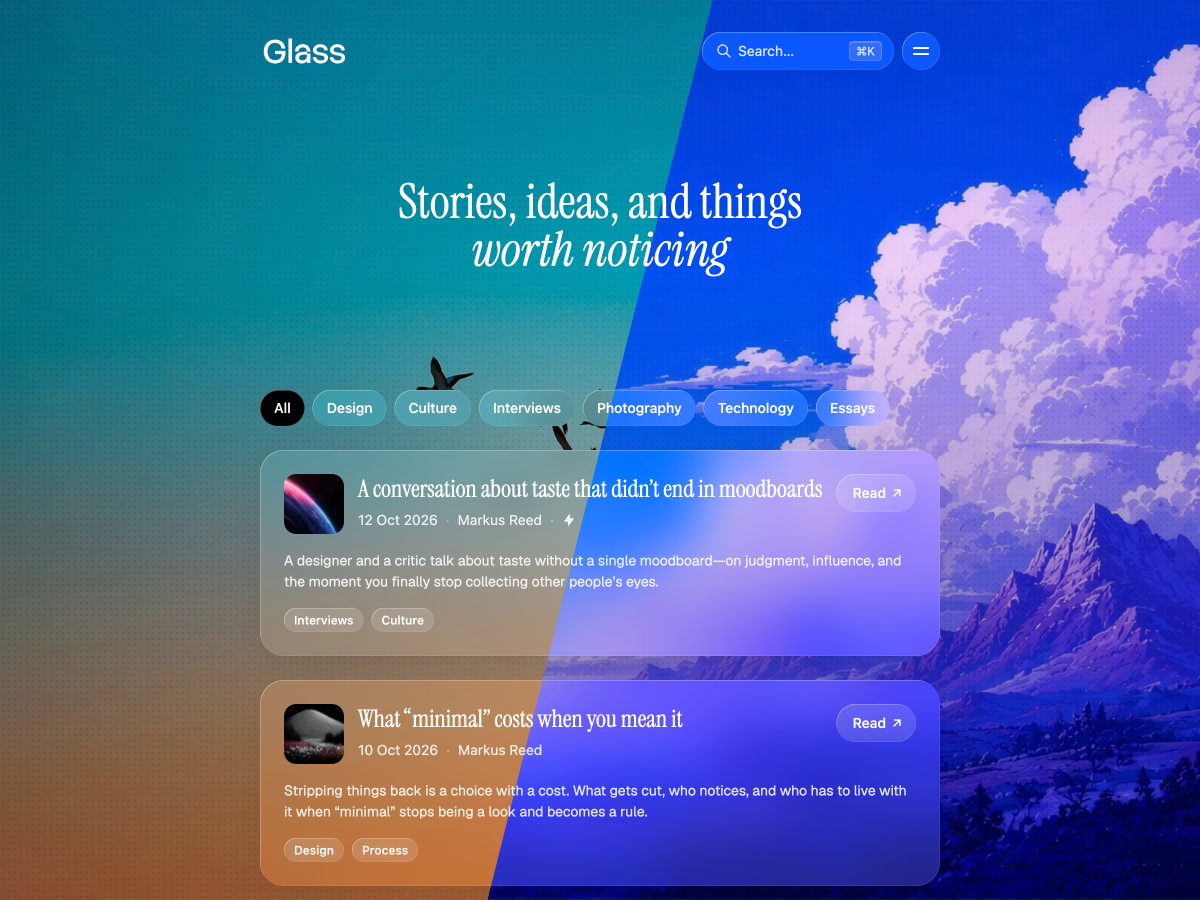

Most themes leave your writing on a blank page. Glass builds a room around it.
Posts, cards, and the header sit in frosted panels over a cover, a color, or a quiet field — so the site feels like a place, and the words are what people stay for. You set the mood in Ghost. No theme code.
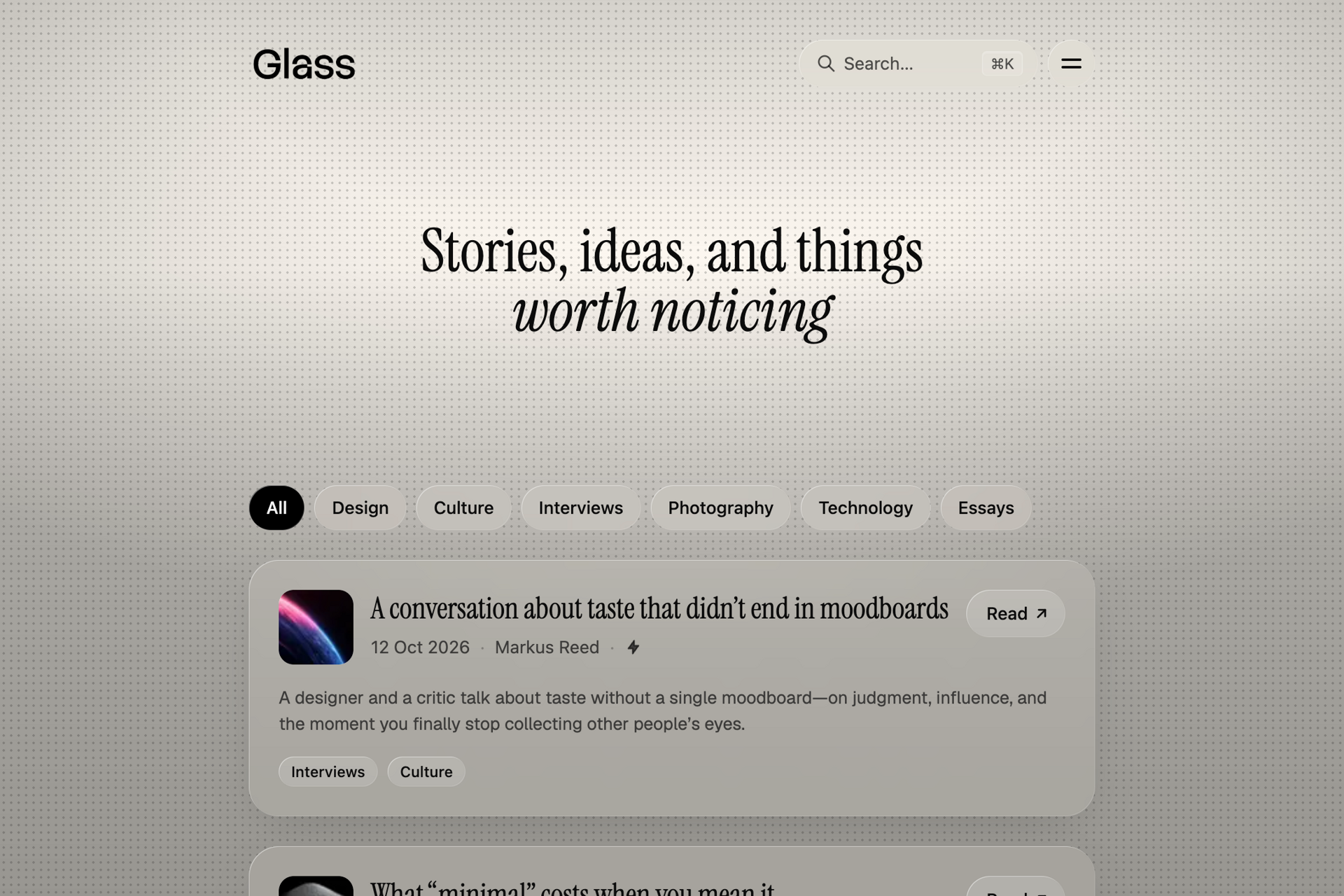
What sits behind the glass
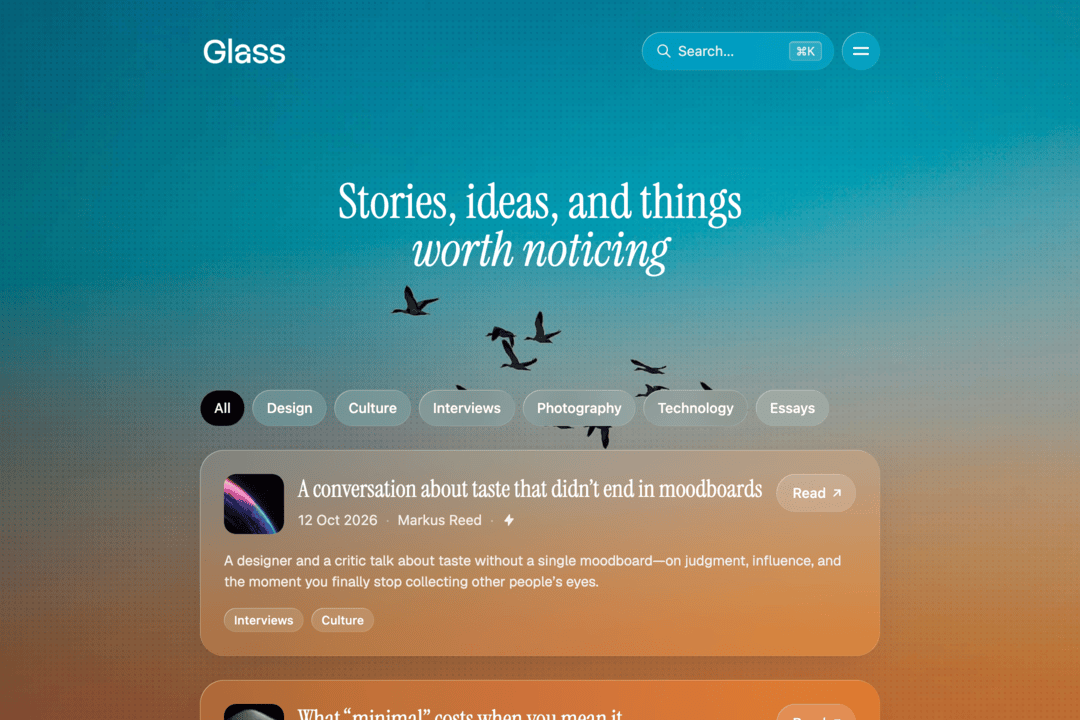
It can be your cover image, your brand color, or a plain field — near-black graphite, or warm cream. Whichever you pick runs under the whole site.
A fine pattern and gradient can lie over it, from a light veil to something heavier, so a photograph steps back and a flat color doesn't sit empty.
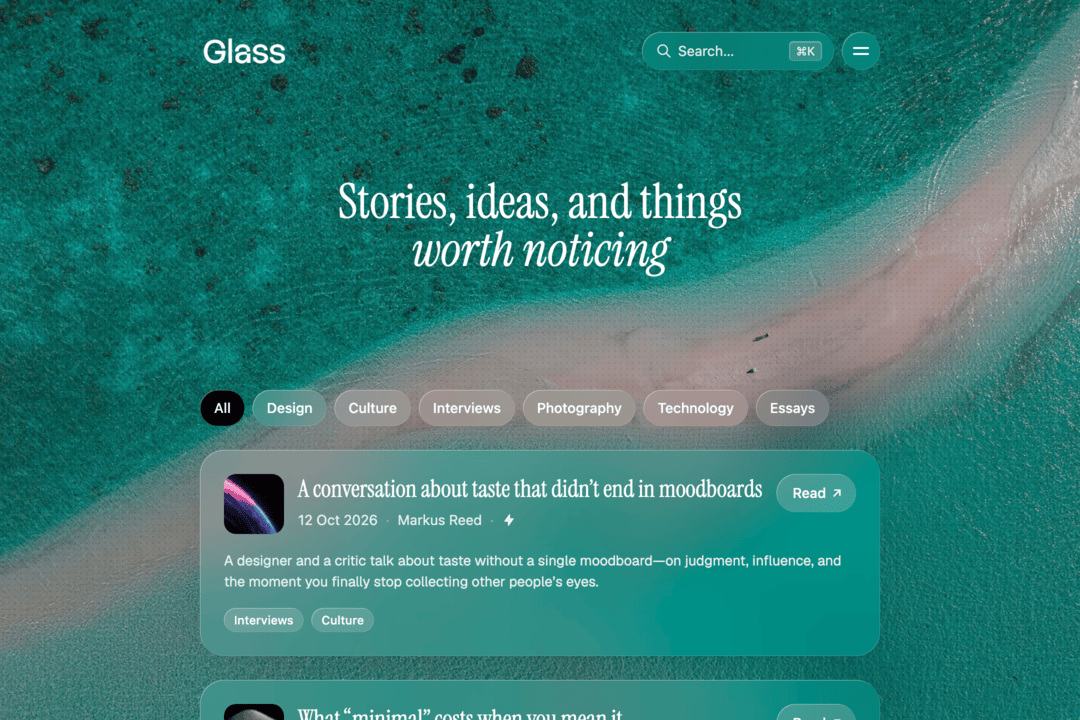
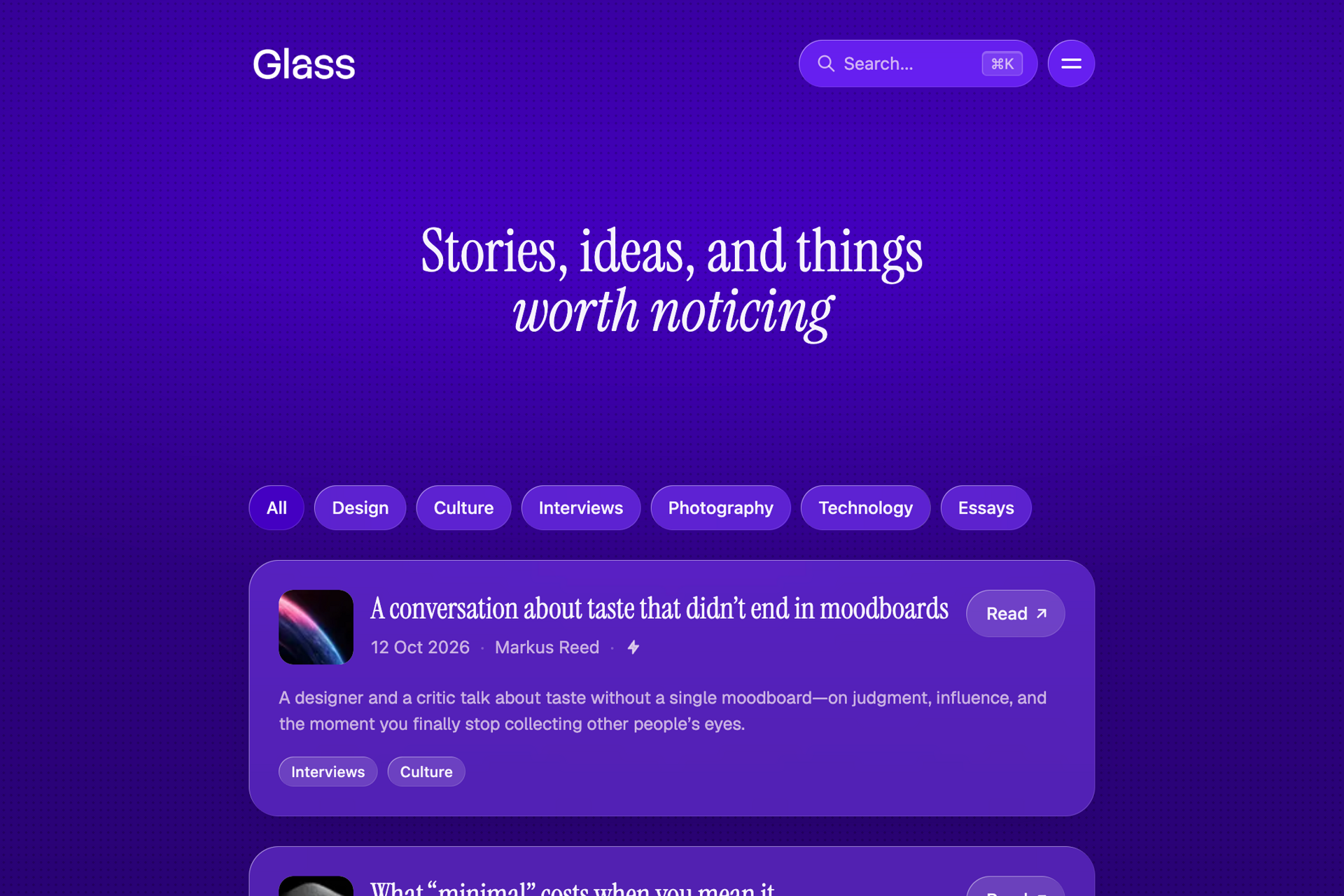
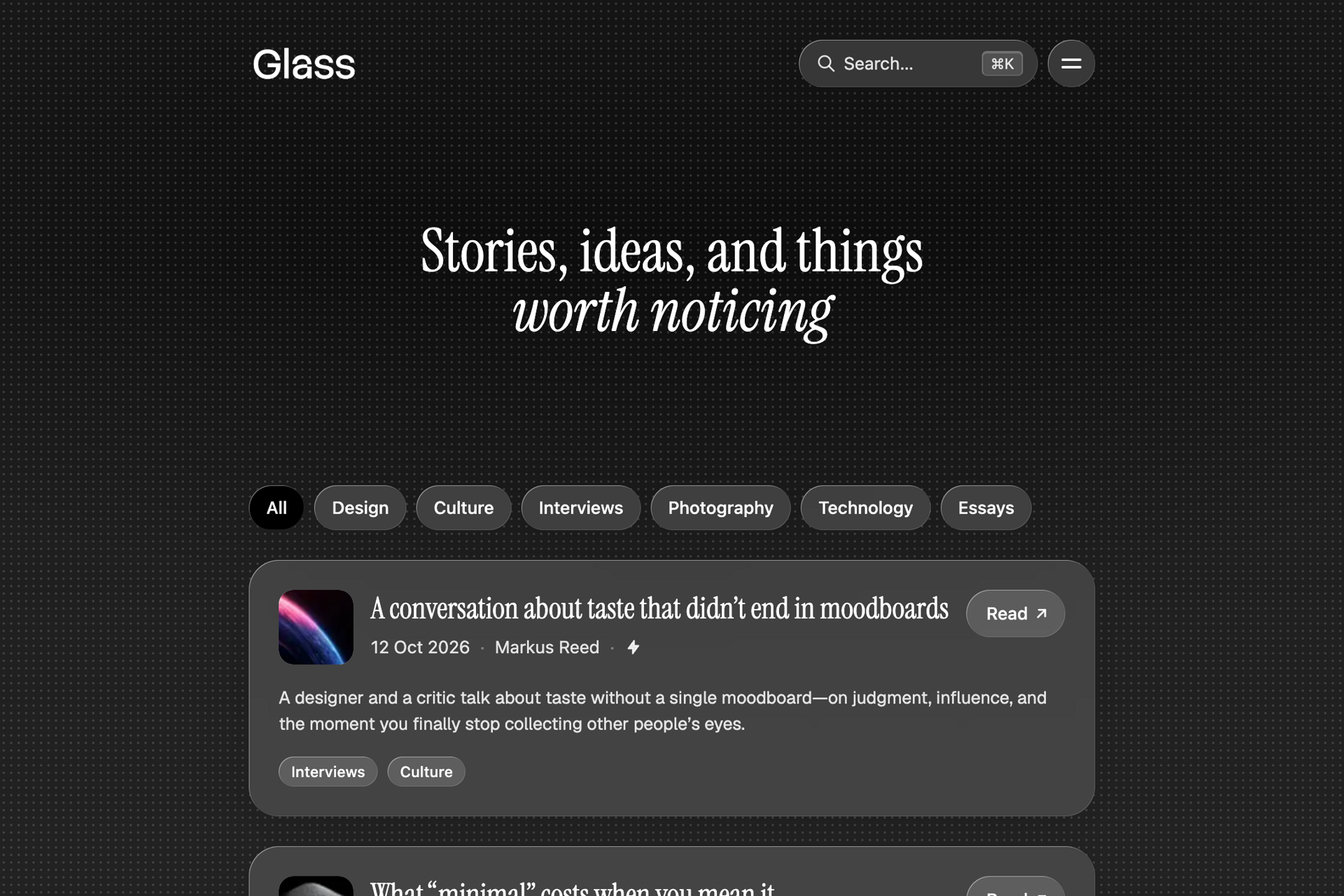
Open with as much as you need
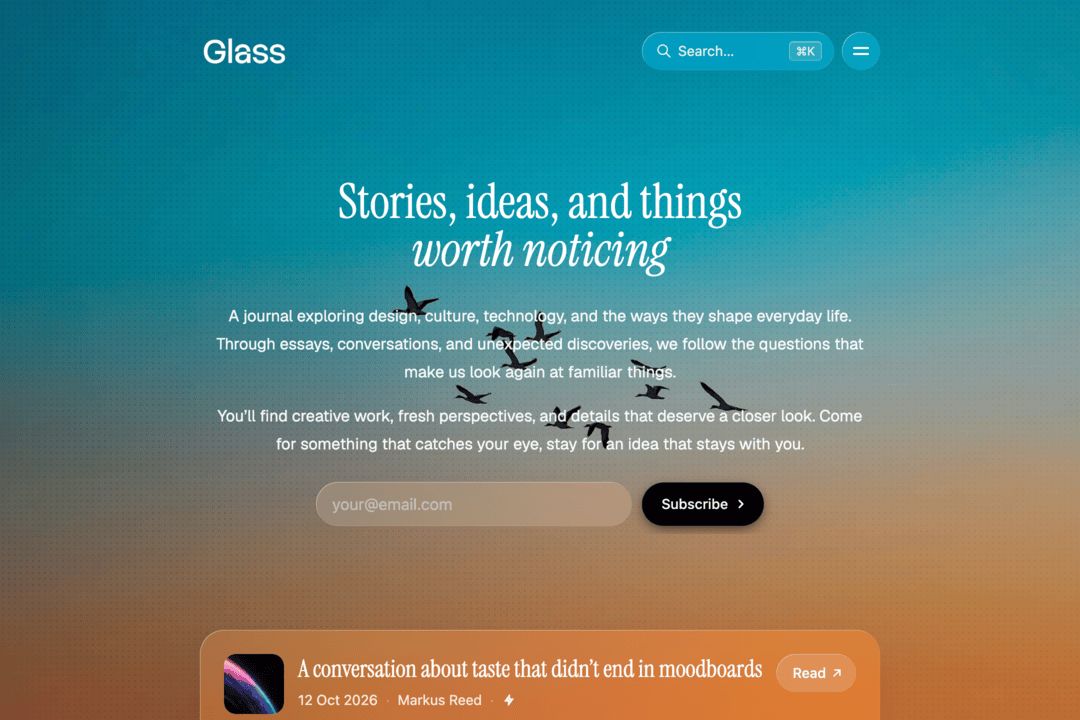
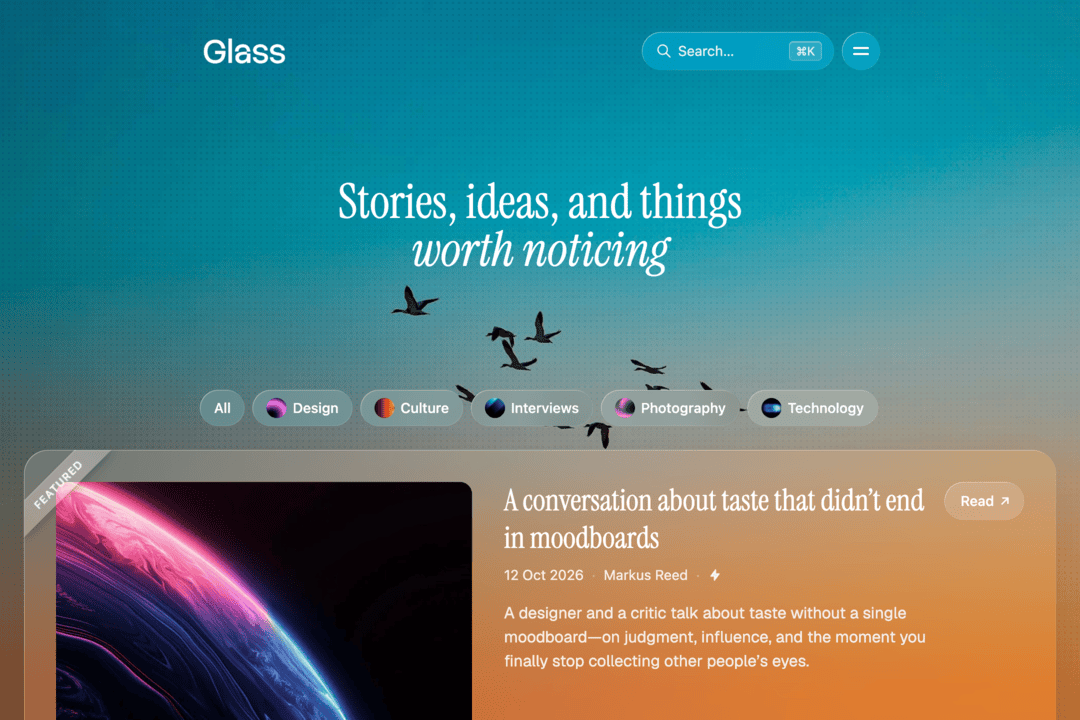
The top of the homepage can be a headline on the backdrop, a short introduction with a place to subscribe, or your picture beside a few paragraphs. A featured story can follow as a wider card, and the latest posts continue below in the same glass.
When you publish across subjects, a row of topics can sit in between — frosted pills, or the same pills with a small image.
A calm reading experience
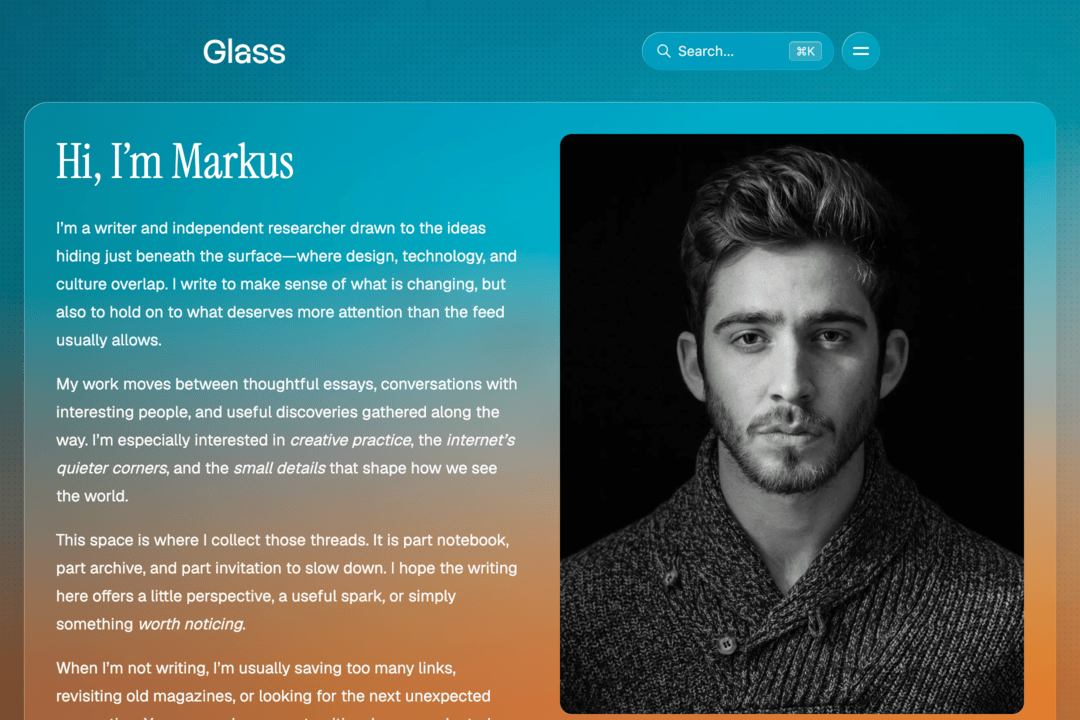
Open an article and you're still in the same place. The backdrop you chose stays with the post, so reading feels like a continuation of the site. The writing has the room — a quiet panel and a width that's easy to stay with.
The title has enough presence to name the piece before you start. The body stays plain and even, so each paragraph is easy to take in. A long article can run its course in type that stays comfortable the whole way.
Extra pages with personality
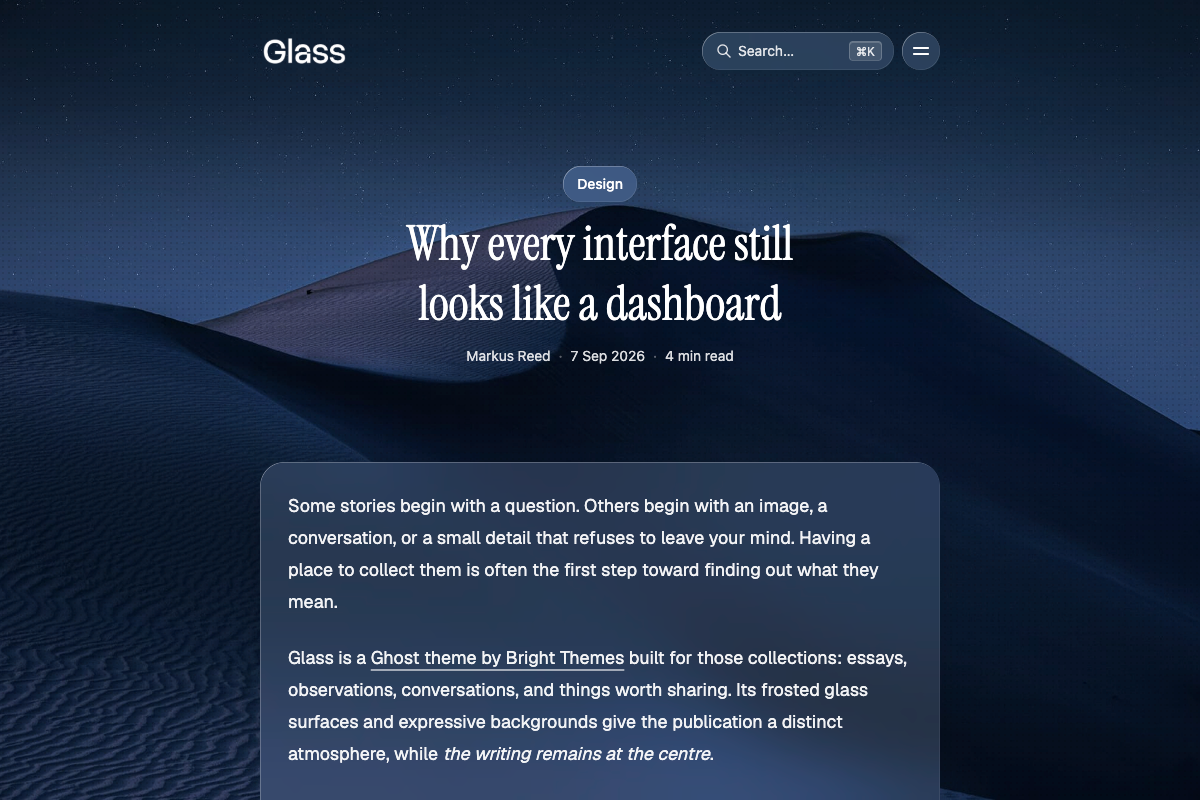
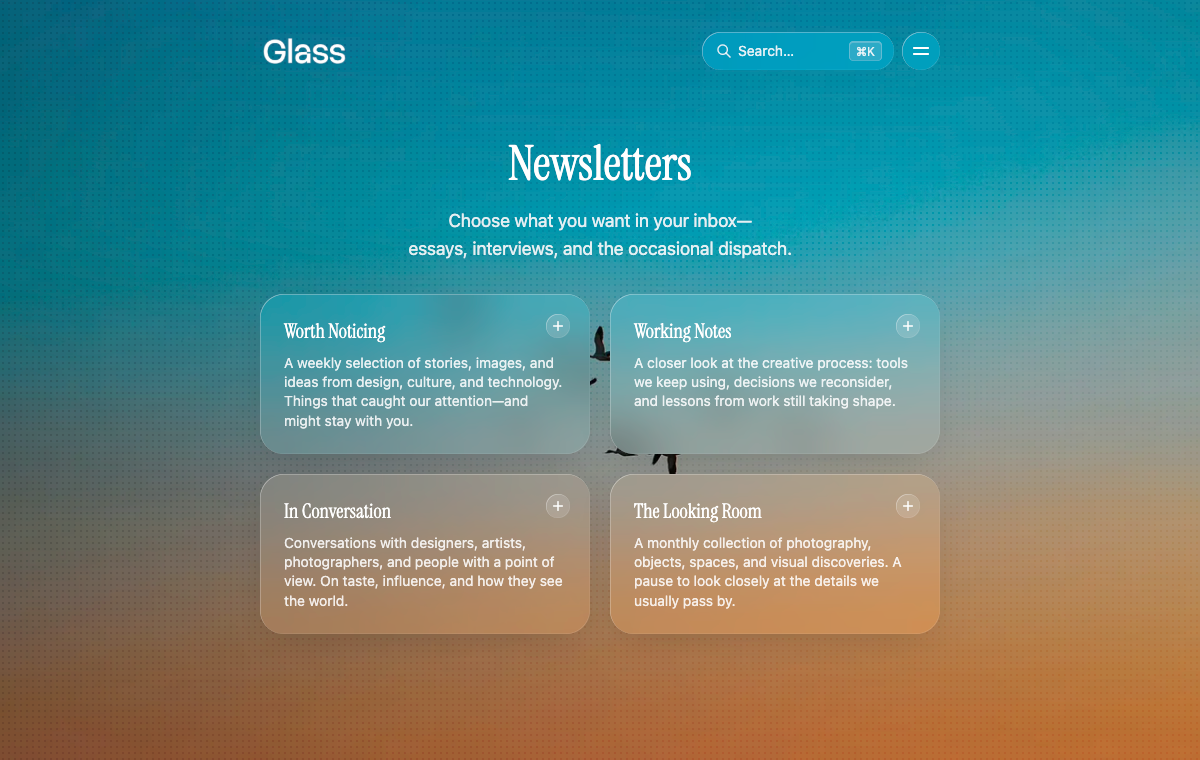
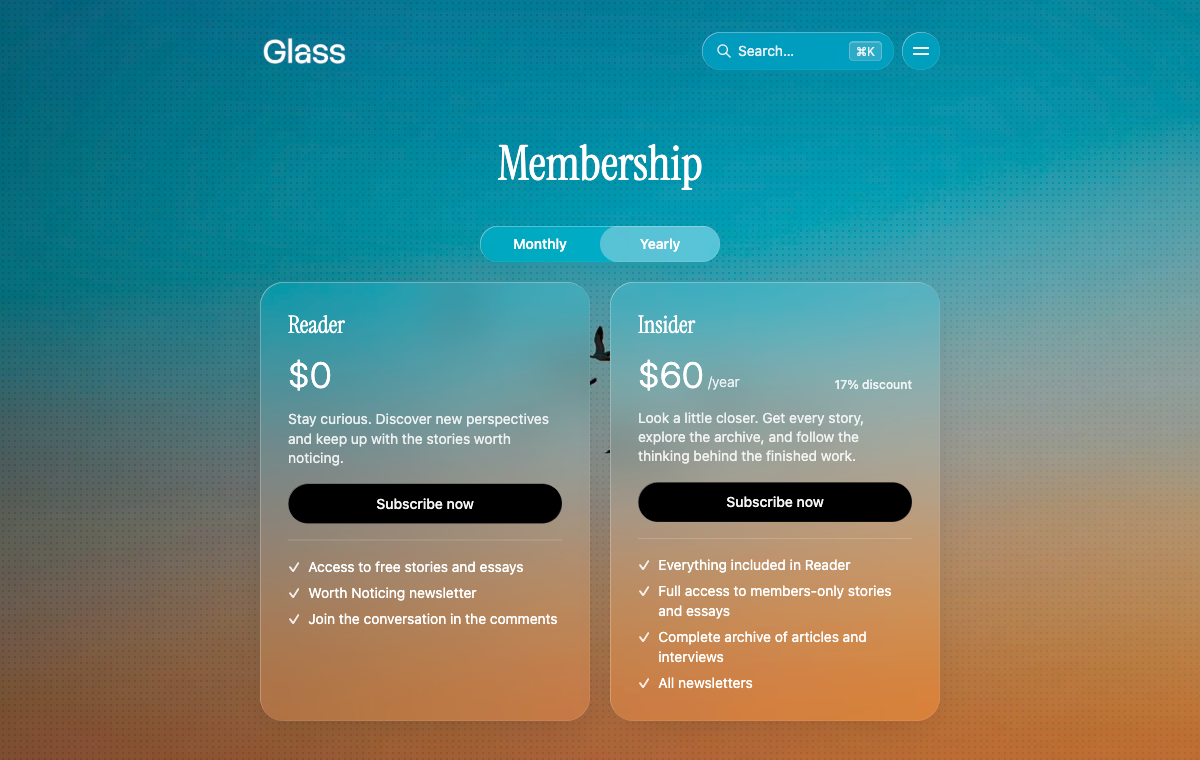
Signing up, membership, and newsletters each get a page of their own. Joining, choosing a plan, and picking letters can open with your own introduction, and the subscribe panel at the foot of the site can carry that invitation too.
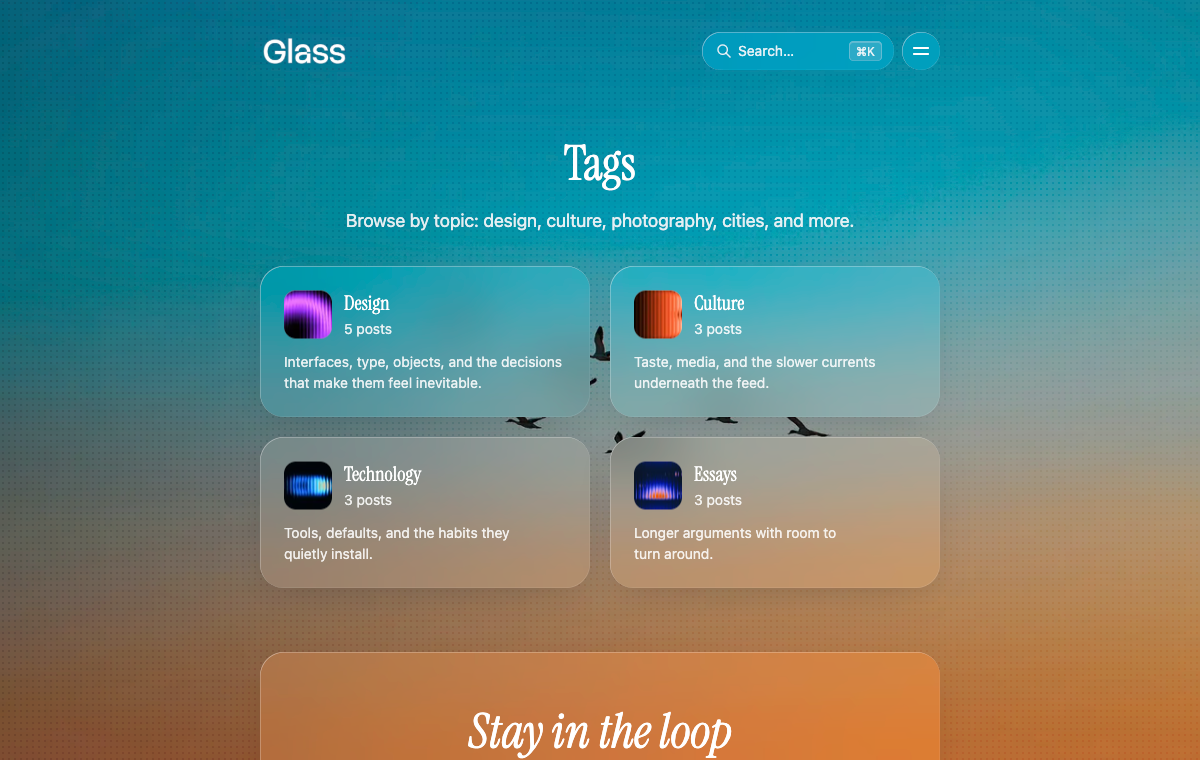
Authors and tags can be presented as pages as well, the people and the subjects with a little room around them. A blank layout lets you make a page that is entirely yours: a launch, a landing, whatever the publication needs next.
From the header to the footer
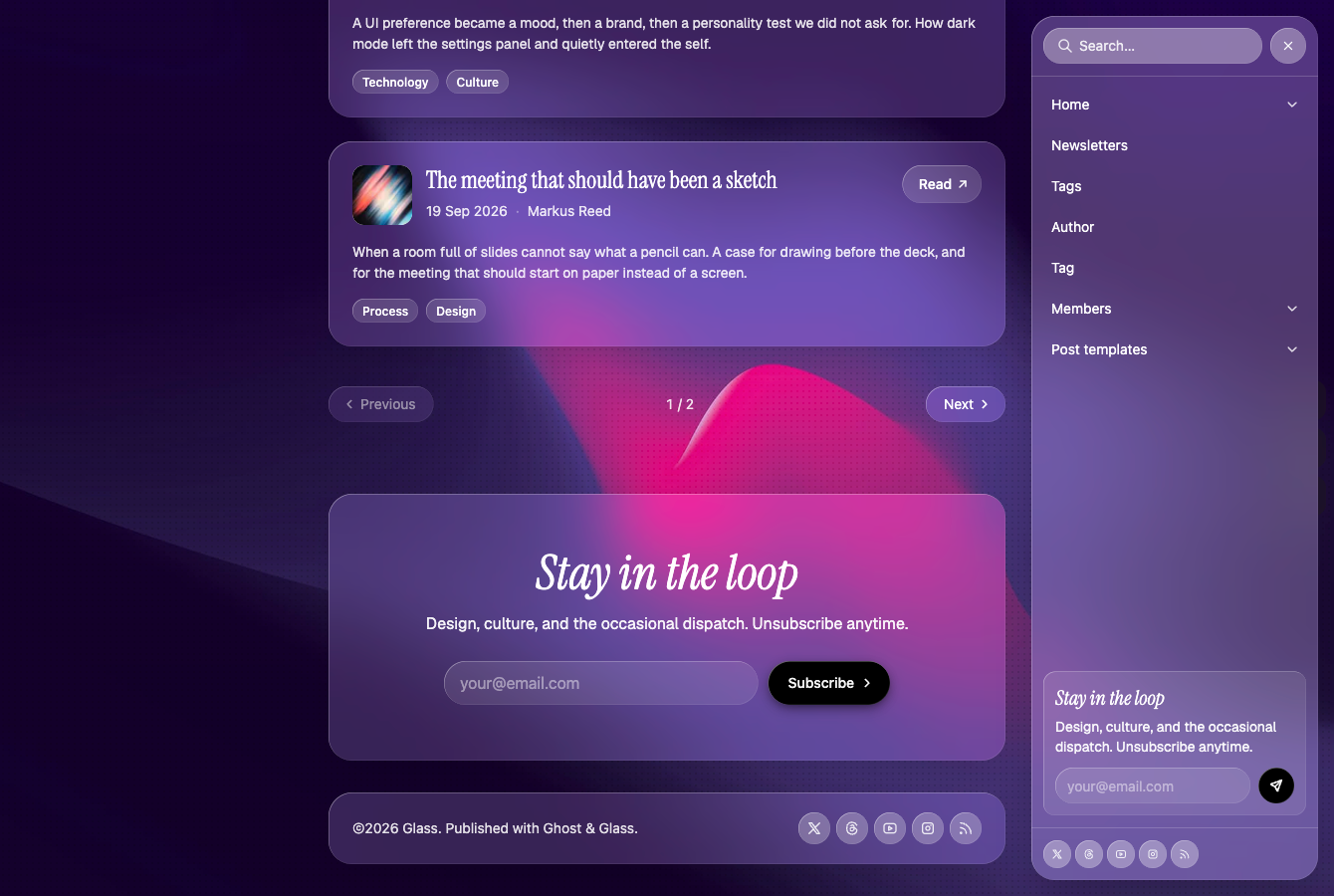
The header carries your name, search, an optional button, and the menu. Open the menu and it’s a panel of its own: the navigation, room for submenus, and a small invitation to subscribe.
Just above the footer, people who haven’t joined yet meet a full subscribe panel. The footer stays small — the publication, the year, and your social links.
Customize without code
The backdrop, the type, the homepage opening, and the header are all choices in Ghost. Change them as the publication changes — a new cover, a different headline, a button in the header — without touching the theme.
For deeper brand work, Glass supports Ghost’s typography settings, custom fonts, and color overrides through Code Injection. The documentation covers the setup steps and useful snippets if you want to go further.
Native Ghost features
Take advantage of the native Ghost CMS features:
- Ghost Portal - to manage membership, subscriptions and account
- Native search - an easy way to provide a search function within your content (posts, tags, authors)
- Native comments - add a comment section to your posts with just a few clicks
- Custom settings - the theme comes with custom settings unique for this theme, making basic theme customization very easy
- Hide the page title and feature image - with this you can create landing pages consisting of header cards and sign up cards, or any other cards from the Ghost editor
Ghost Editor cards
Full support for the full range of editor cards in the Ghost editor:
- Markdown card
- Bookmark card
- Gallery card
- Image card with normal, wide, and full width
- GIF card
- Button card
- NFT embed
- Callout card
- Toggle card
- Alternative quote style
- Product card
- Audio card
- Video card
- File card
- Header card
- Signup card
- Call to action card
- Check out the full style guide
Translations
Glass is translation ready. By default, everything is in English (en.json). Copy that file to add another locale — for example de.json for German — then set the publication language in Ghost Admin.
Extra features
- Dropdown menus - add submenus to the menu easily from your Ghost Admin navigation (no-code)
- Accessibility - skip link, visible focus rings, keyboard-operable menu drawer, and reduced-motion fallbacks for animations
- Performance optimization - WEBP image formats, image lazy loading, and a lightweight cover-image preview before the full background loads
- Membership & Subscriptions - full support for the membership feature, including membership tiers and multiple newsletters
- WEBP image converting - the theme converts images to
.webpformat for browsers that support it
Additional info
- The online documentation covers everything, starting from installation and configuration as well as customizing and theme development.
- You can set up automatic theme deployment using GitHub Actions. Follow our ghost theme deployment tutorial.
- Feel free to reach out if you have any feedback or need support. Twitter: @brightthemes_