


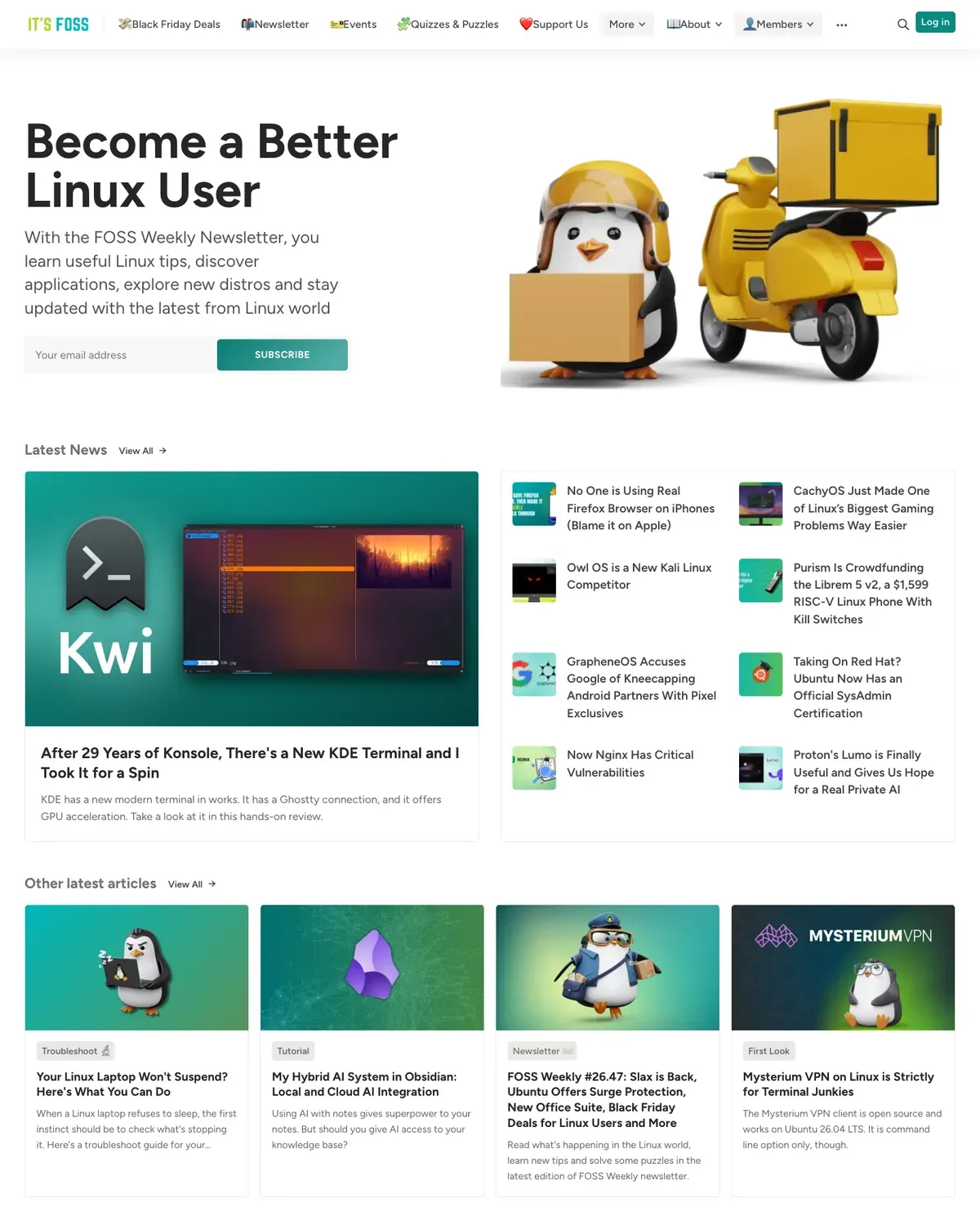
Rinne
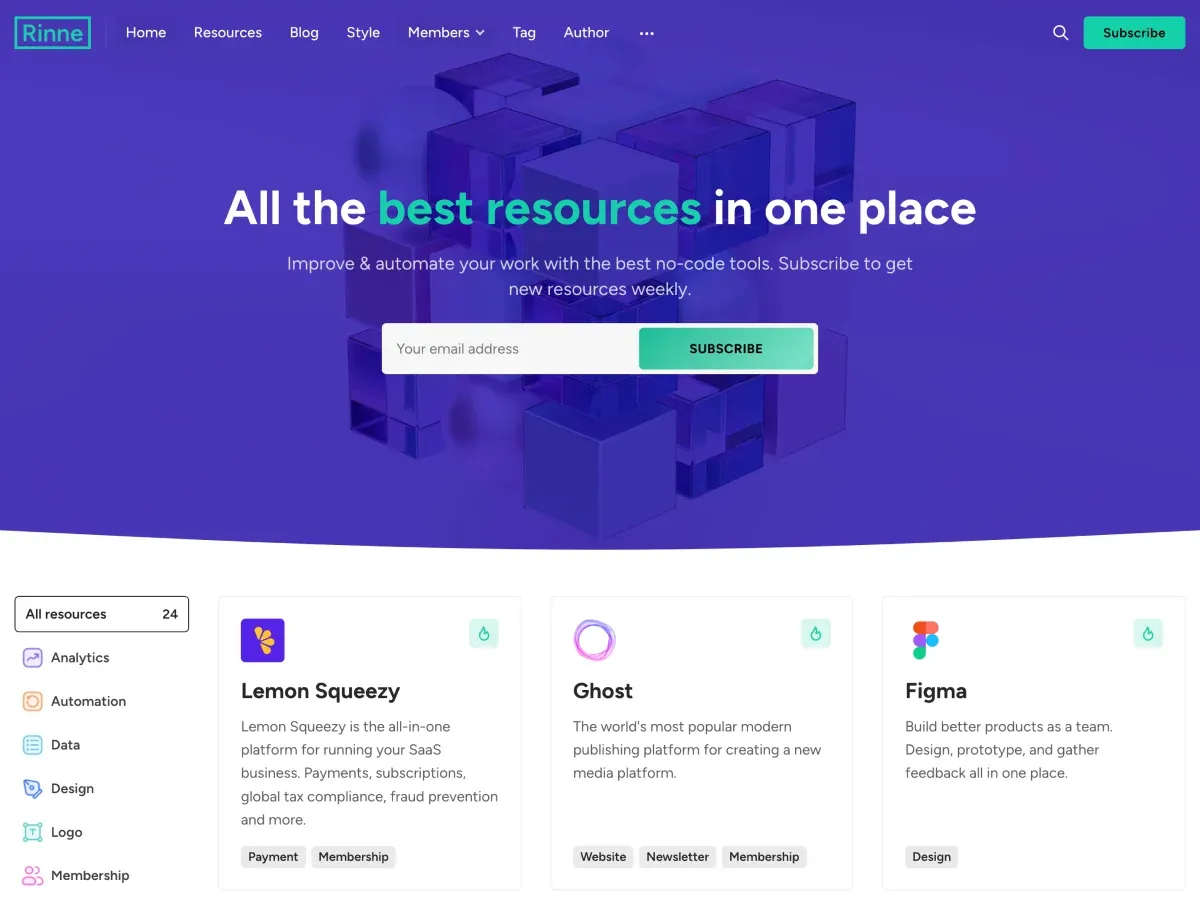
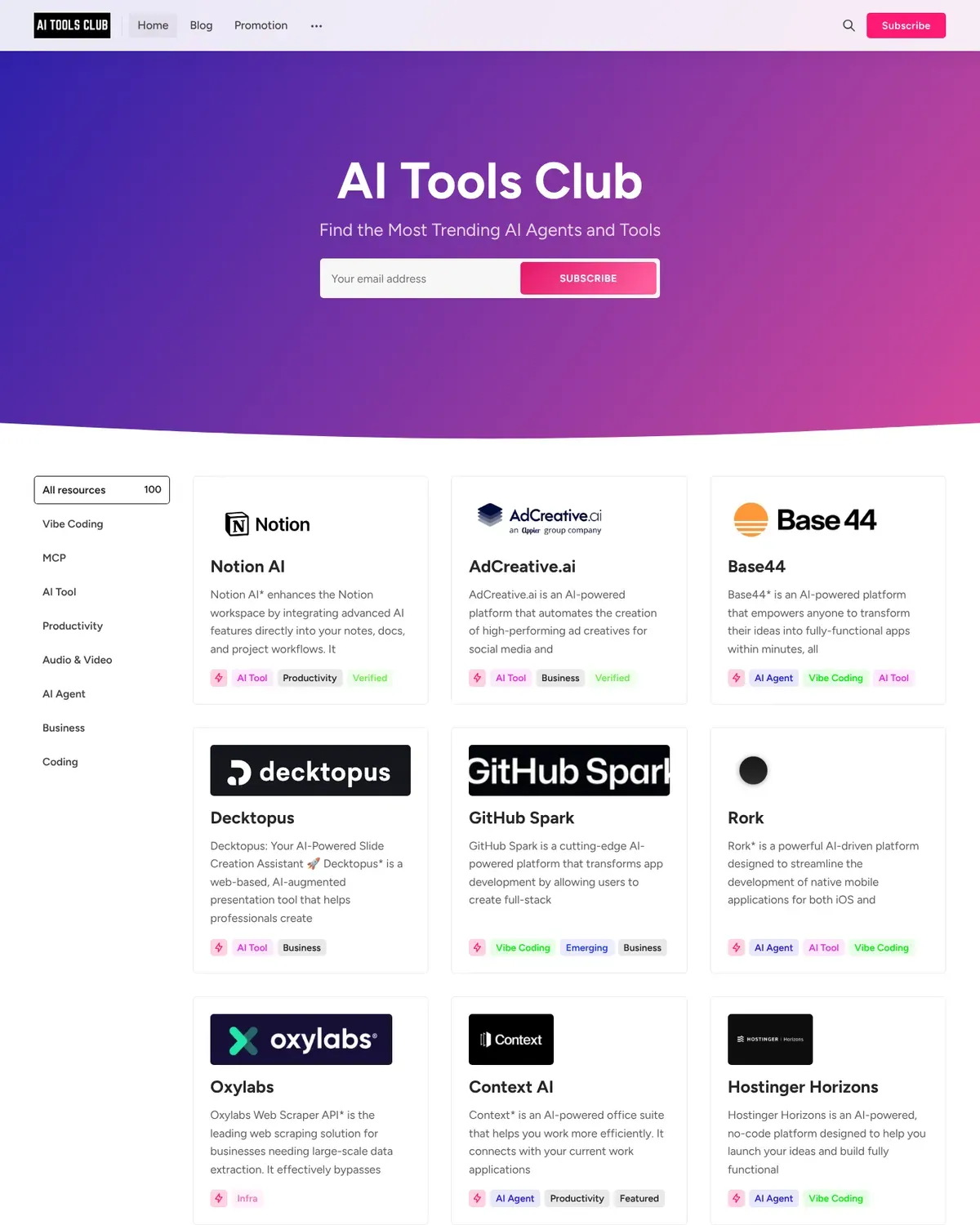
A directory of tools and resources, with tag filters, cards in a grid or list, templates for resources and posts, and a blog beside them, in light and dark.
5.0 from 36 ratings- Pay once
- Updates for life
- 14-day refund
- Version
- 1.11.0
- Updated
- Works with
- Ghost 6
- Design settings
- 16
Rinne docsSetup, settings and customizationChangelogEvery version with its changes and filesSupportQuestions before or after you buy
Rinne 1.11.0 for Ghost 6.x
Checked with GScan (opens in a new tab), Ghost's official theme validator.
Inside Rinne
Open the live demo (opens in a new tab)A directory readers can filter
Readers filter your resources by the topics you choose, from a sidebar or above the cards. Show them as a grid or a list, with images in four sizes or none. A resources page groups them all, and your blog gets its own page.
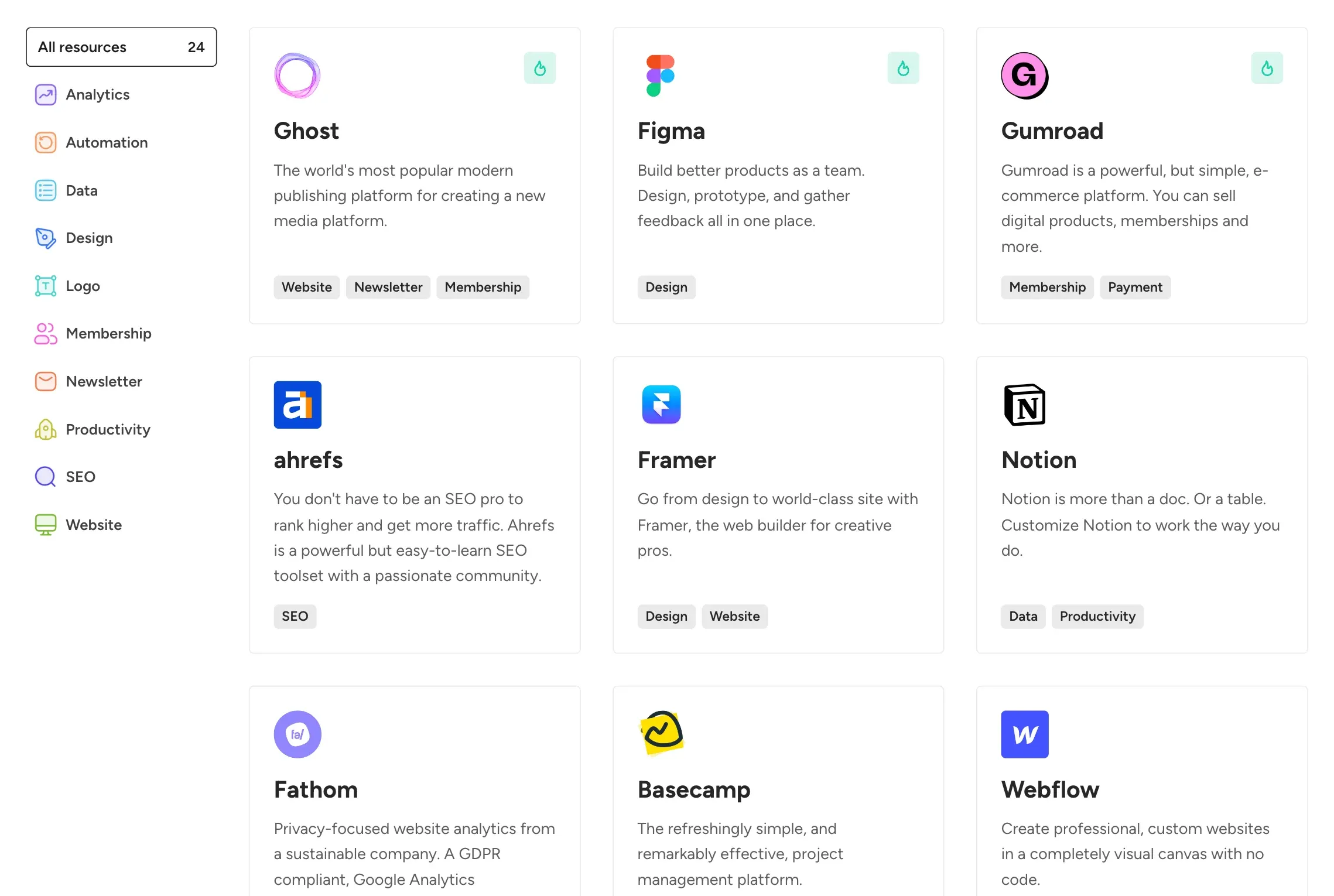
Sidebar filters, grid 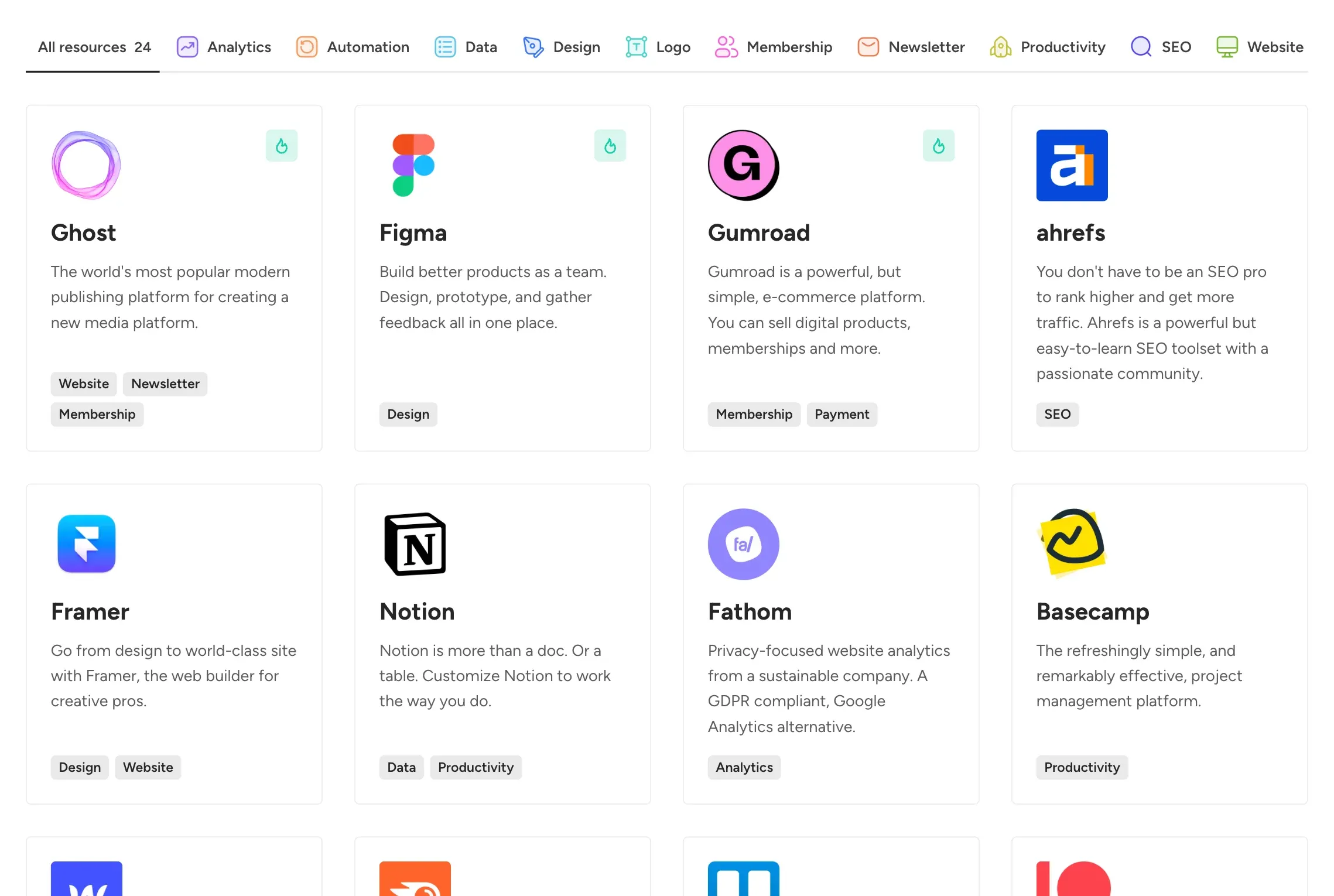
Filters on top, grid 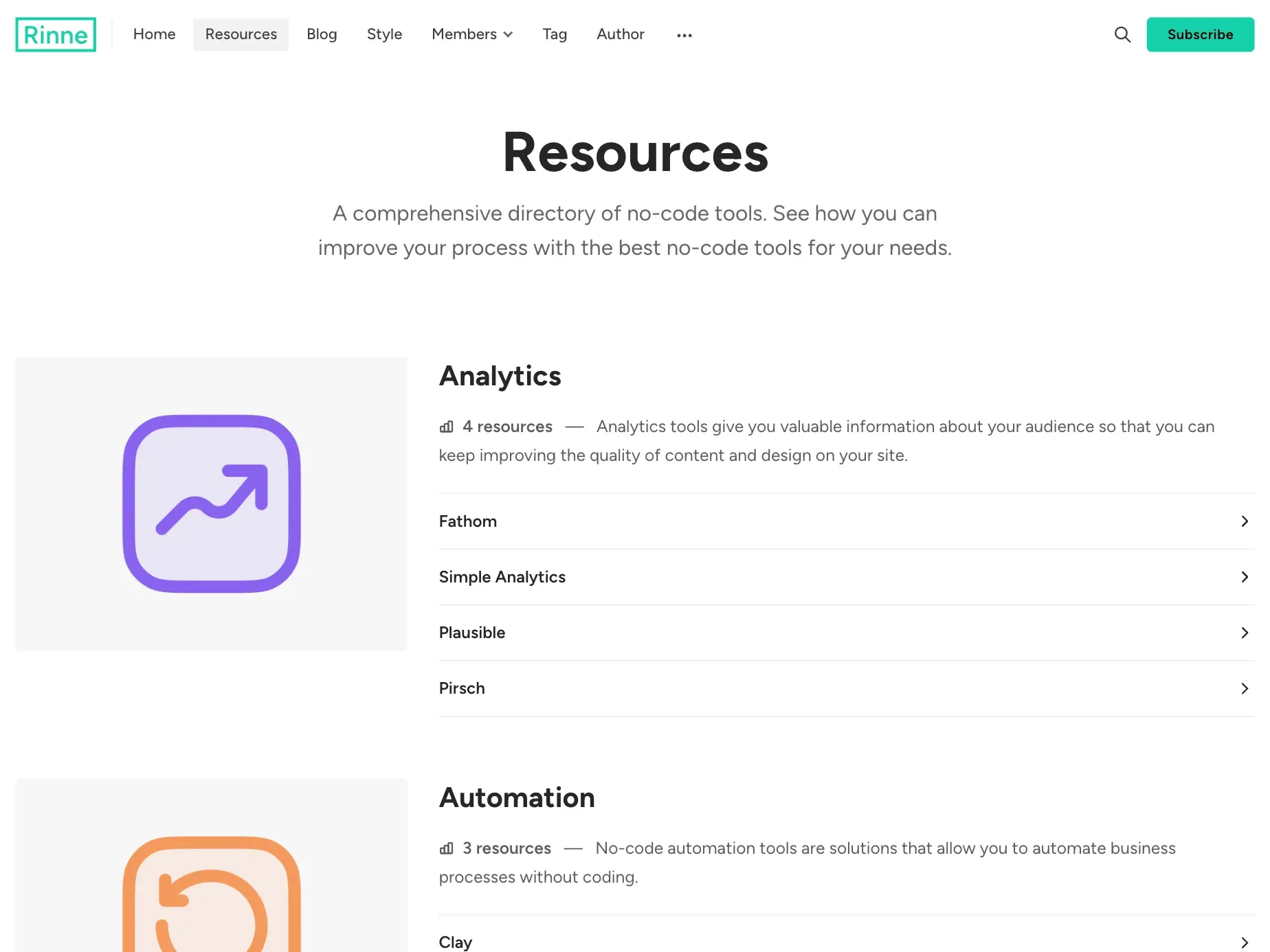
Resources page 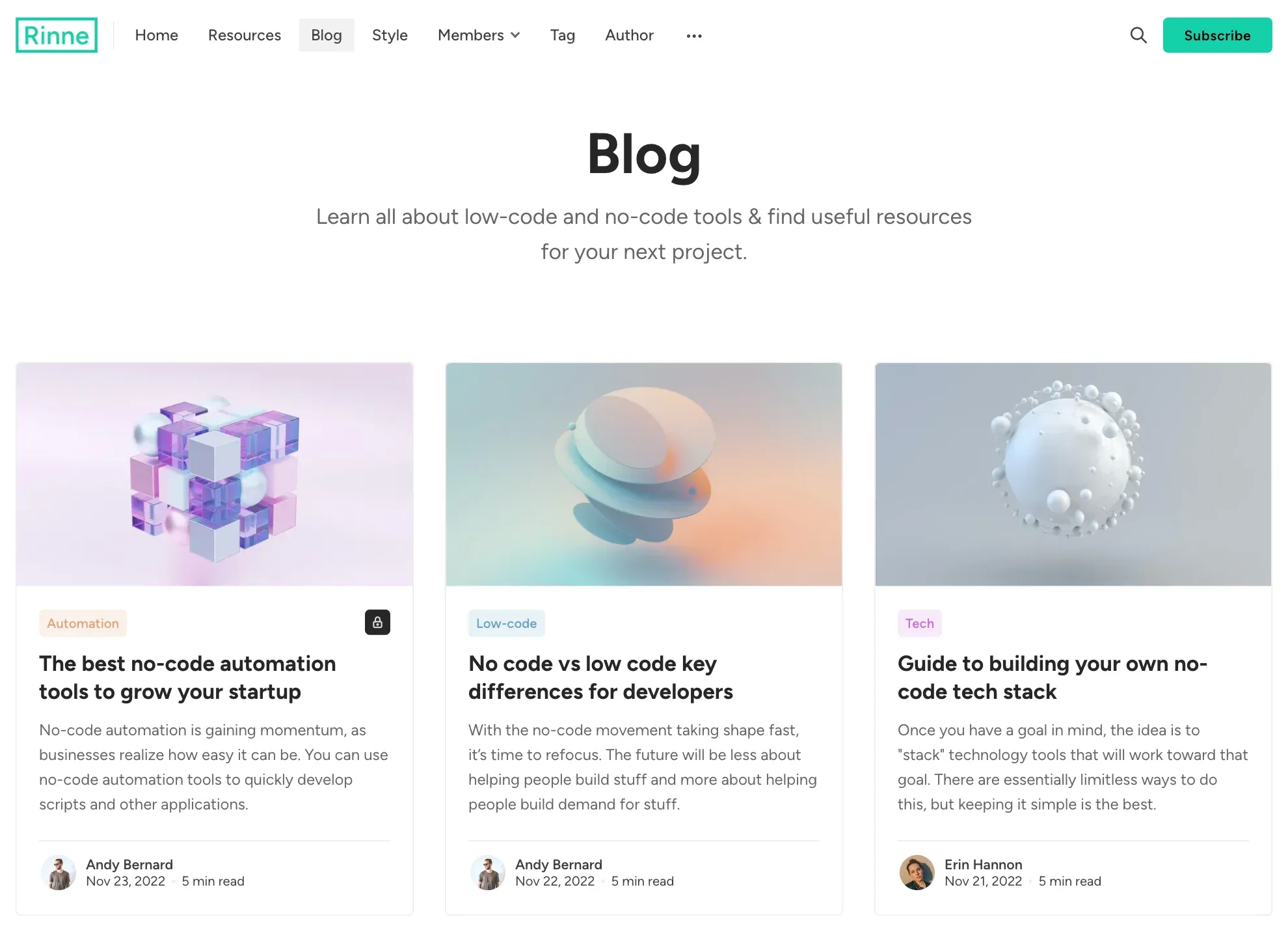
Blog page
Open with your cover
Write your title, a short description and a button, and show your cover image full width, behind the text, beside it or below. Or leave it out for a hero that’s all words.
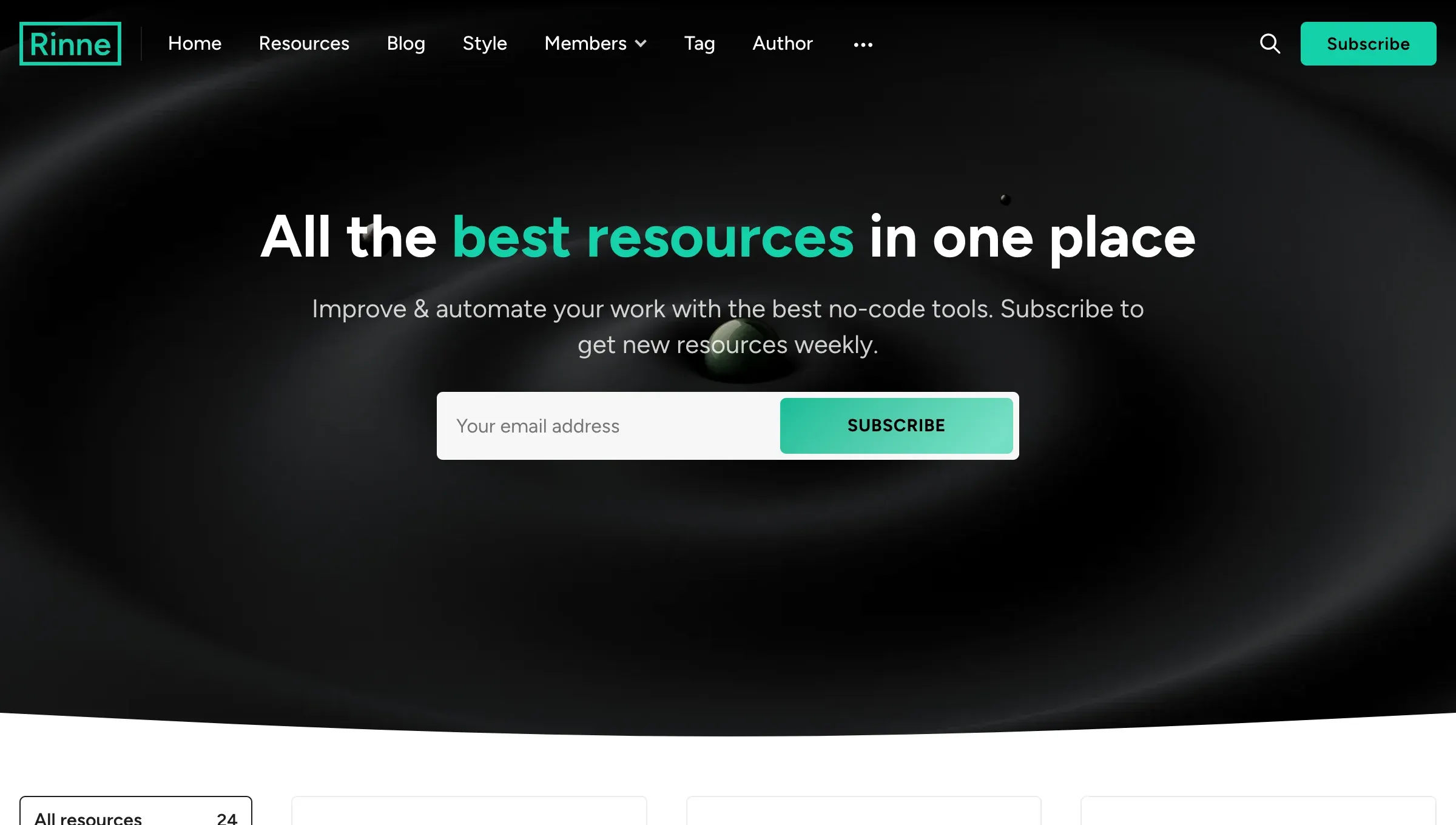
Full background 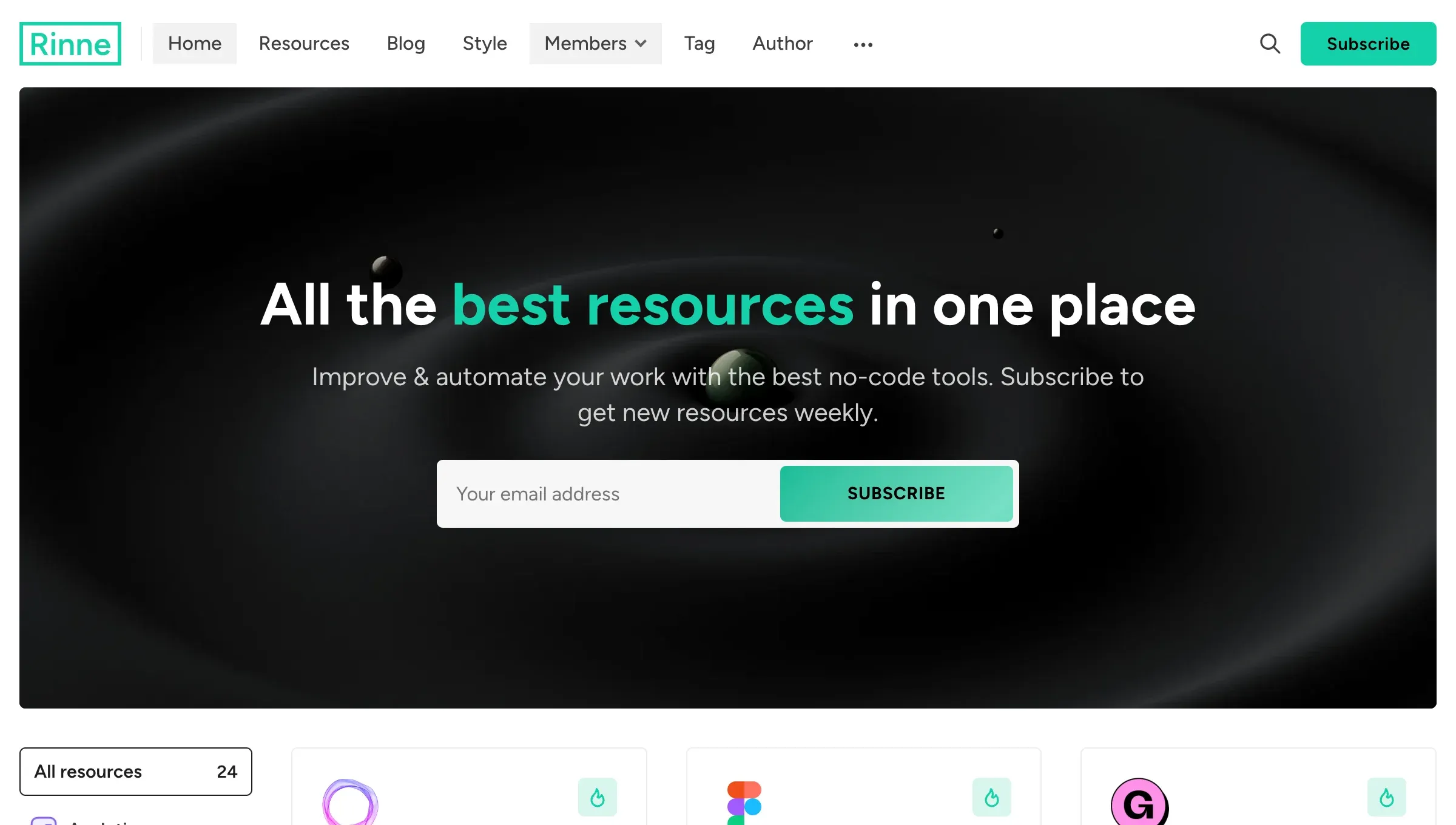
Background 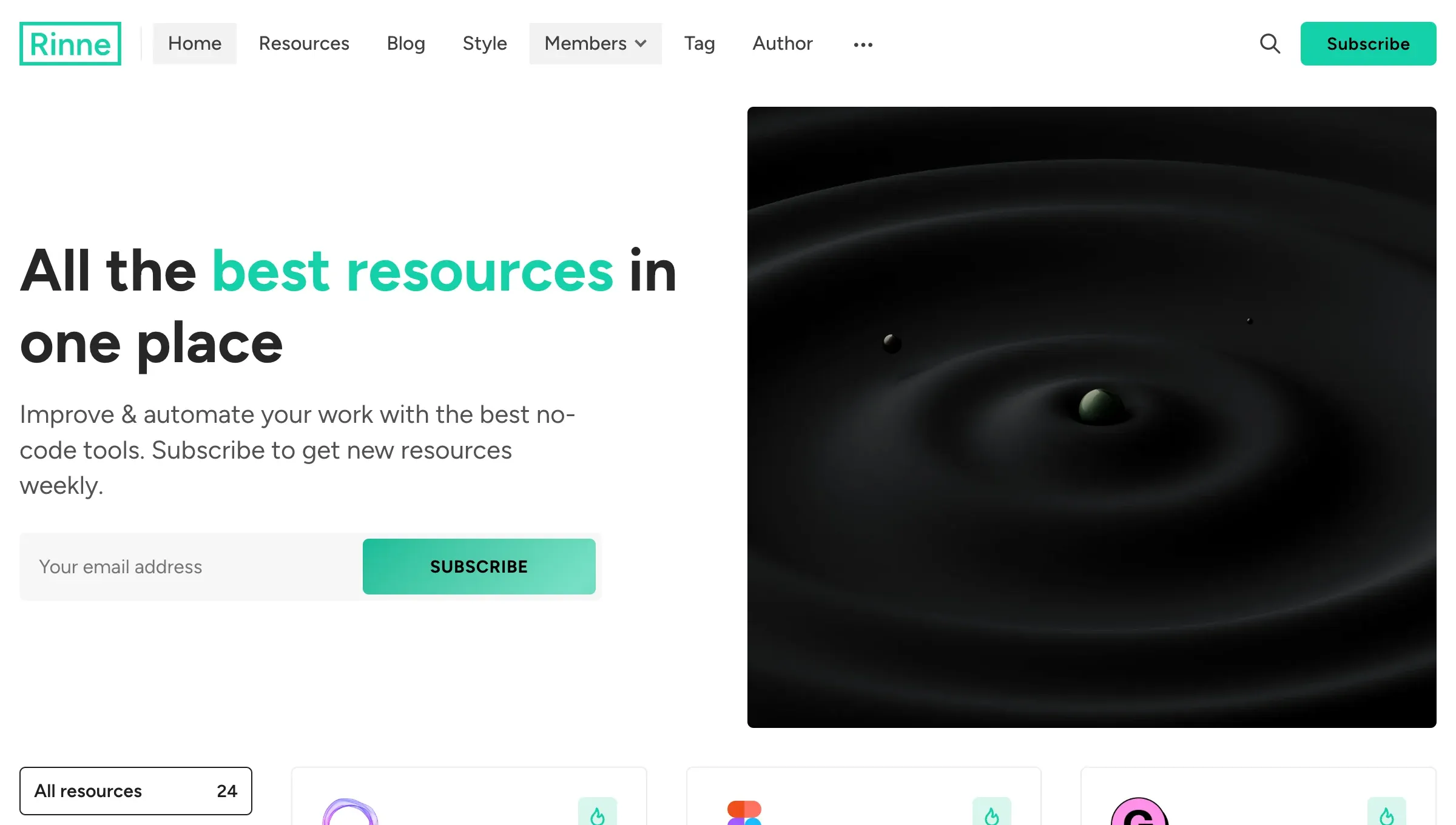
Image on the side 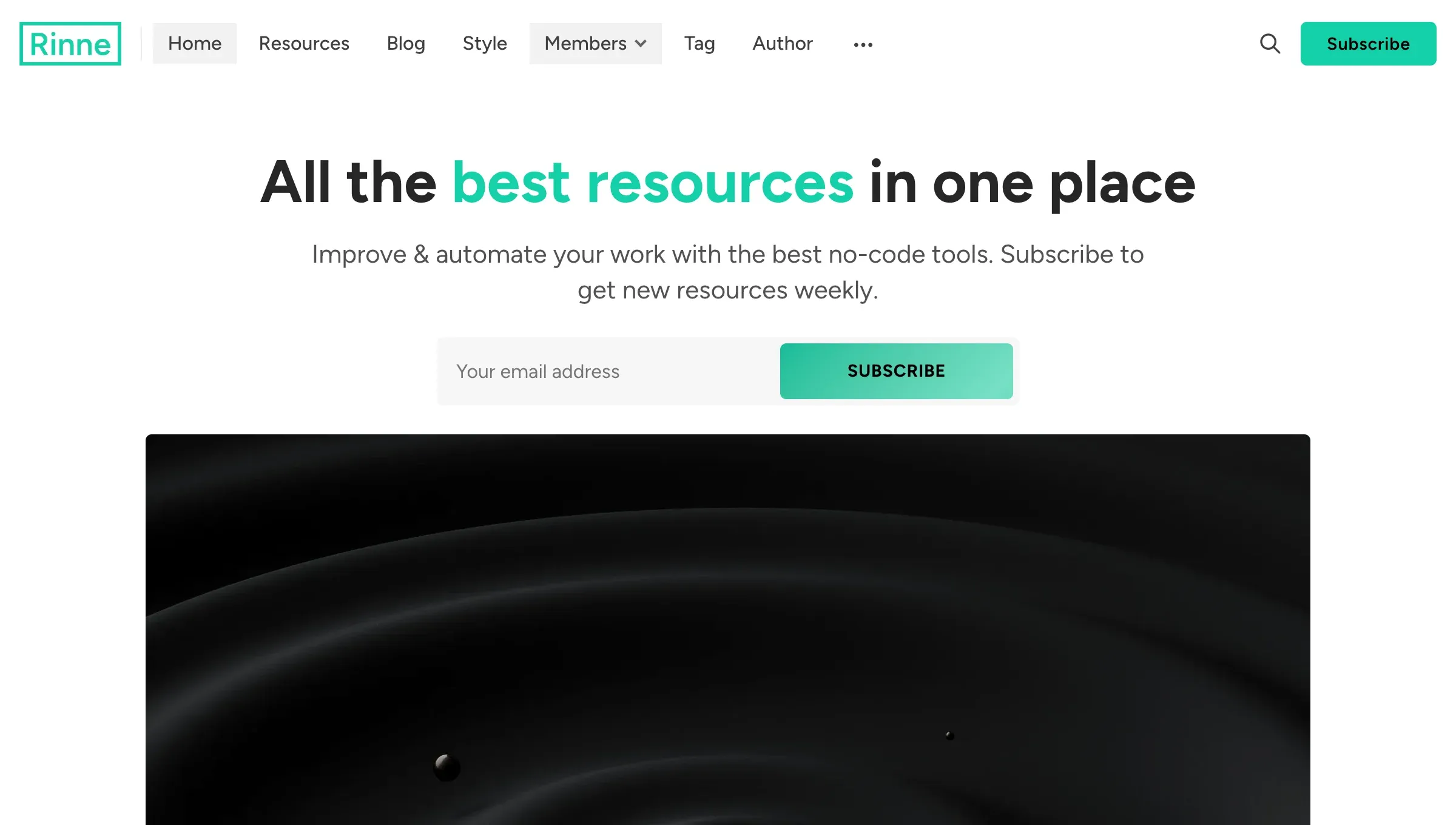
Image below
Resource and post pages
Each resource gets a page with its image beside the title. For posts, set the image behind the title at page or full width, make it wide, or add a sidebar, with or without a table of contents.
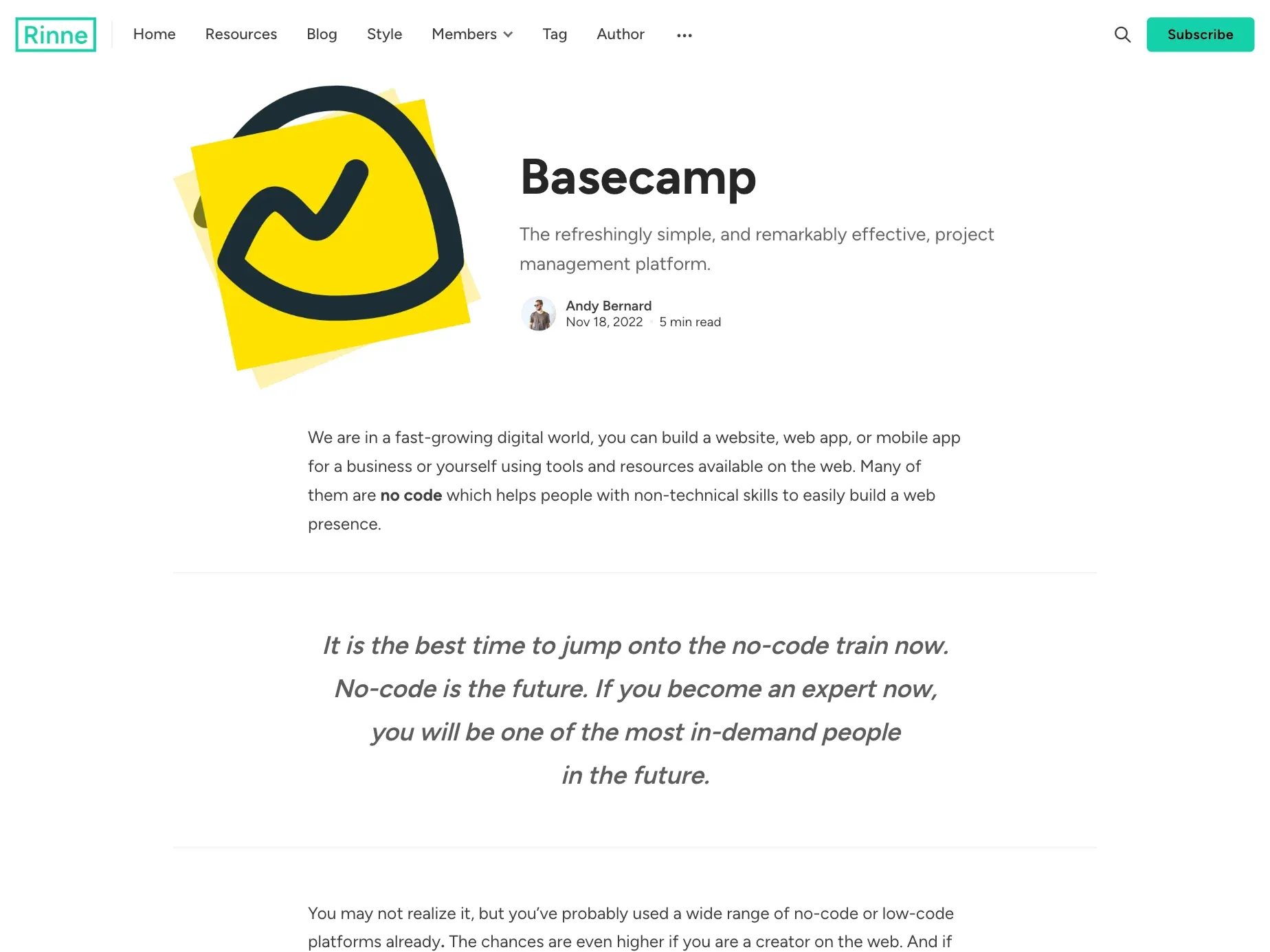
Resource 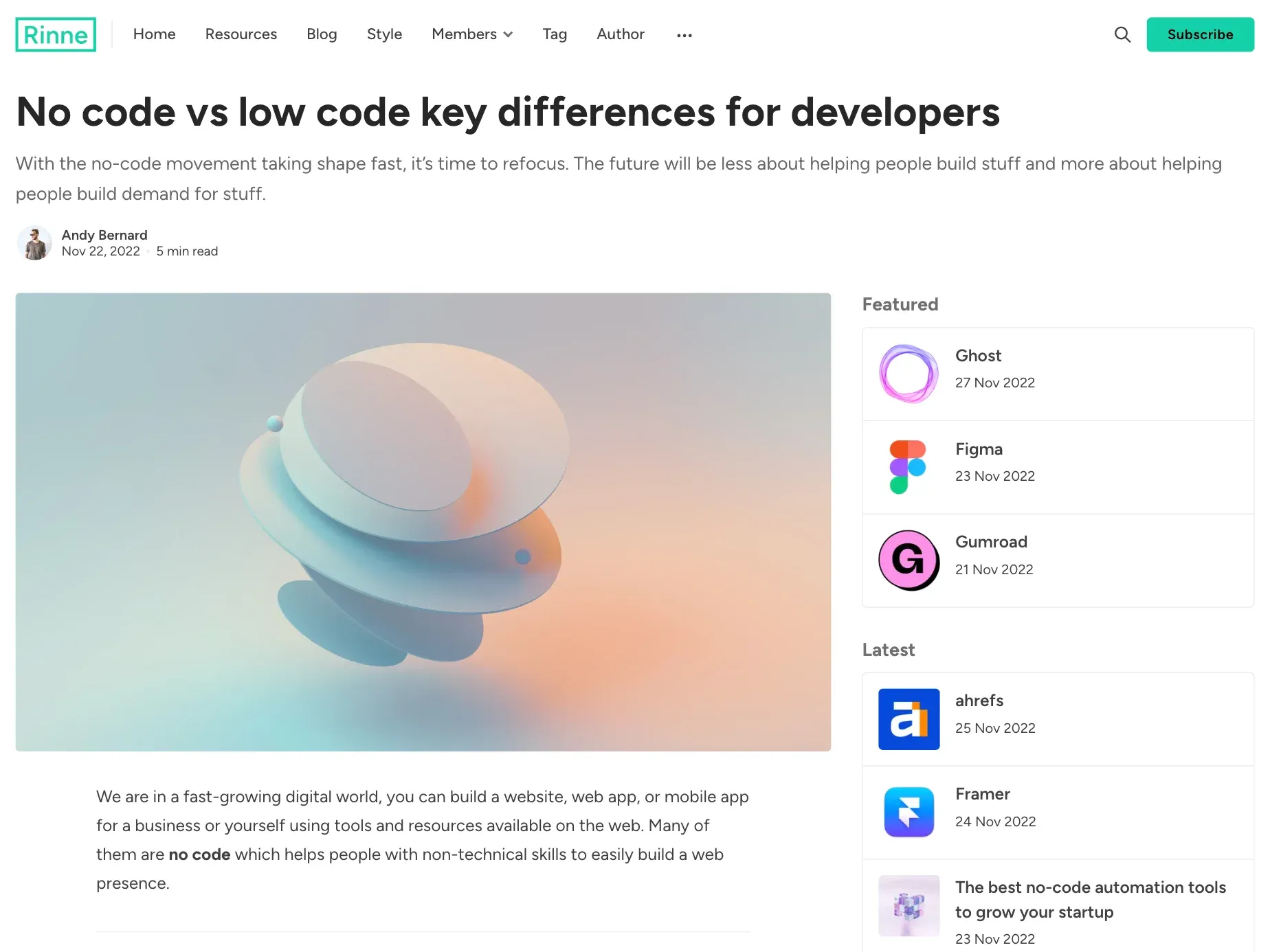
Sidebar 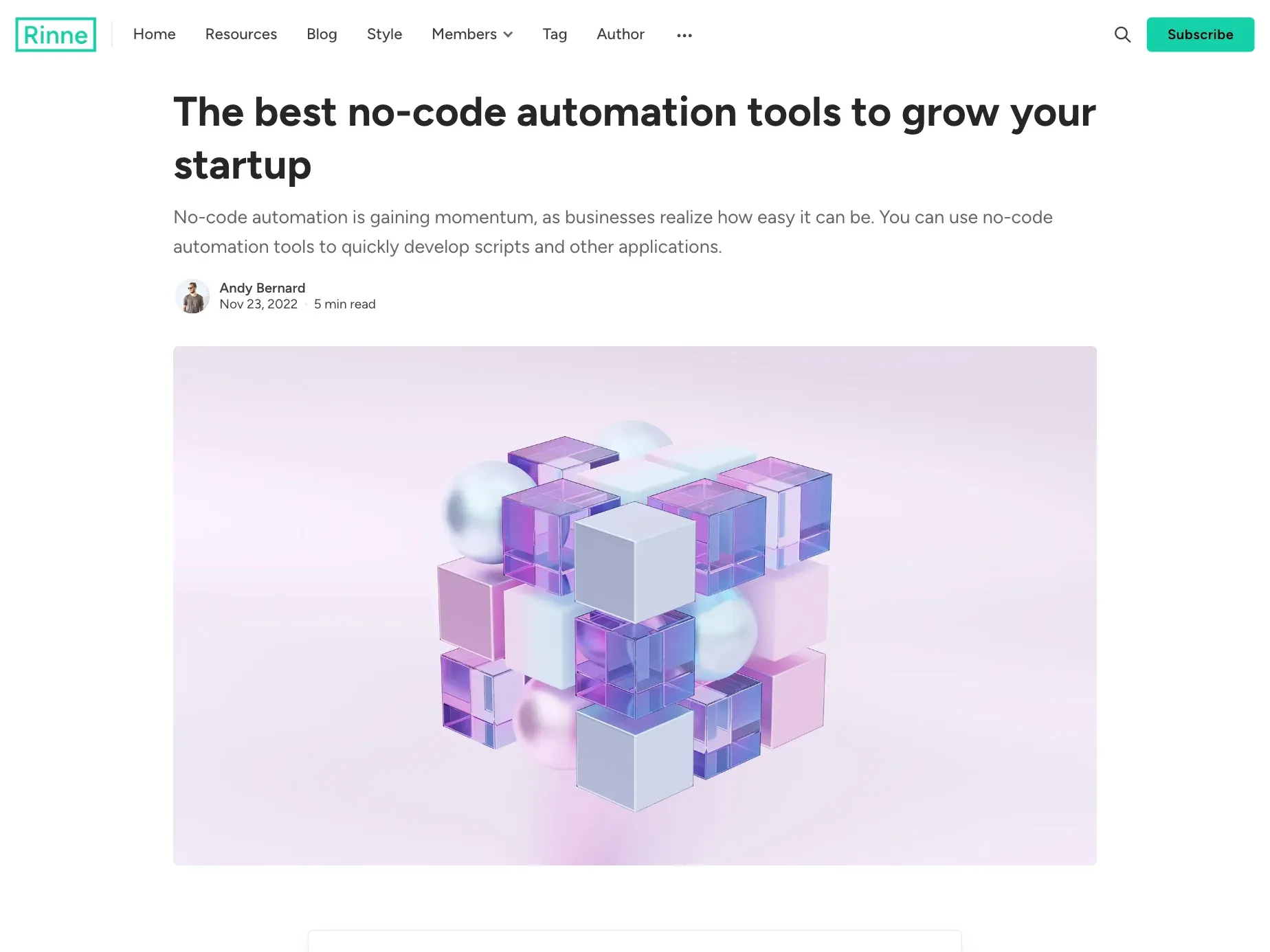
Wide image 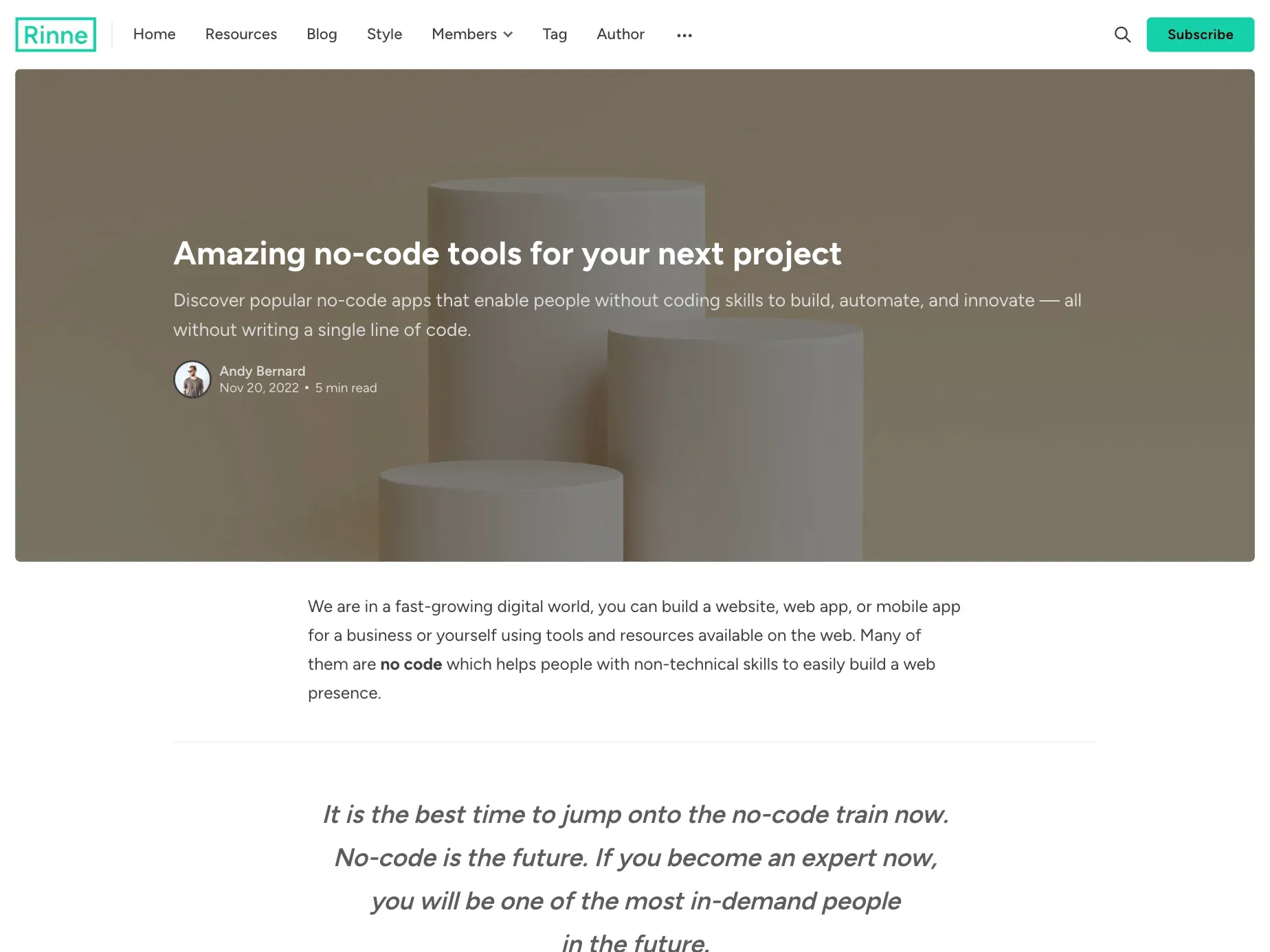
Background image
Member pages, light or dark
Rinne comes with membership, sign-up, sign-in and account pages, ready for your readers. Light and dark modes follow each reader’s system, or you set the default.
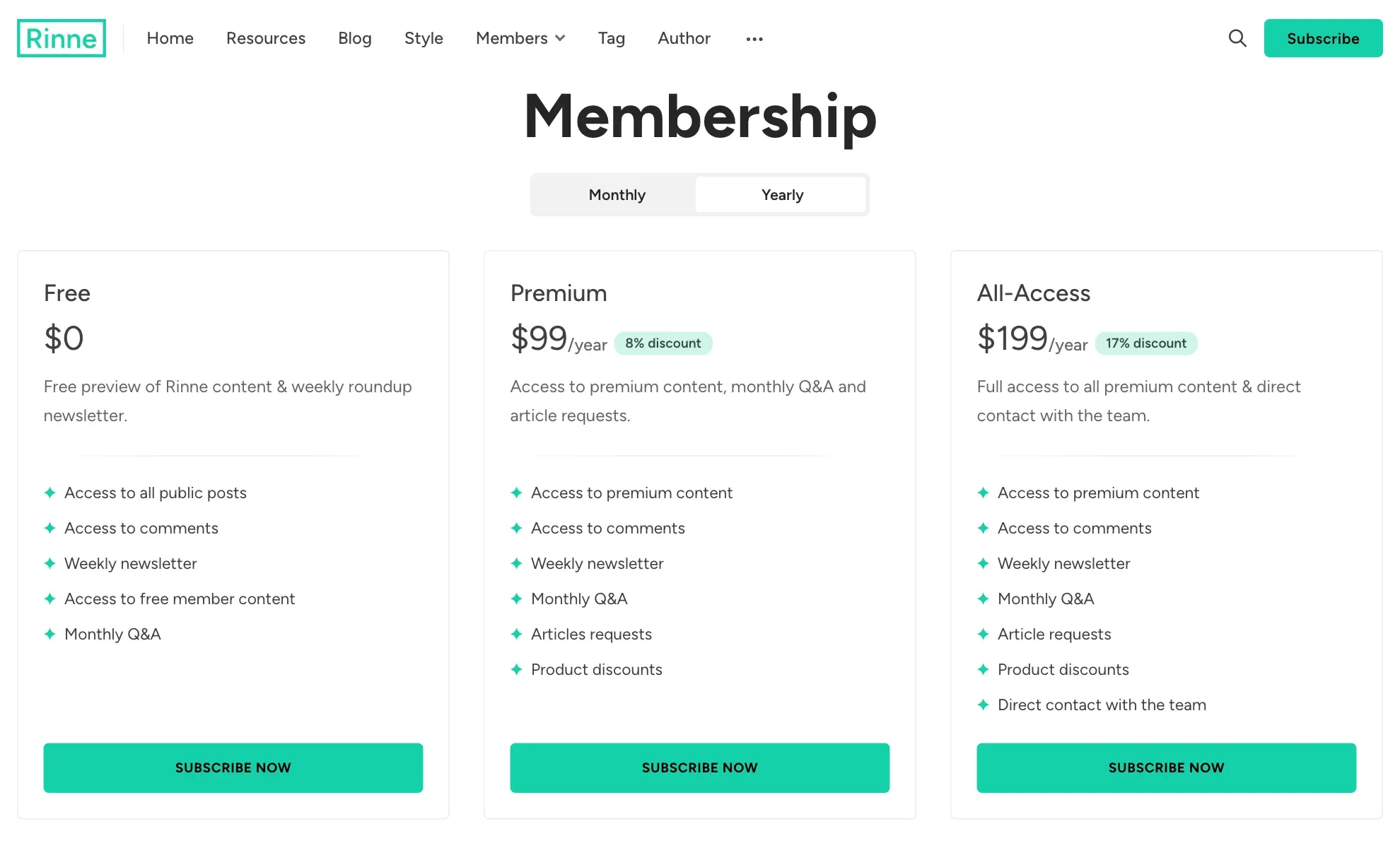
Membership 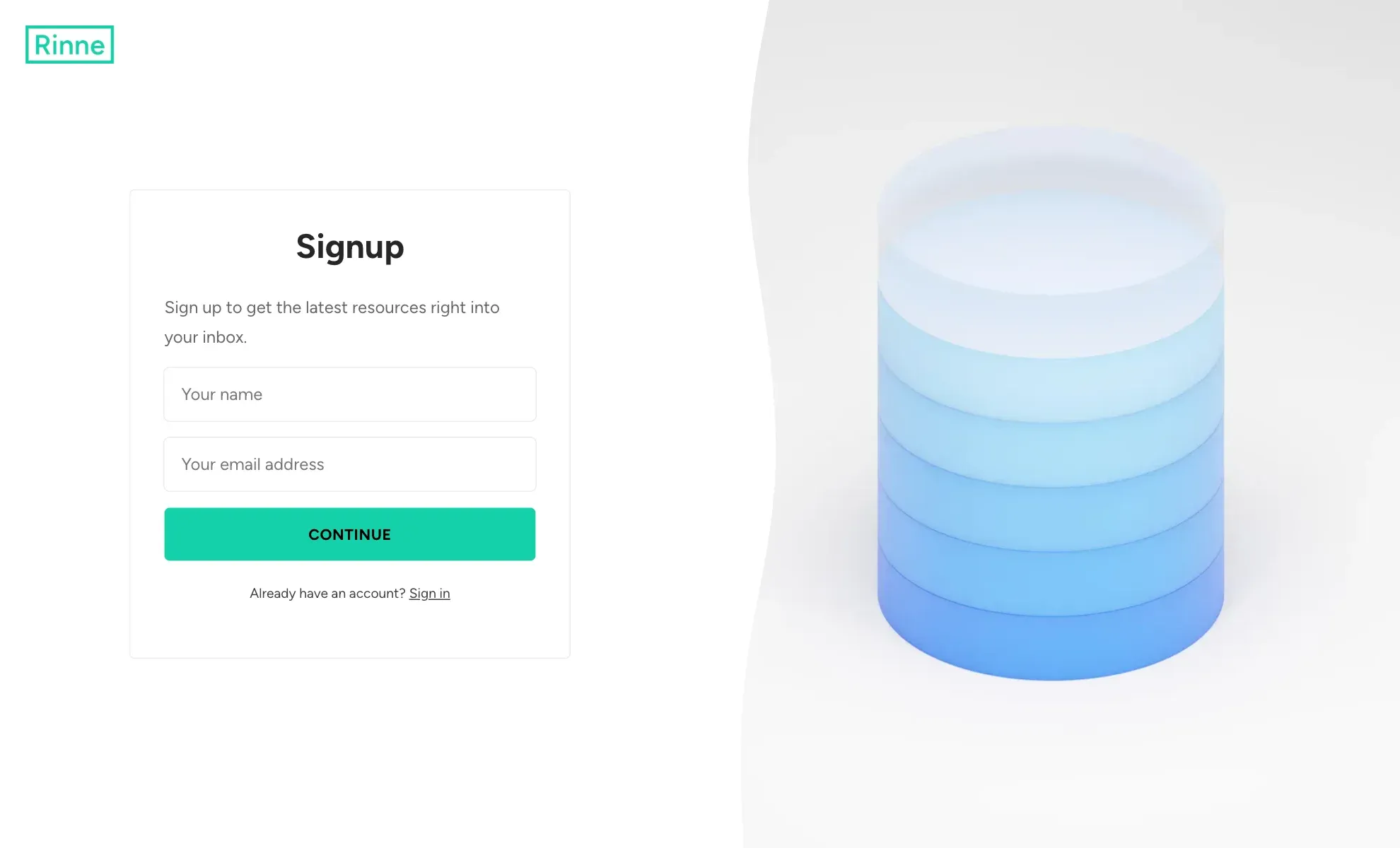
Sign up 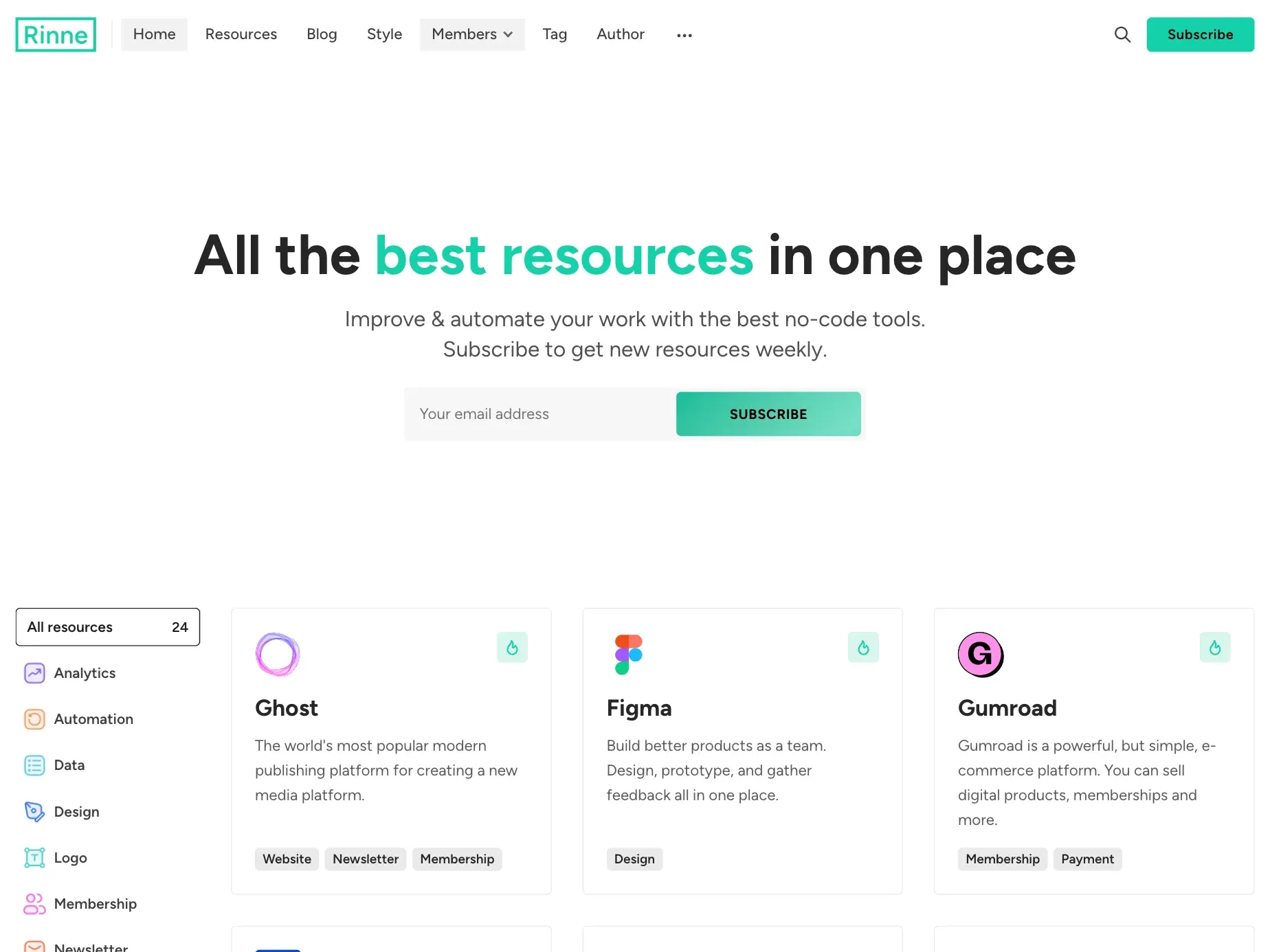
Light 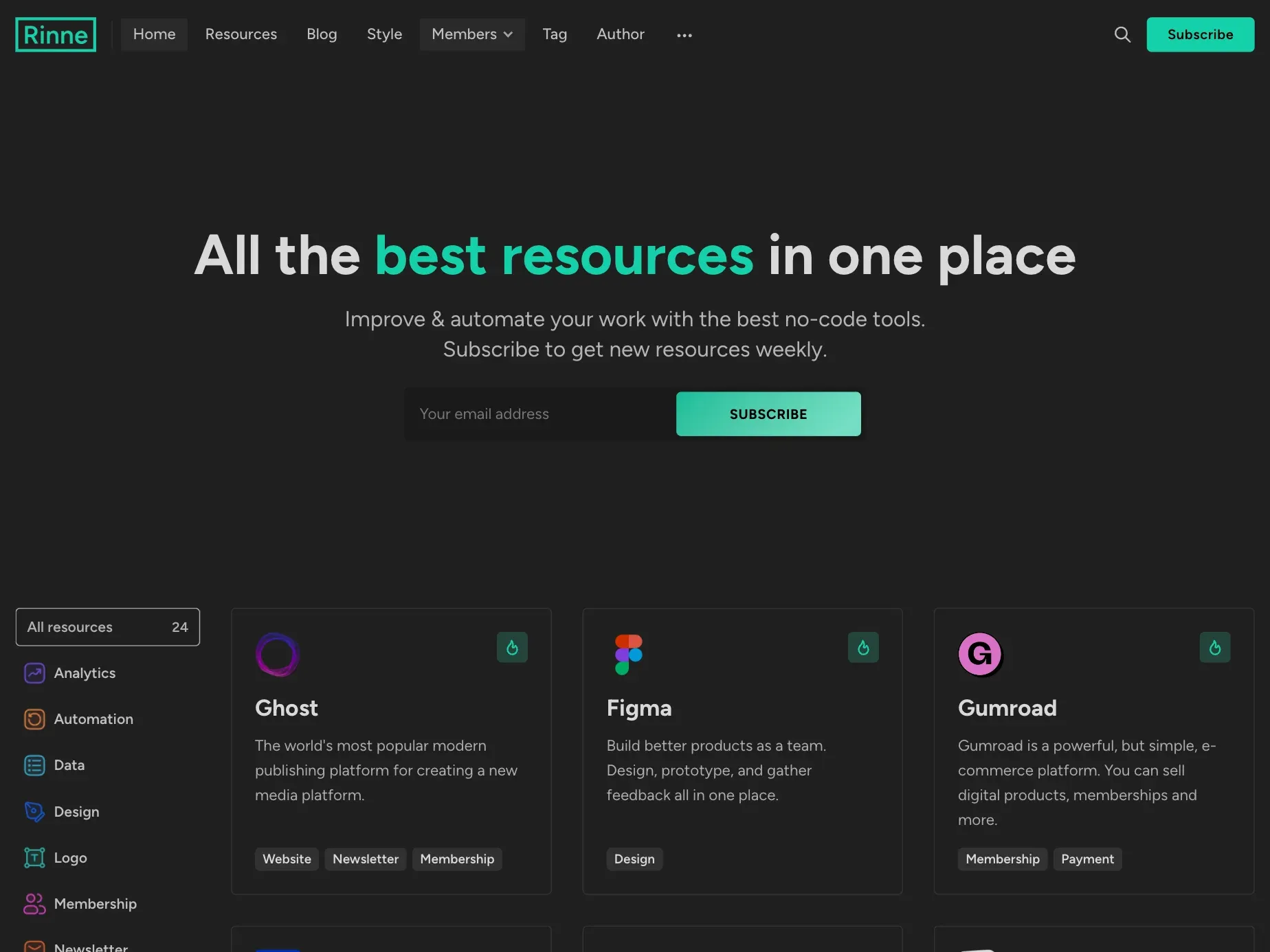
Dark
What customers say
Read all reviews5.0 / 5
Average from 36 ratings
“I've been using Bright Themes's Rinne theme for a couple of years for my Ghost website. I started having some issues with it and reached out to their customer service to see if they could help. I got a follow up email immediately from Norbert, who worked with me to fix everything so my website was back and working well!”
 Elisa
“Working with Norbert was so easy - he was super responsive, patient with my questions. Working with him was a no-brainer and I'd recommend him all day long!”
 Susan Boles
“The Rinne theme has been great to work with so far! It's well designed, so I'm able to make minor edits to it even though I have no coding experience. I look forward to future updates and improvements!”
 Brandon Gacuzana
“We searched the web for dictionary themes for ghost and thankfully we took Rinne from Bright Themes. Super useful documentation, fast support and quick replies from Norbert. With the last update, he implemented a star system for reviews and now our theme is perfectly fits for our needs!”
 André Nünninghoff
“The Rinne theme is excellent - exactly what I needed for my new tools database for crea8or.tools 🚀 Well worth the money.”
 Marc Kleinmann
“Great theme, great support from the team. Just perfect.”
 Jerome Sutter
1 / 6
Make it yours in Ghost Admin
Read the Rinne docs16 settings, no code
Your logo, accent color and cover live in Ghost's Brand settings. Rinne adds 16 of its own under Theme:
- 9 Site wide settings
- 6 Homepage settings
- 1 Post setting
Change them in Settings › Design & branding as the publication changes; nothing to edit in code.
Need more than the settings allow? We set up and customize our themes for you, by the hour.
See setup and customizationSpecs and features
Compare with other themesAt a glance
- Version
- 1.11.0
- Released
- Last updated
- Works with
- Ghost 6
- Design settings
- 16
- Collections
- Home, Blog
- Templates
- Post, Page, Directory, Directory with main topic, With background image, With full width background image, With sidebar, With table of contents and sidebar, With wide image
- Pages
- Sign up, Sign in, Account, Membership, Resources, Recommendations
- Color schemes
- Light and Dark
- Languages
- Dutch, English, French, German, Italian, Portuguese, Spanish, Turkish
- Built with
- Gulp, PostCSS
- Download size
- 348 KB
Built-in features
- Dark mode
- Membership
- Table of contents
- Sidebar
- Dropdown menus
- Related posts
- Share buttons
- Reading progress bar
- Image lightbox
- Respects reduced motion
Every Ghost feature
- Memberships and paid tiers
- Multiple newsletters
- Portal sign-up and account
- Native search
- Native comments
- Web analytics
- Social web (ActivityPub)
- Tips and donations
- Announcement bar
- Every editor card
- Hide title and feature image
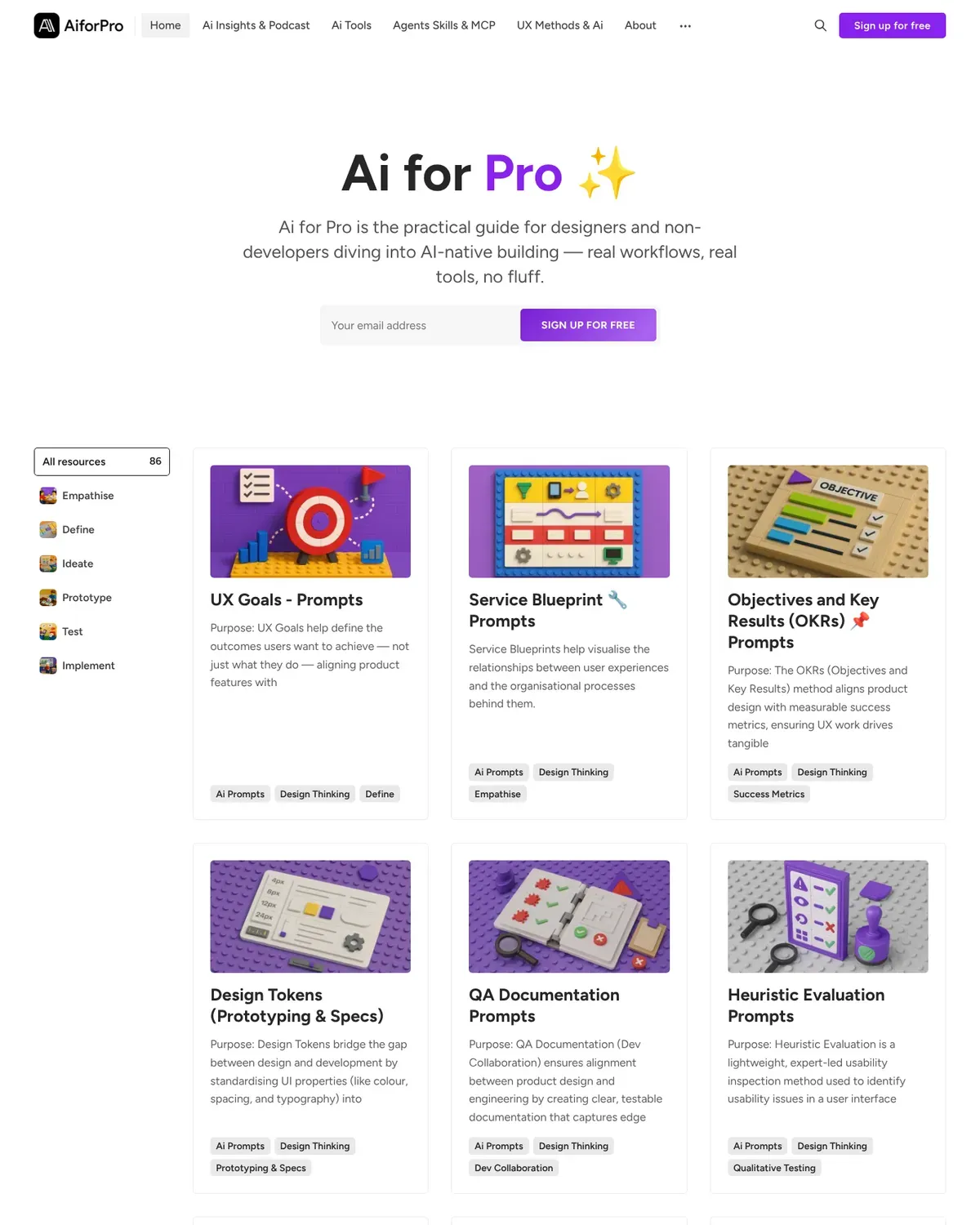
Built with Rinne
See all 36 Rinne sites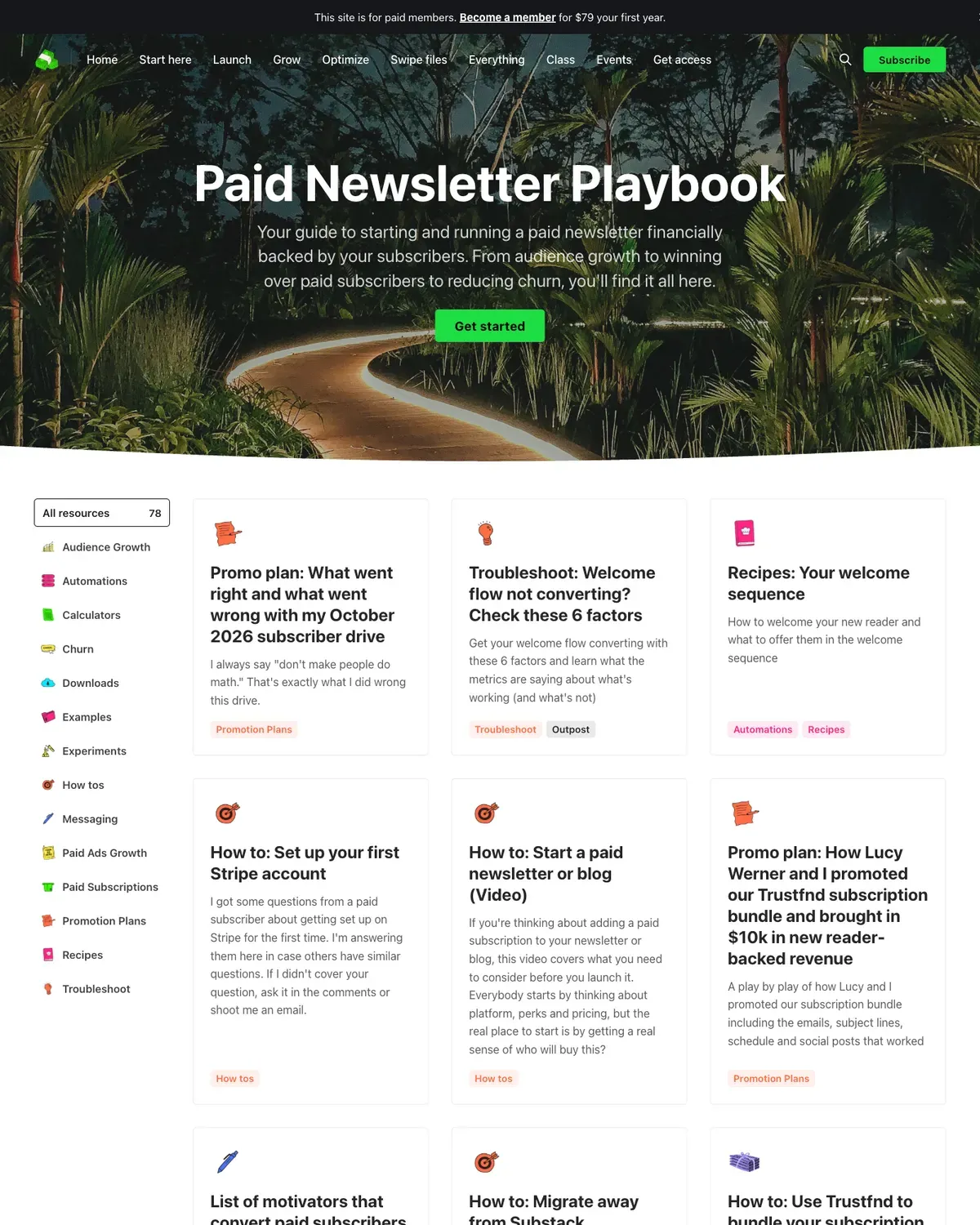
Questions about Rinne
Read all FAQsCan I use your themes with Ghost(Pro)?
Yes. Ghost(Pro) (opens in a new tab)'s Starter plan doesn't allow custom themes, so you need the Publisher plan or higher (opens in a new tab).
Can I use a theme on more than one website?
Yes. A single theme covers one website, and you choose how many more at checkout. All-access covers as many websites as there are premium themes (20 today), in any mix, or unlimited websites with an Agency license. They can be yours or your clients'. A local, staging or development copy doesn't count as another website. The details are on the licenses page.
How do I get and install updates?
When a new version of a theme you bought is out, you get an email. Download it from your Polar customer portal (opens in a new tab) with the email address you bought with, then upload it in Ghost Admin, in Settings › Site › Theme. Your design settings stay as they are. Every release has a changelog with what changed and which files were added, changed or removed. If you edited the theme's files, follow the update guide to keep your changes.
What is your refund policy?
We refund any purchase in full within 14 days, for any reason. Ask on the refunds page.
How long does support last?
One-time purchases (a single theme or All-access forever) come with 12 months of support. All-access yearly includes support while you subscribe. To extend support for a single theme, get in touch.
More documentation themes
All 2 documentation themes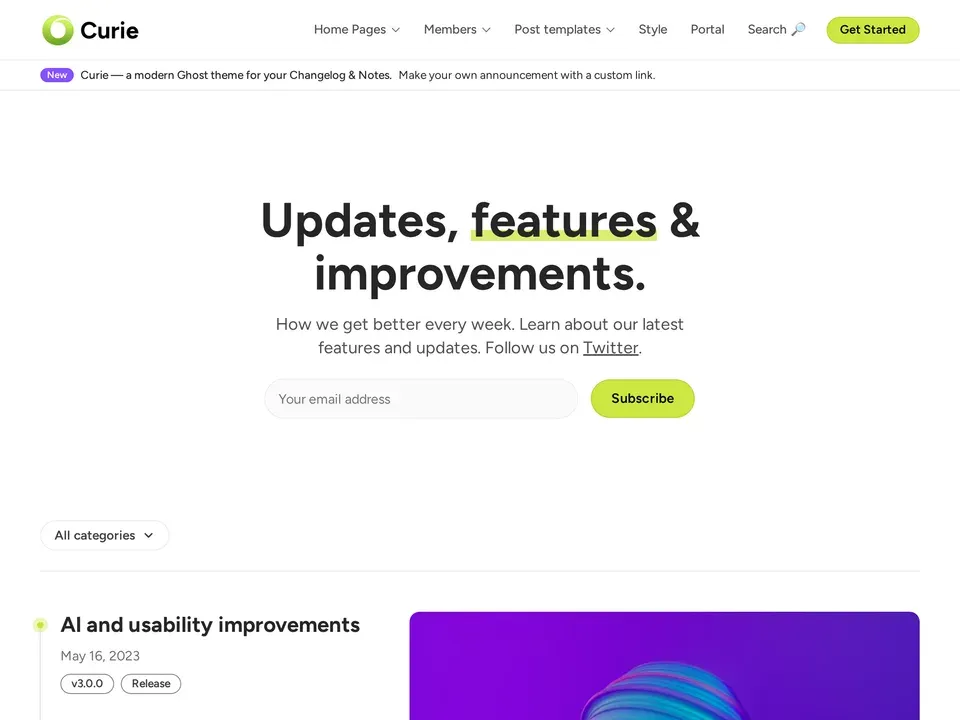
Curie
$149A changelog that's easy to follow, with a timeline of your updates, an announcement bar, calls to action, and a table of contents for longer notes.