


Saaga
Stories and newsletters with a hero that sets the mood, featured stories up top, your topics in the feed, and five post templates to fit each story.
5.0 from 16 ratings$30 offcode SAVE30, applied at checkout
- Version
- 2.0.0
- Updated
- Works with
- Ghost 6
- Design settings
- 15
Saaga docsSetup, settings and customizationChangelogEvery version with its changes and filesSupportQuestions before or after you buy
Saaga 2.0.0 for Ghost 6.x
Checked with GScan (opens in a new tab), Ghost's official theme validator.
Inside Saaga
Open the live demo (opens in a new tab)Open in your color
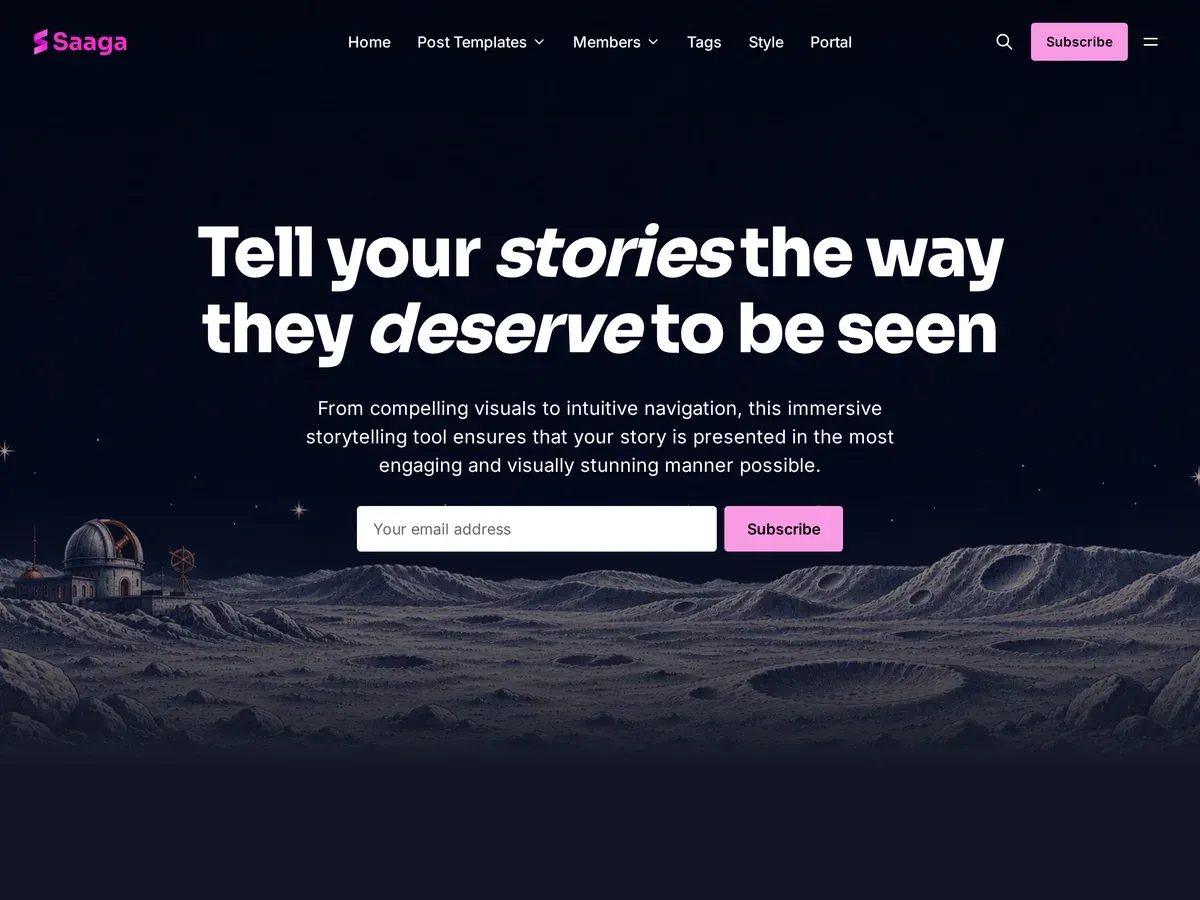
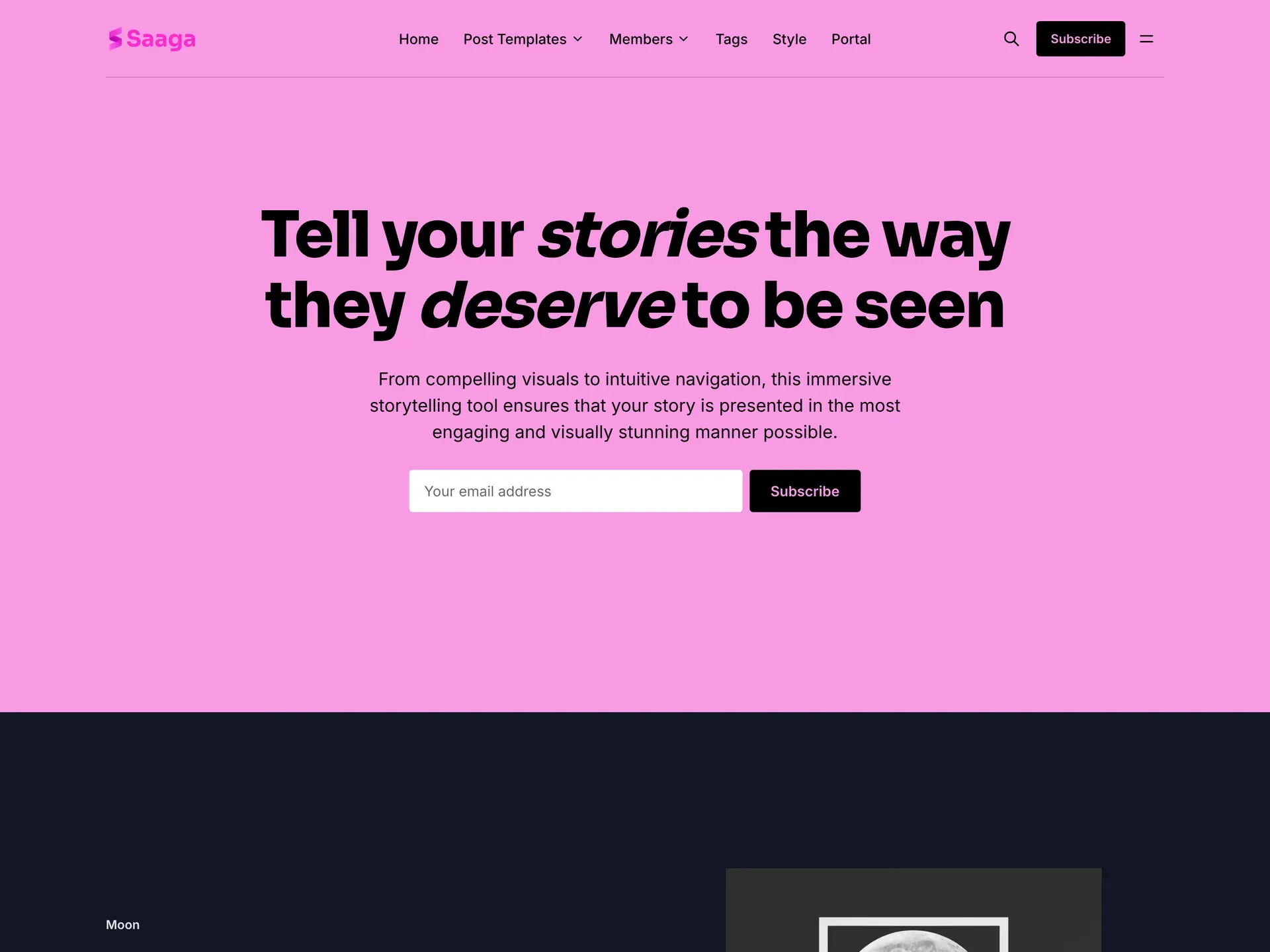
Set the hero over your cover image, which fades into the stories below it, or on your accent color, with the image below, beside the text or left out. A wide footer image can close every page. Set words of the headline in italic, and point the button to your sign-up form or any link.
Accent background 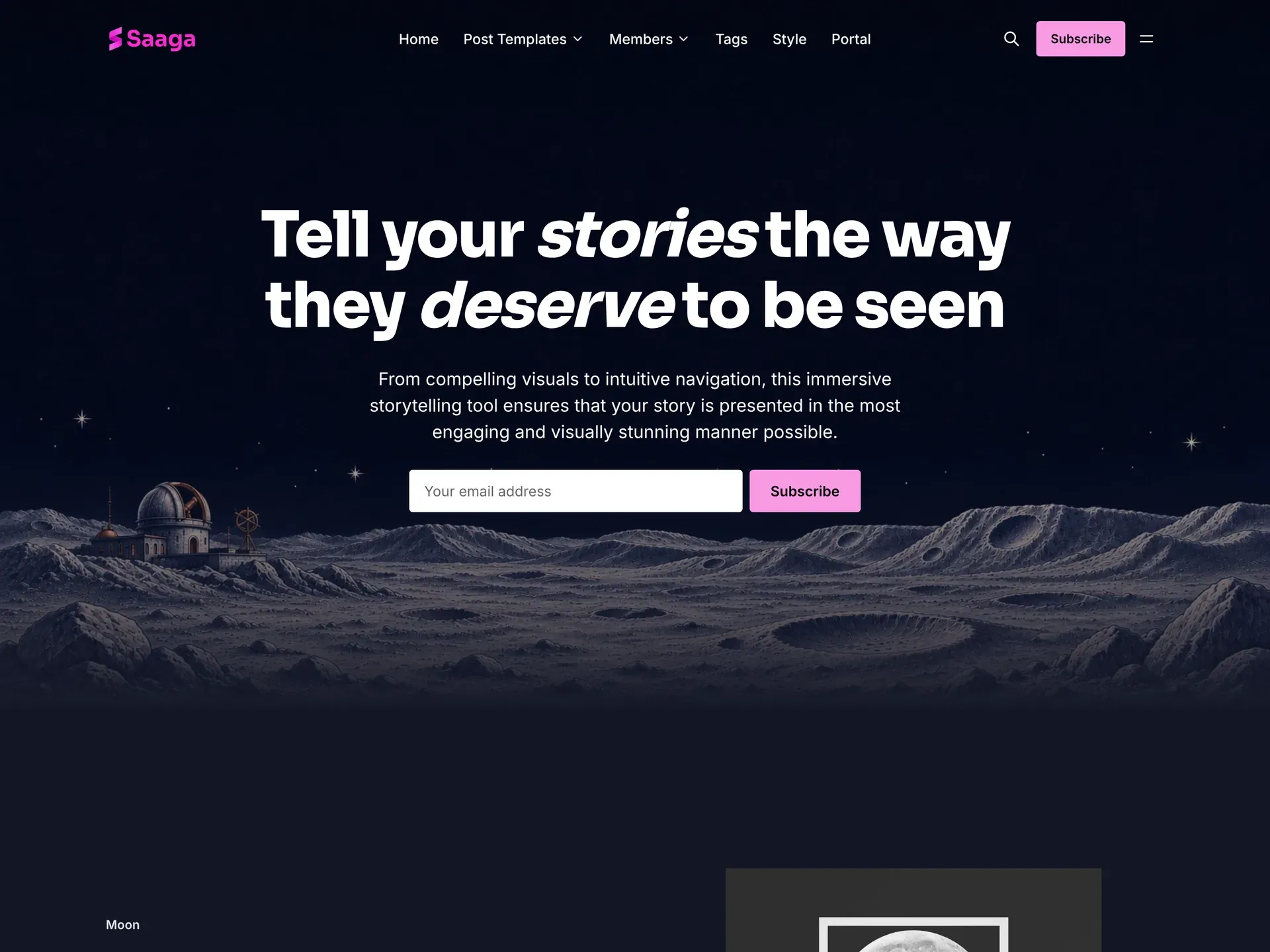
Image background 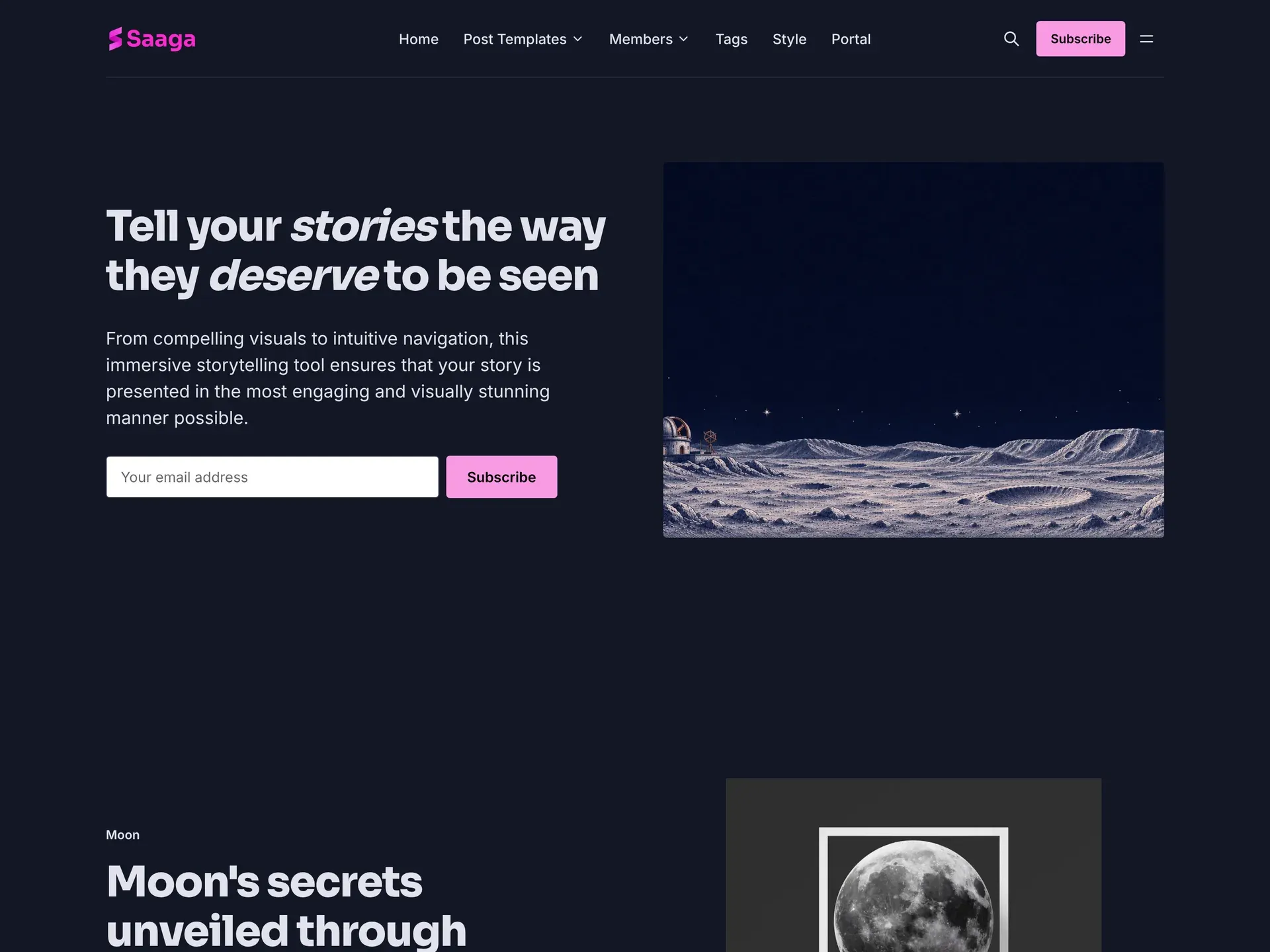
Image on the right 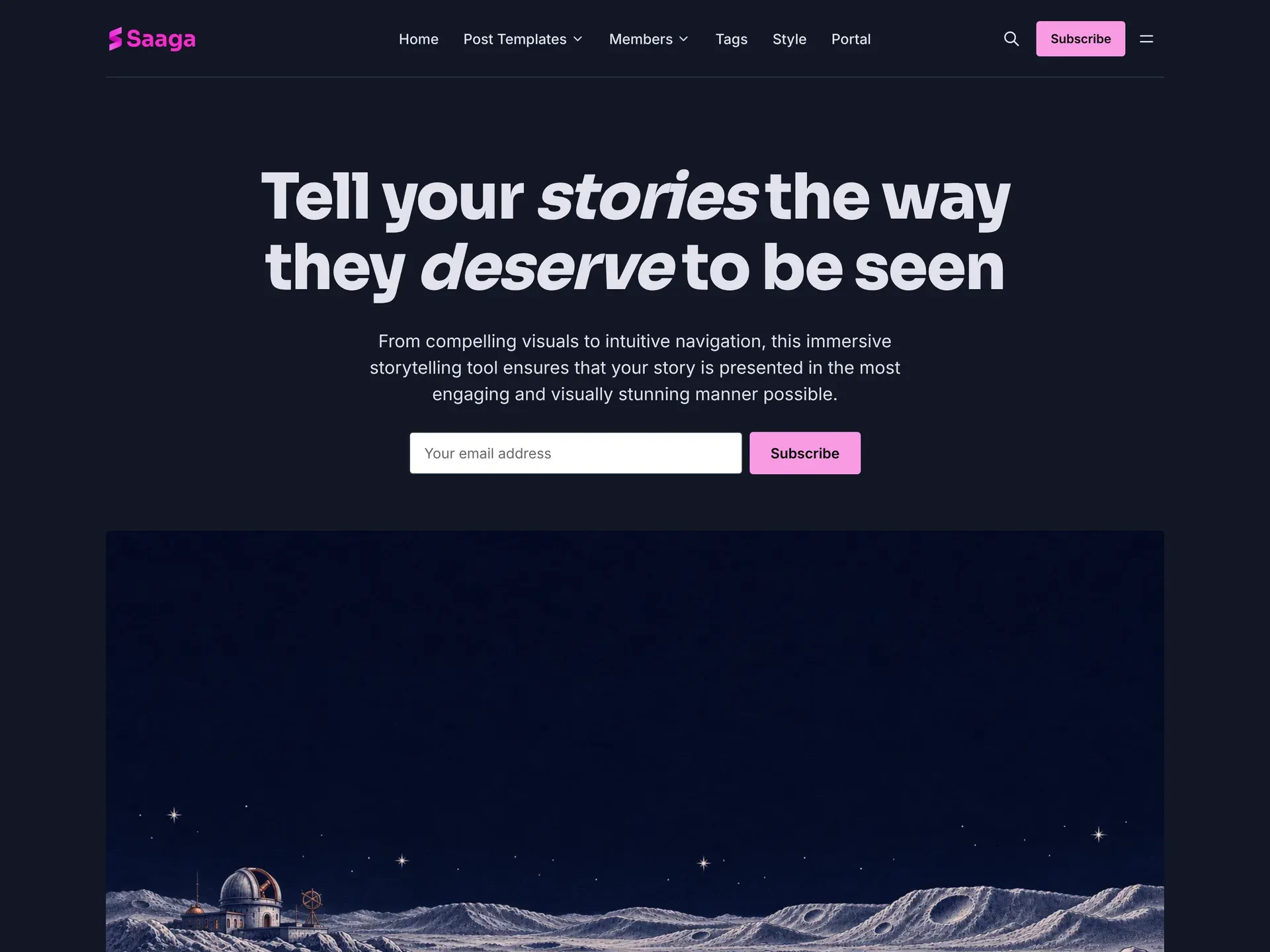
Image below
Featured stories up top
Show the stories you feature as a colored list, a plain list or a slider. In the colored list, the background takes the color of each story’s topic as you scroll to it, and every card shows the topic, who can read it, the title and a short excerpt.
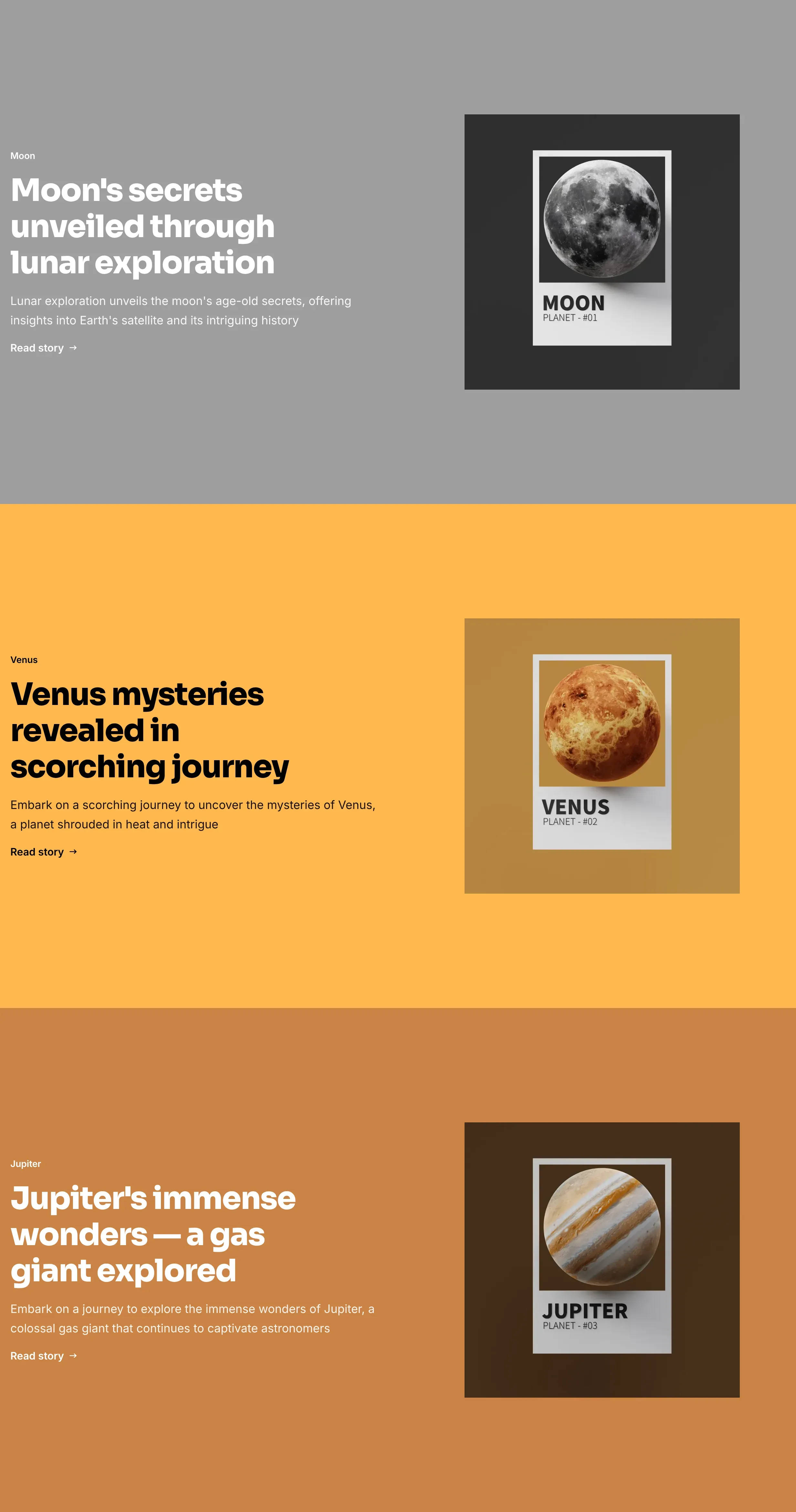
Colored list 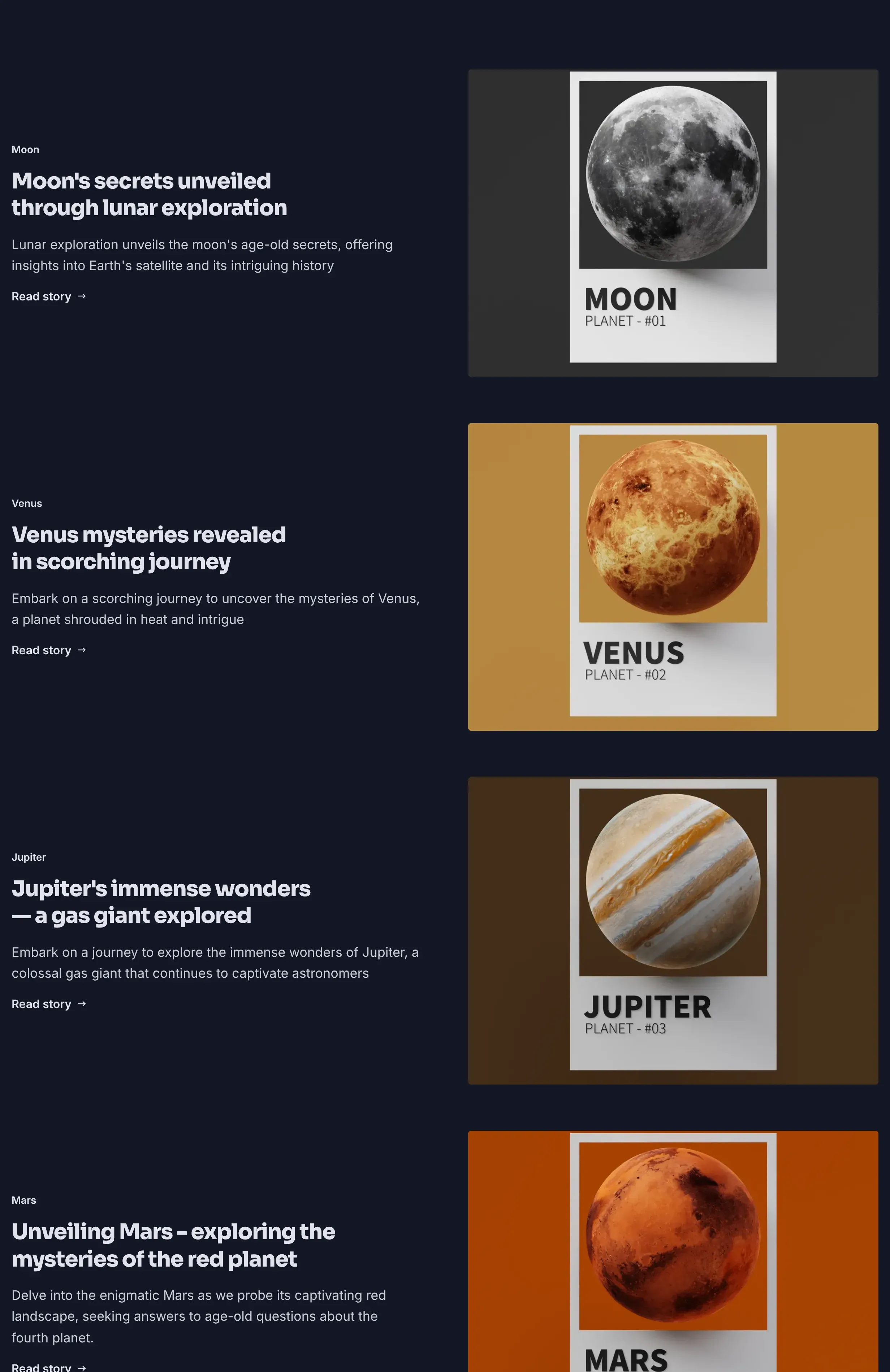
List 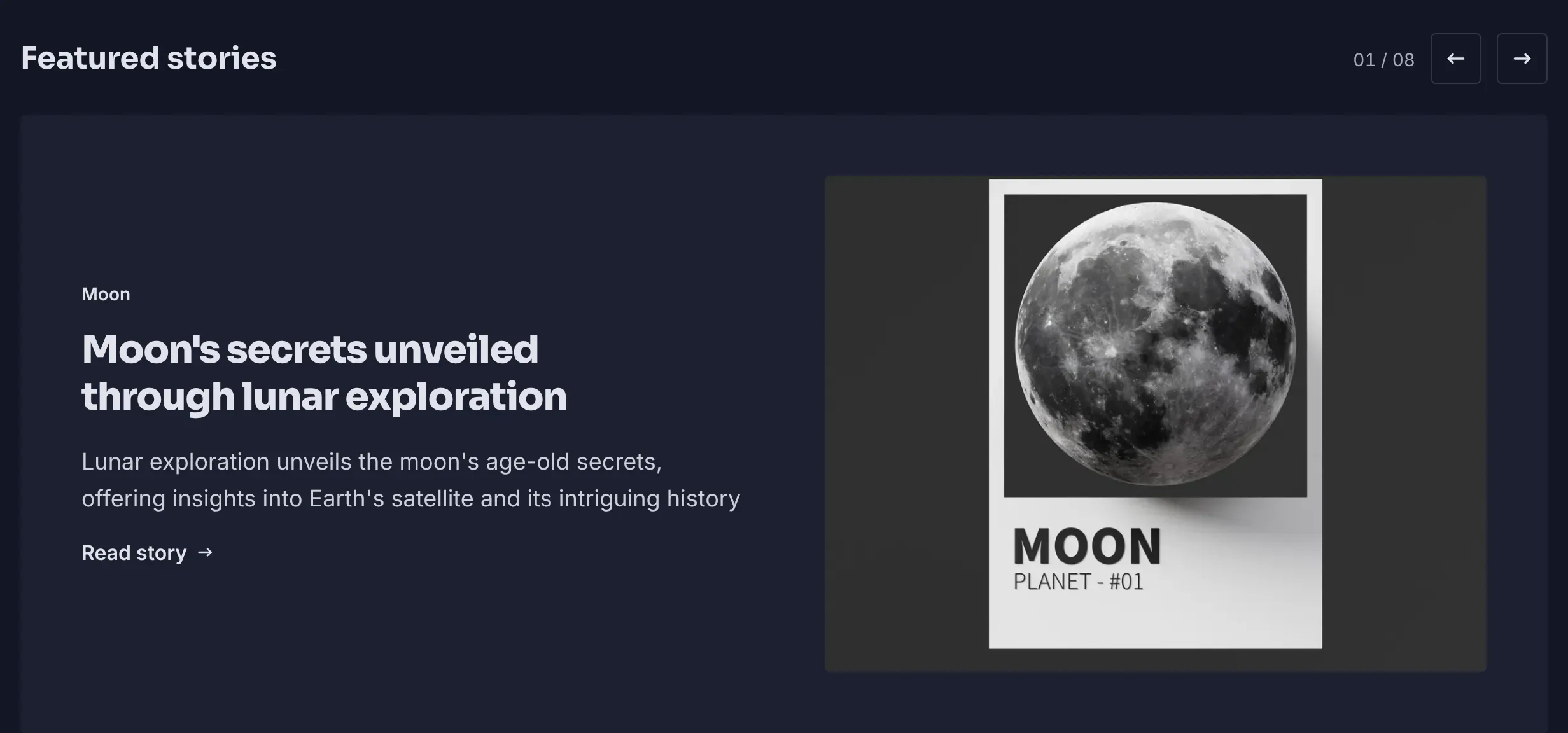
Slider
Your topics, your feed
Feature your main topics on the homepage, then show your posts as an alternating list, a grid or a list, with images in their own shape, cropped to one of four, or none at all.
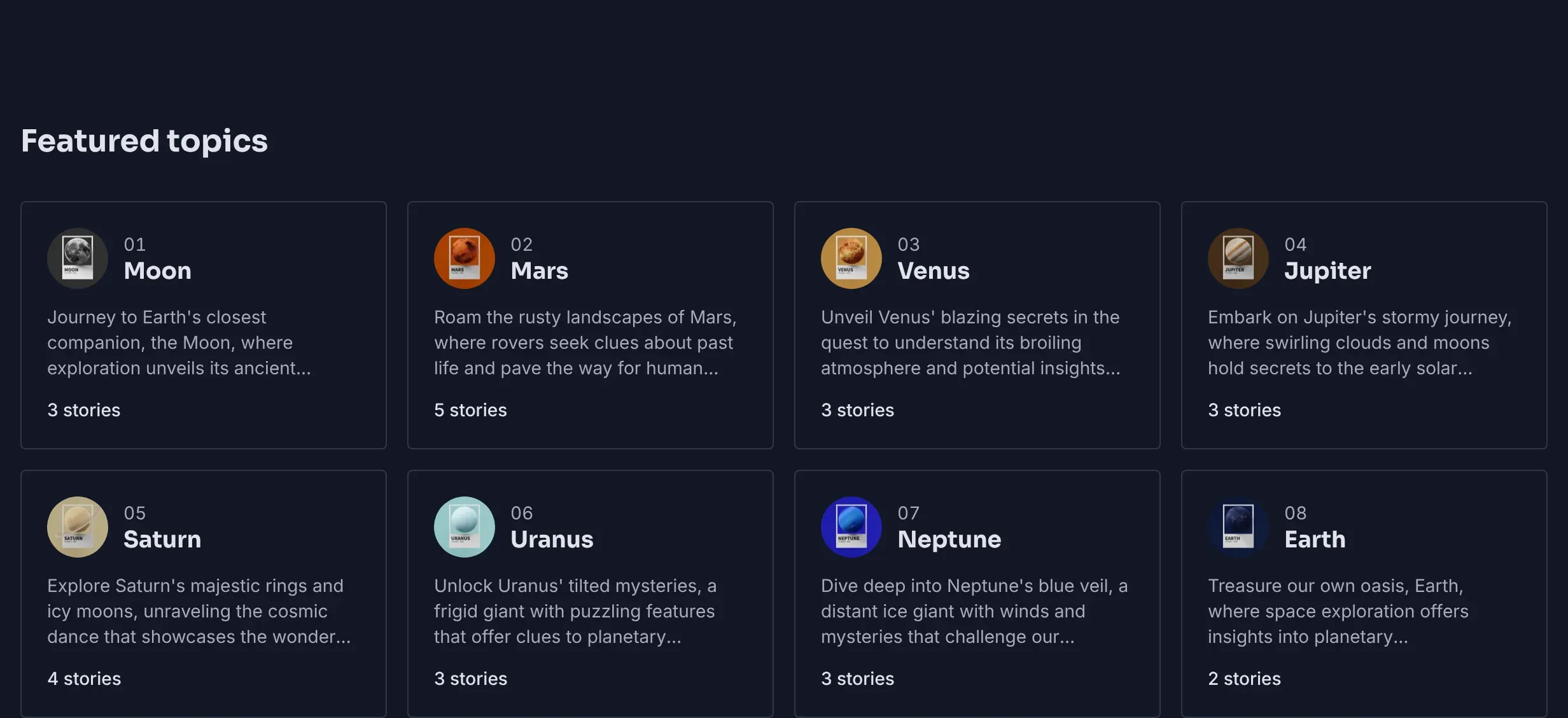
Featured topics 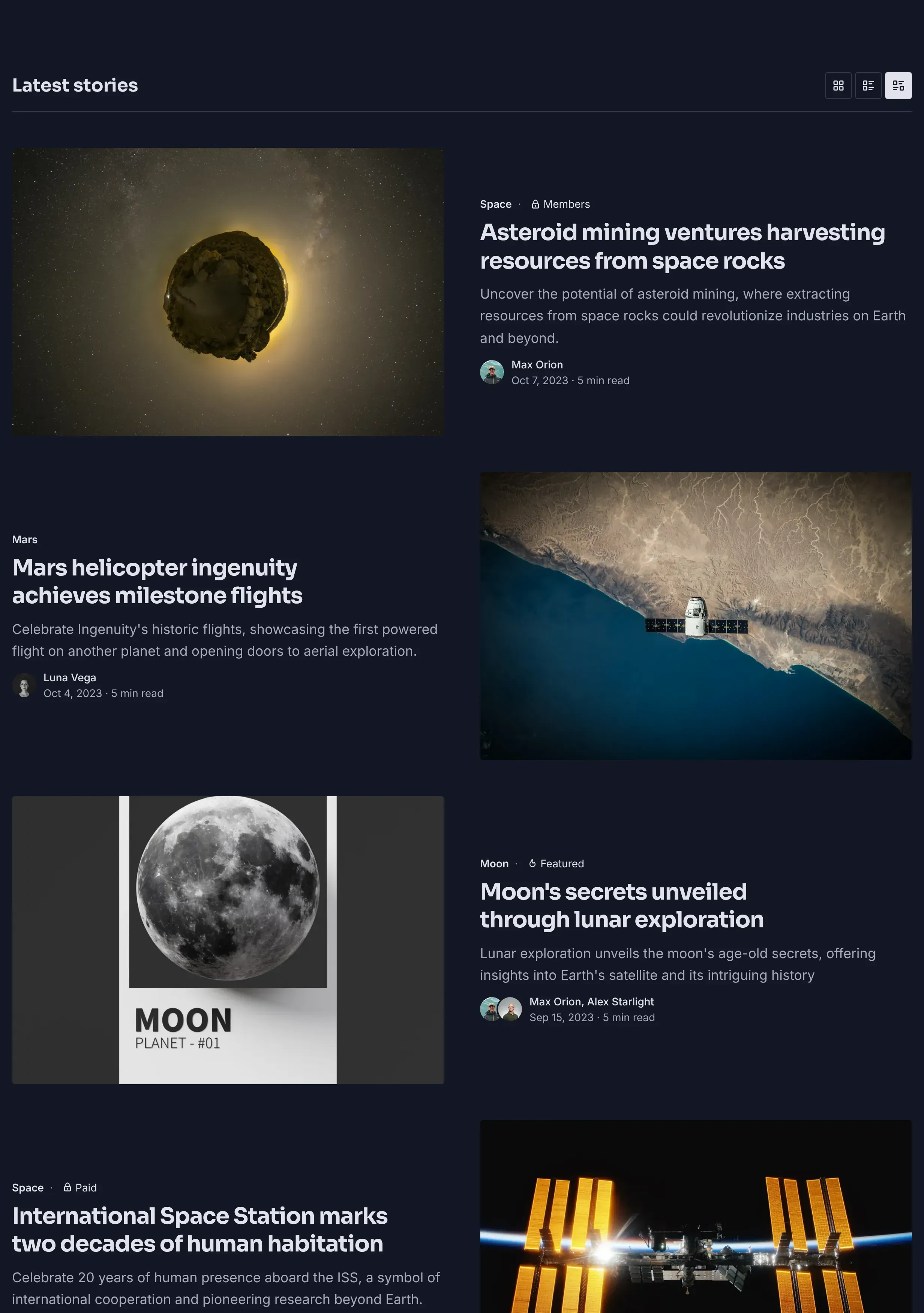
Alternating list 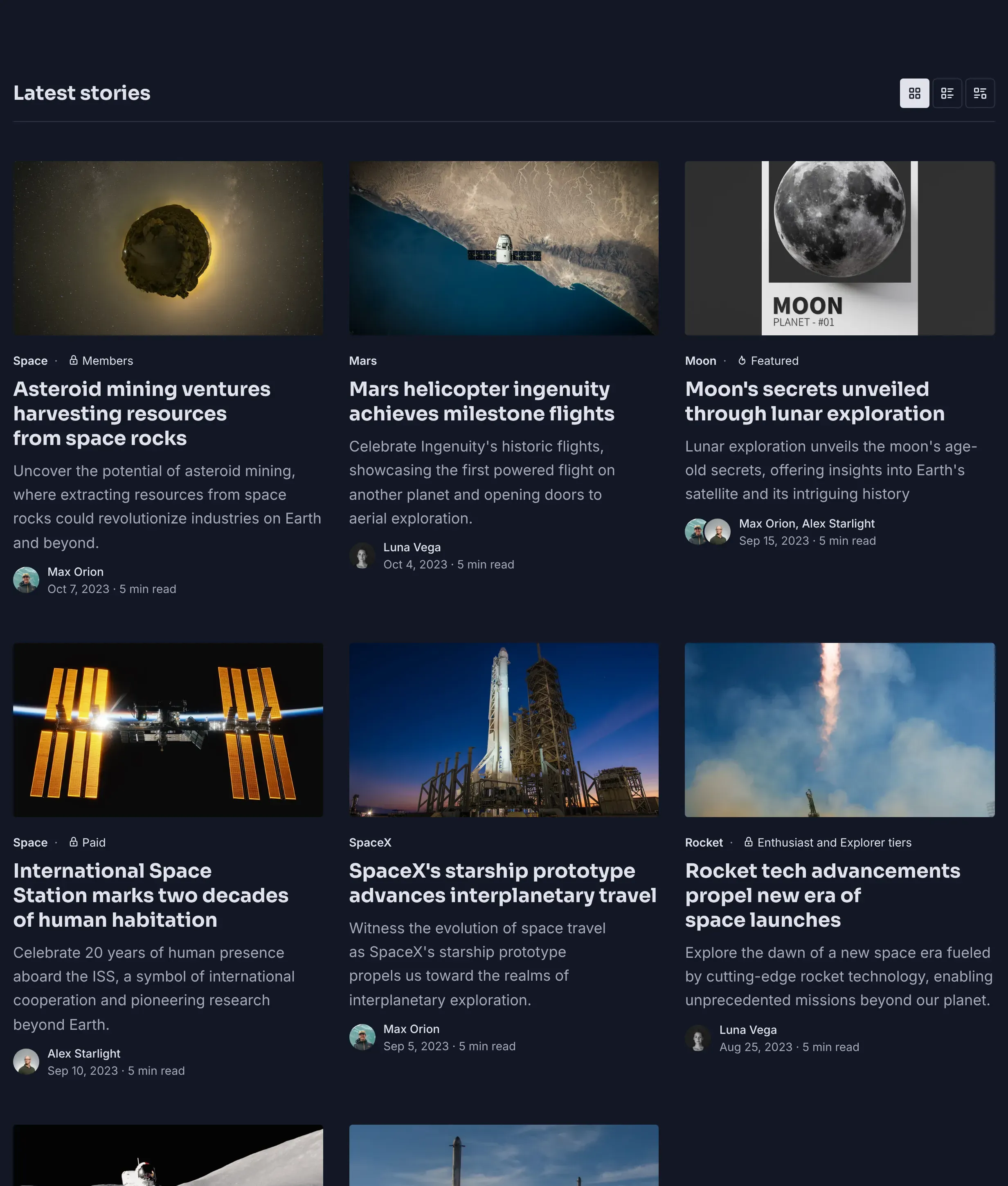
Grid 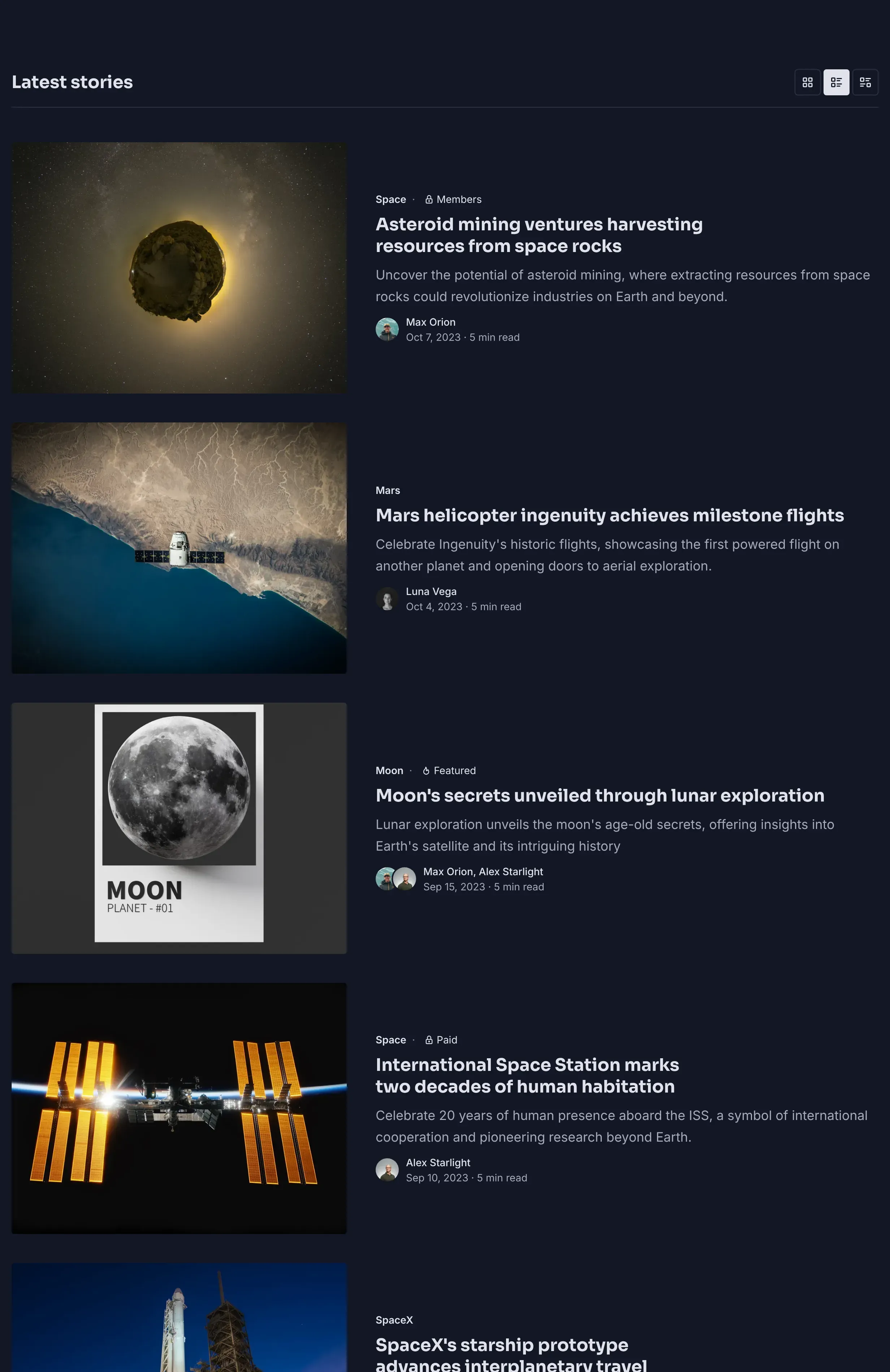
List
Five ways to open a post
Put the excerpt on the side, or the image behind the title, narrow, wide or on the side, so each story opens the way it should. Any of them can be the default for your posts.
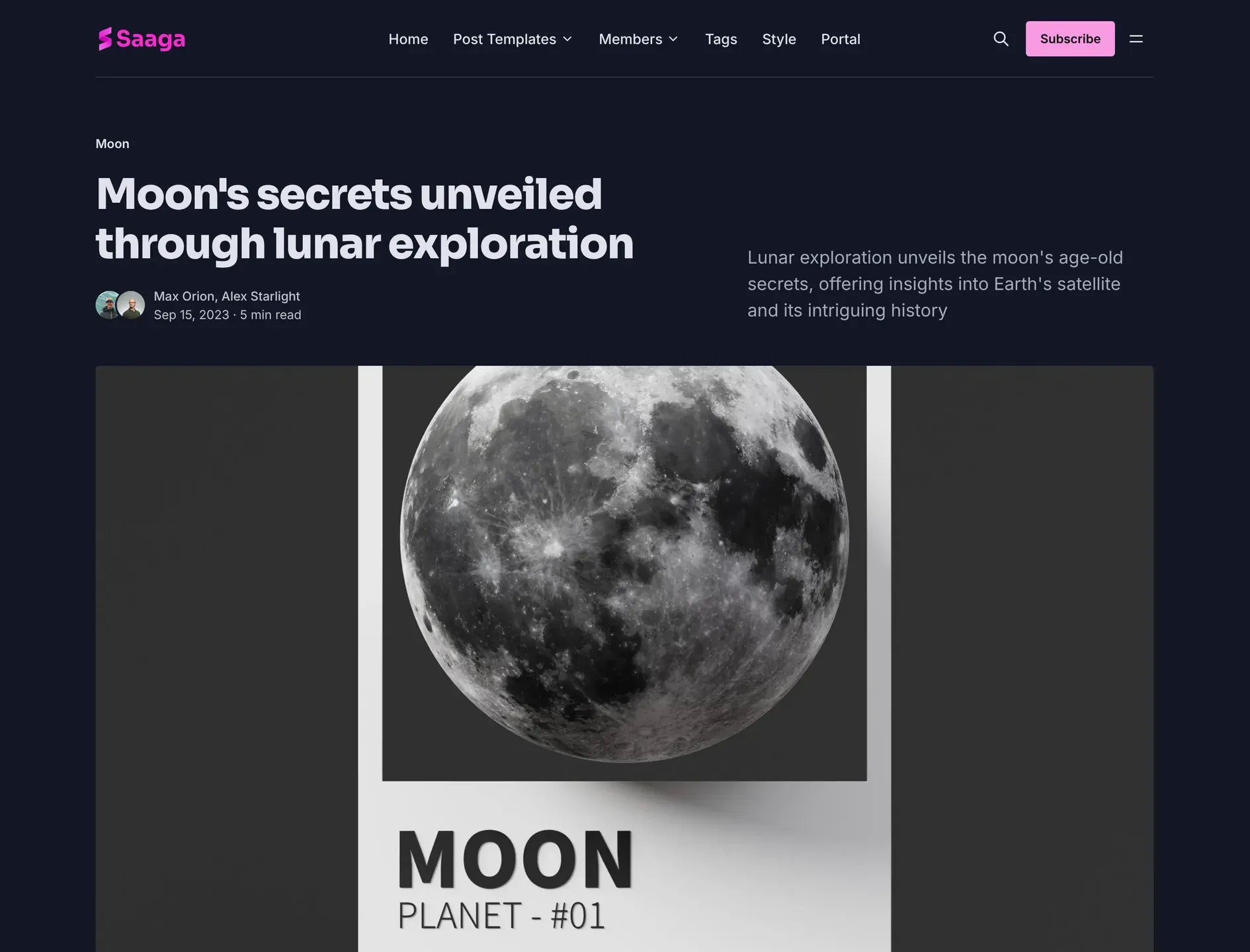
Excerpt on the side 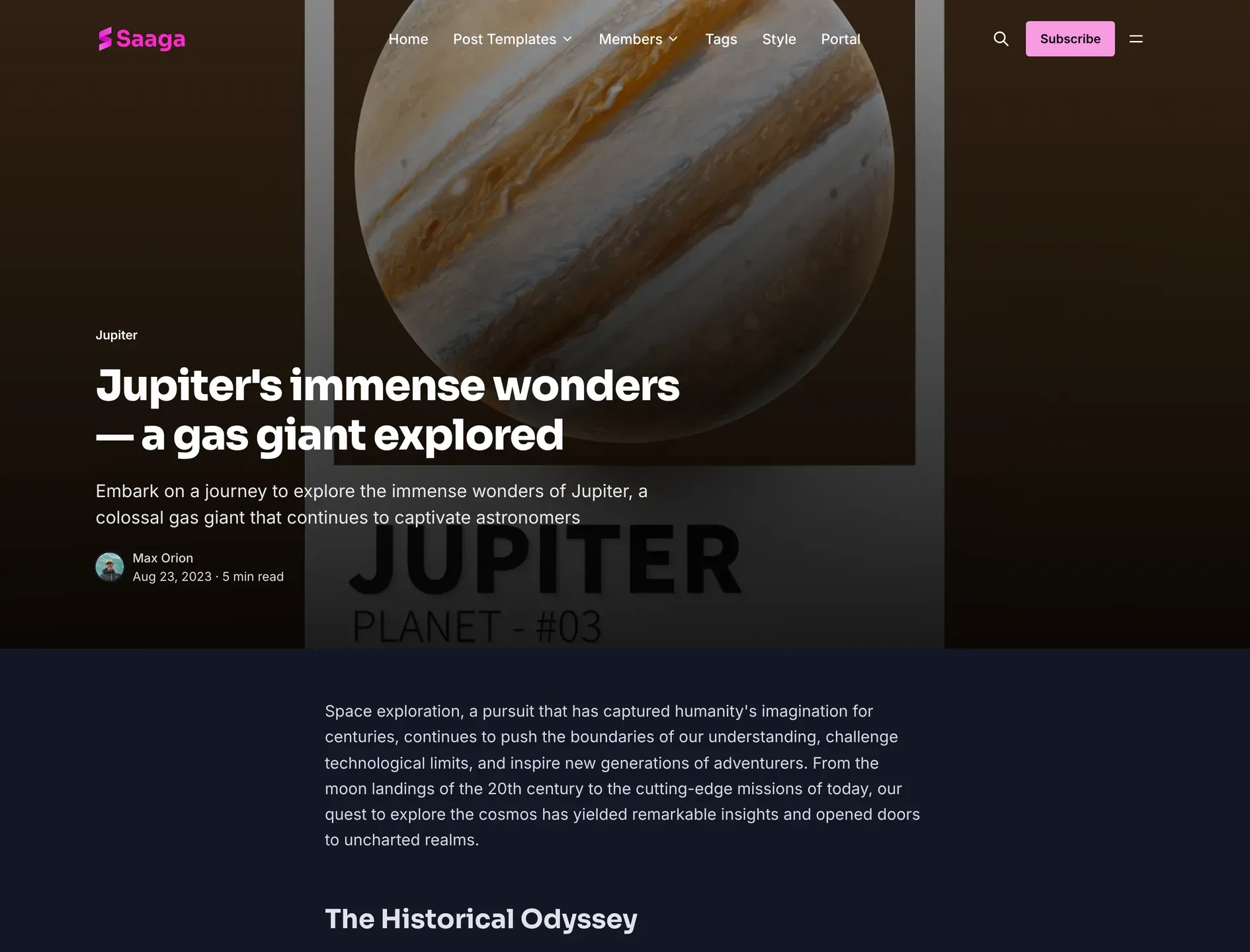
Background image 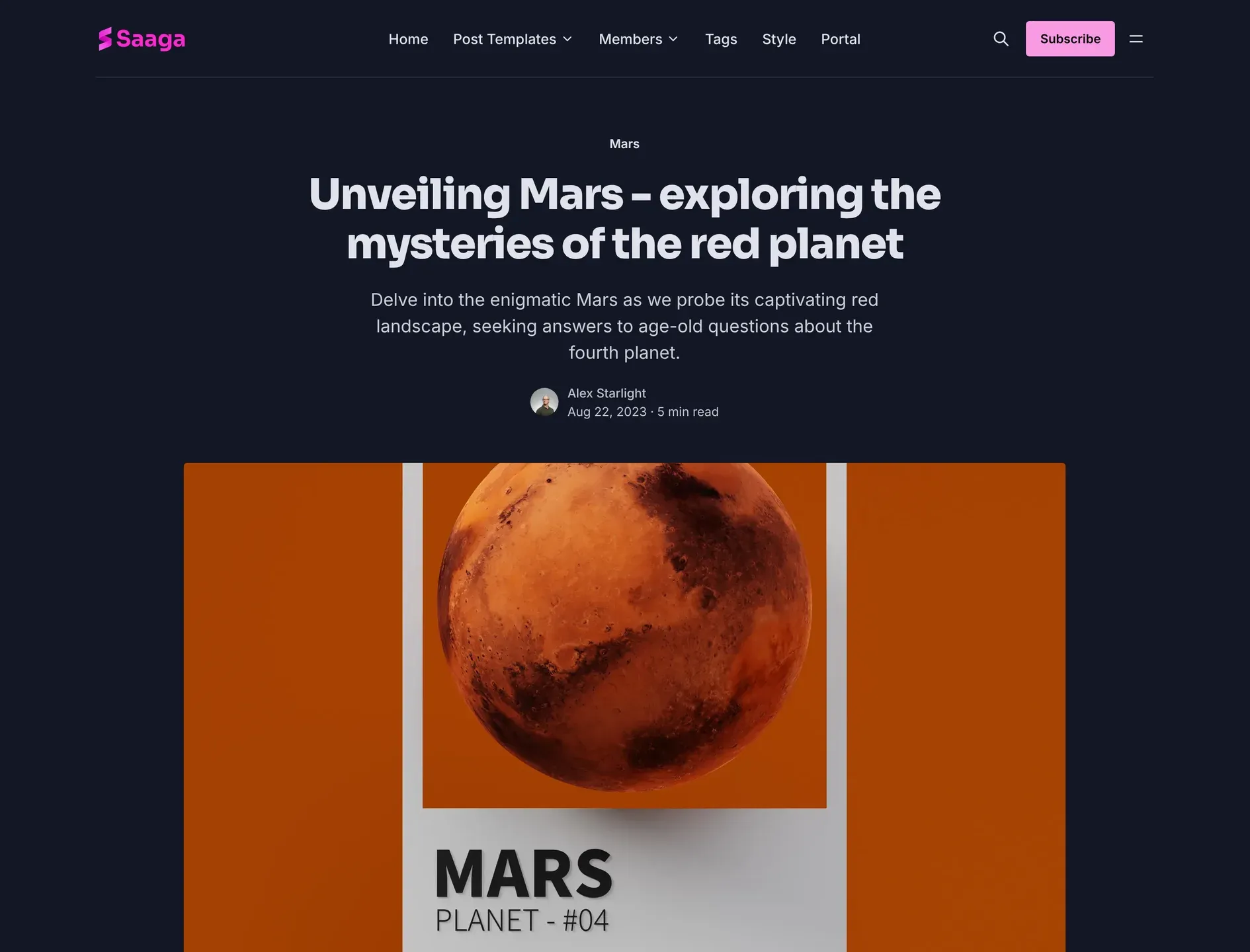
Wide image 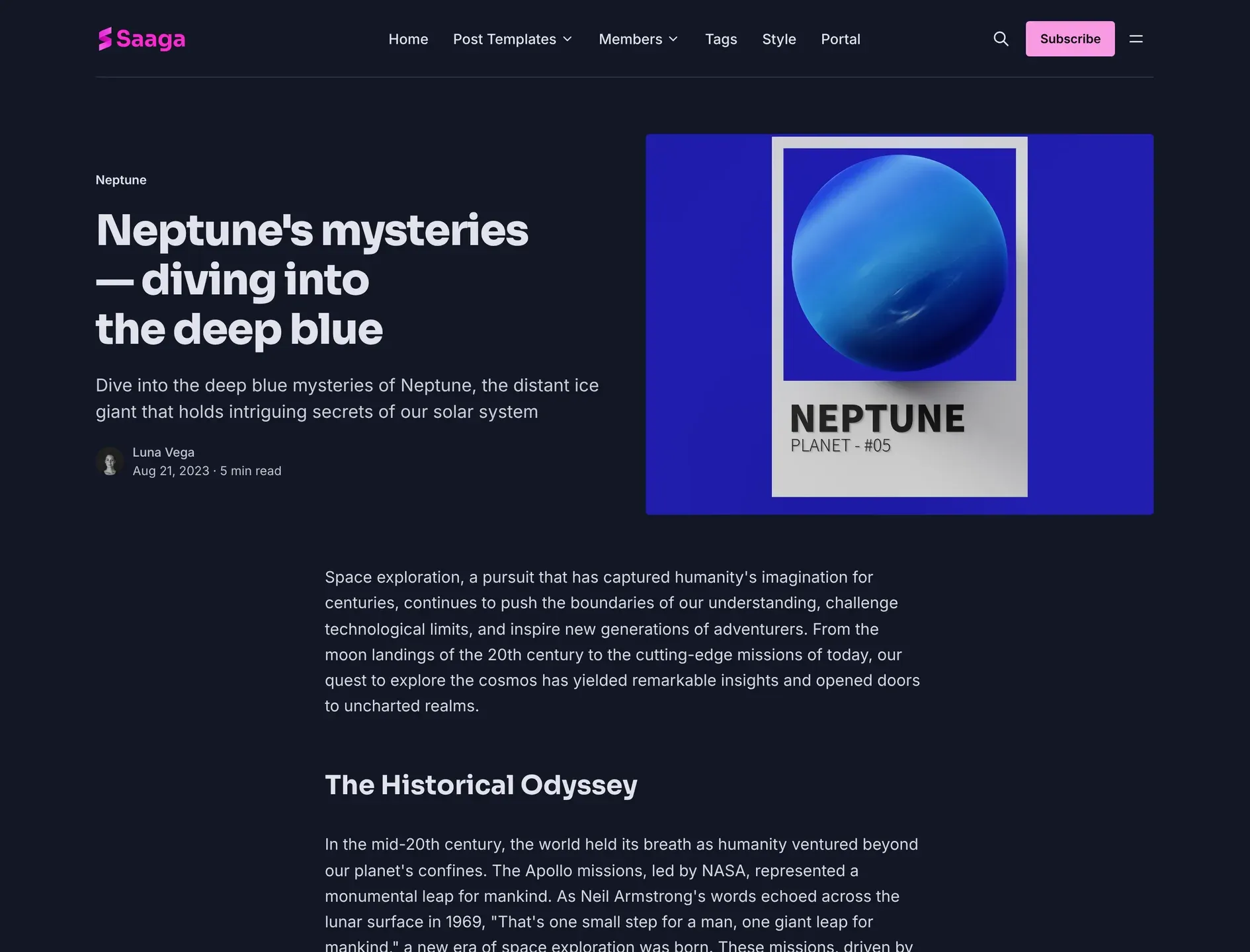
Image on the side
What customers say
Read all reviews5.0 / 5
Average from 16 ratings
“I've been exploring the Saaga theme for several weeks and am particularly impressed by its elegant and sleek design, as well as the customization options it offers. As someone who is still familiarizing myself with the Ghost CMS and theme customization, I find the responsive and helpful support team to be invaluable. Highly recommended!”
 Eva Bolhoefer
“New to Ghost.io, I searched through many vendors and themes before landing on Bright Themes for its solid, well-coded products and, I particularly know now, responsive customer service. Norbert was very helpful in responding to and resolving some frustrations I encountered, and incorporating solutions in a theme update.”
 Peter Nicholson
“Big fan of everything the Bright Themes team makes. They are the highest-quality Ghost themes available on the market, and Norbert is a pleasure to work with. Highly recommend their Lifetime plan – I wish I would've started with it!”
 Jay Clouse
“We had a high-profile client with exacting needs and needed it done in an extremely short time frame. Bright Themes met the challenge, translated the design specs into a great theme and communicated clearly throughout. What a pleasure to work with.”
 Ryan SingelCEO, Outpost
“We lead with BrightThemes for our customers' content (and our own) platform requirements. Smart, practical designs; comprehensive, clear documentation; and helpful support make this our goto solution. Norbert delivers the right mix of simple usability and sophisticated functionality and design.”
 Harry Fozzard
“I worked with Norbert to modify the Flair theme. He gave me some good advice. As for his work, it was fast, flexible and well implemented. The requested changes were quickly installed. This enabled me to launch the website on schedule. I would recommend his services to anyone who wants a professional website.”
 Julien Gueniat
1 / 6
Make it yours in Ghost Admin
Read the Saaga docs15 settings, no code
Your logo, accent color and cover live in Ghost's Brand settings. Saaga adds 15 of its own under Theme:
- 4 Site wide settings
- 10 Homepage settings
- 1 Post setting
Change them in Settings › Design & branding as the publication changes; nothing to edit in code.
Need more than the settings allow? We set up and customize our themes for you, by the hour.
See setup and customizationSpecs and features
Compare with other themesAt a glance
- Version
- 2.0.0
- Released
- Last updated
- Works with
- Ghost 6
- Design settings
- 15
- Collections
- Home
- Templates
- Post, Page, With excerpt on the side, With full background image, With image on the side, With narrow image, With wide image
- Pages
- Account, Archive, Authors, Membership, Recommendations, Sign in, Sign up, Tags
- Color schemes
- Light and Dark
- Languages
- Dutch, English, French, German, Italian, Portuguese, Spanish
- Built with
- Vite, Tailwind CSS, Alpine.js
- Download size
- 206 KB
Built-in features
- Dark mode
- Membership
- Dropdown menus
- Related posts
- Share buttons
- Reading progress bar
- Image lightbox
- Code syntax highlighting
- Keyboard accessible
- Readable contrast
- Respects reduced motion
- Optimized images
Every Ghost feature
- Memberships and paid tiers
- Multiple newsletters
- Portal sign-up and account
- Native search
- Native comments
- Web analytics
- Social web (ActivityPub)
- Tips and donations
- Announcement bar
- Every editor card
- Hide title and feature image
Built with Saaga
See all 16 Saaga sites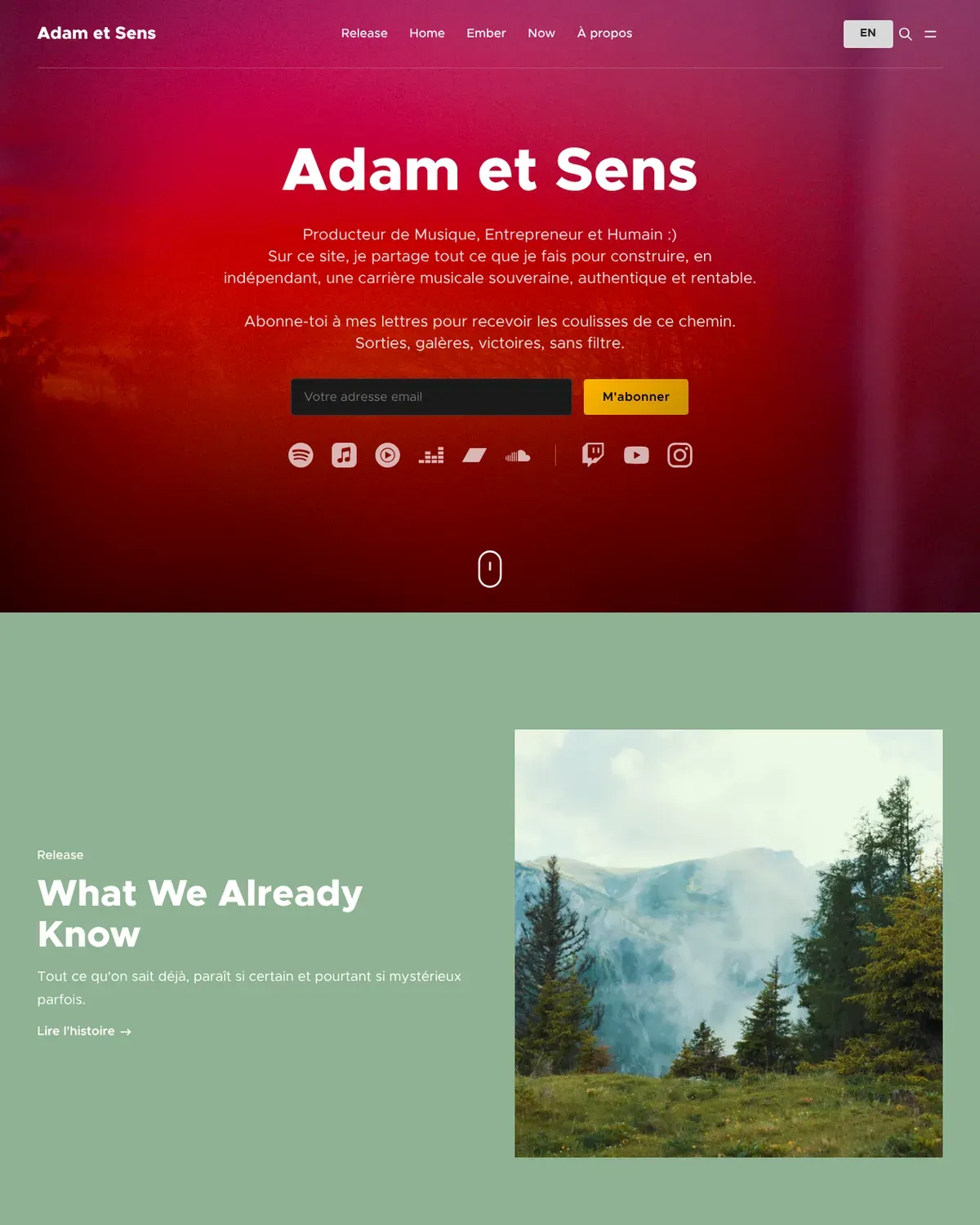
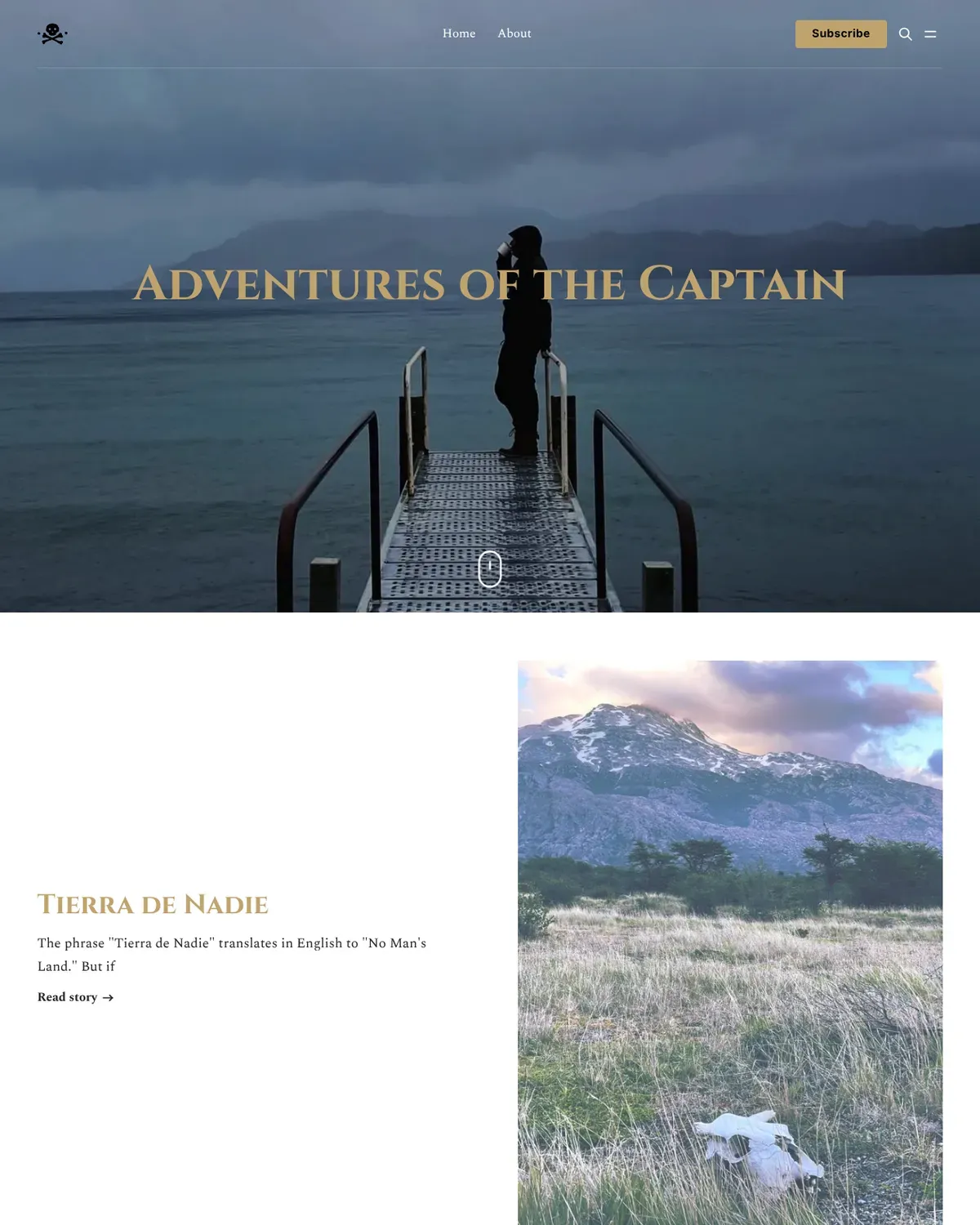
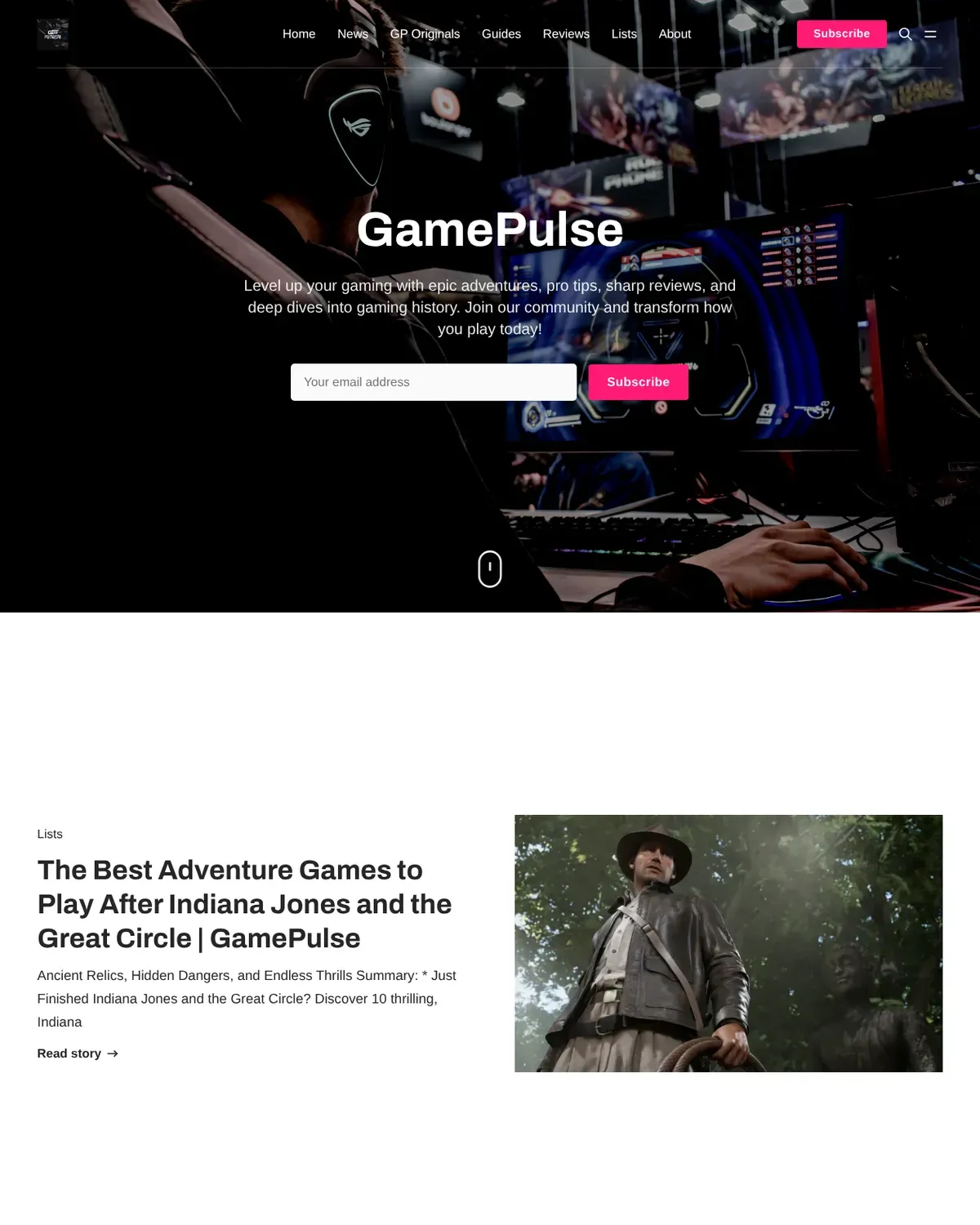
Questions about Saaga
Read all FAQsCan I use your themes with Ghost(Pro)?
Yes. Ghost(Pro) (opens in a new tab)'s Starter plan doesn't allow custom themes, so you need the Publisher plan or higher (opens in a new tab).
Can I use a theme on more than one website?
Yes. A single theme covers one website, and you choose how many more at checkout. All-access covers as many websites as there are premium themes (20 today), in any mix, or unlimited websites with an Agency license. They can be yours or your clients'. A local, staging or development copy doesn't count as another website. The details are on the licenses page.
How do I get and install updates?
When a new version of a theme you bought is out, you get an email. Download it from your Polar customer portal (opens in a new tab) with the email address you bought with, then upload it in Ghost Admin, in Settings › Site › Theme. Your design settings stay as they are. Every release has a changelog with what changed and which files were added, changed or removed (a rebuild that changes nearly every file, like Saaga 2.0, says to start from the new version instead). If you edited the theme's files, follow the update guide to keep your changes.
What is your refund policy?
We refund any purchase in full within 14 days, for any reason. Ask on the refunds page.
How long does support last?
One-time purchases (a single theme or All-access forever) come with 12 months of support. All-access yearly includes support while you subscribe. To extend support for a single theme, get in touch.
More newsletter themes
All 7 newsletter themes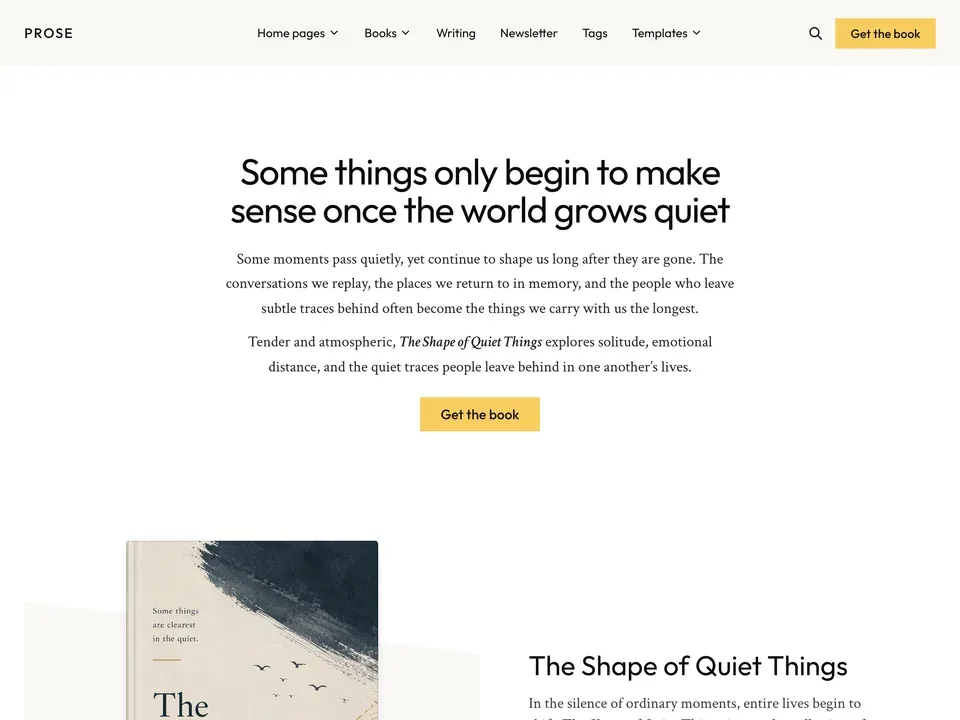
Prose
$149Your books at the center, with book pages and chapters, praise from readers, a calm read, and archives for your writing and your newsletter.
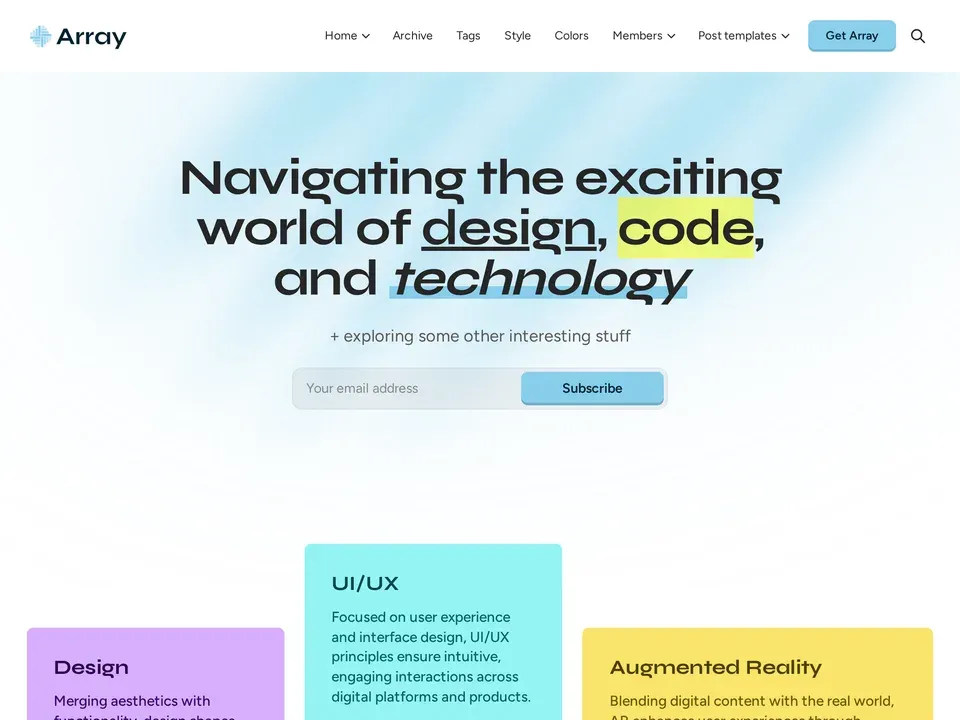
Array
$149Your categories up front, with a hero that says what you write about, posts in one, two or three columns, and pages for members and every topic you cover.
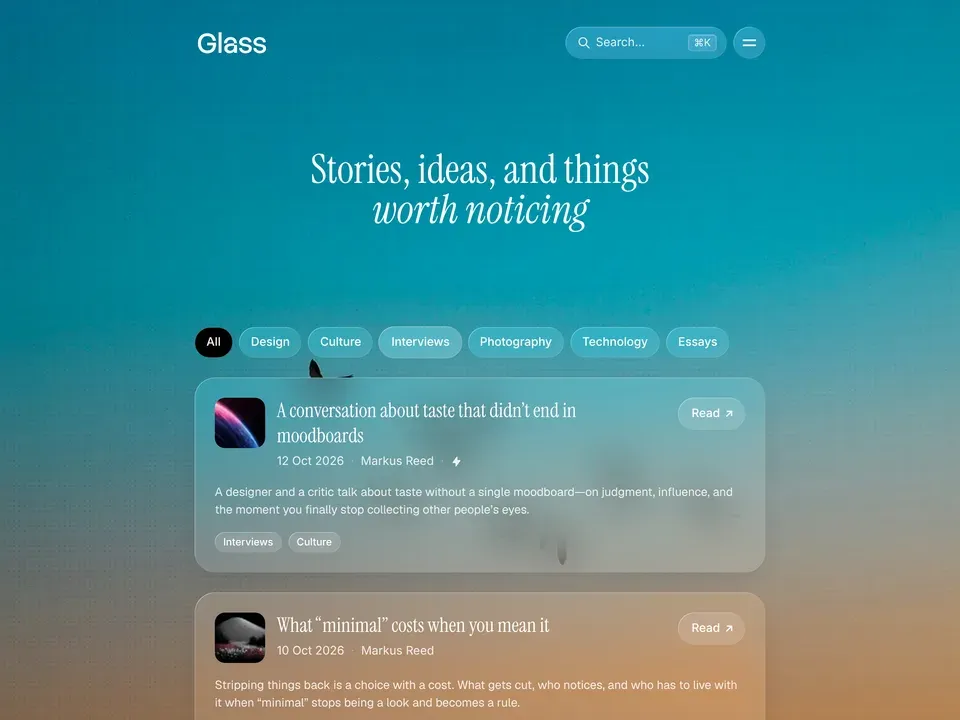
GlassNew
$149Frosted panels float over your cover, a brand color or a quiet field of graphite or cream, so the site feels like a place, with a calm, focused read.